 Basehand
October 23, 2026
Paid spots on classes and tours, and email at your own address
Classes, tours and events
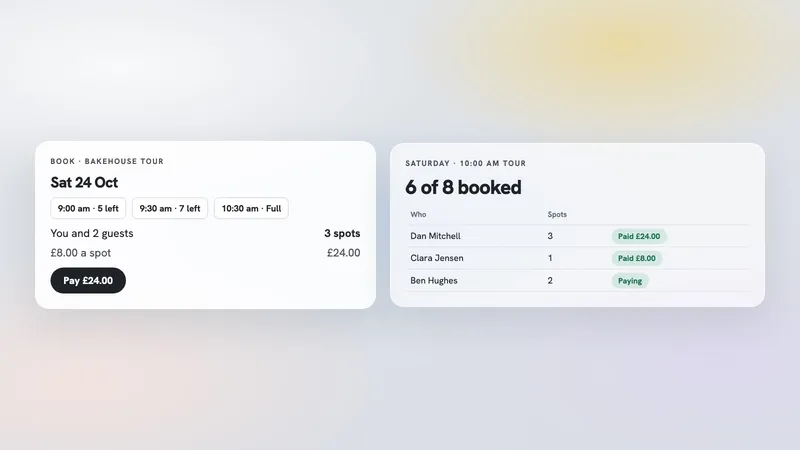
Customers pay for their spot in a class, tour or event as they book: in full, a deposit, or a card kept on file, as with appointments. Their spot is held while they pay.
Set the most guests one booking can bring. Customers are offered only as many as fit in the spots left.
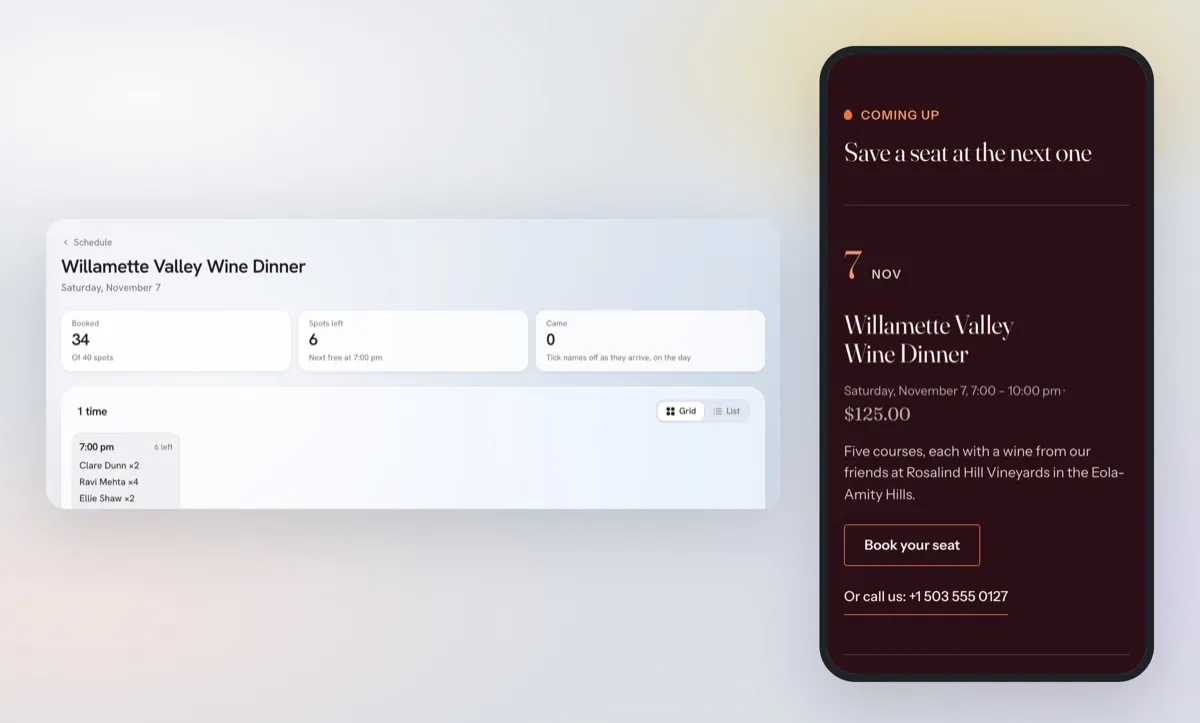
Each day of a class or event has its own page: spots booked and left, who came, and every time of the day in a grid or a list. Open a time to see who is coming, what each paid, and who is still paying.
Appointments, classes and events now live together under Booking Types in the Schedule. Make or change one in a single dialog, and delete one you no longer offer.
Something that starts every few minutes, like a tour every half hour, is one block a day. Change its days, hours and gaps all at once.
When you cancel a paid booking, choose to refund it or keep what was paid, such as for a late cancel.
Email at your own address
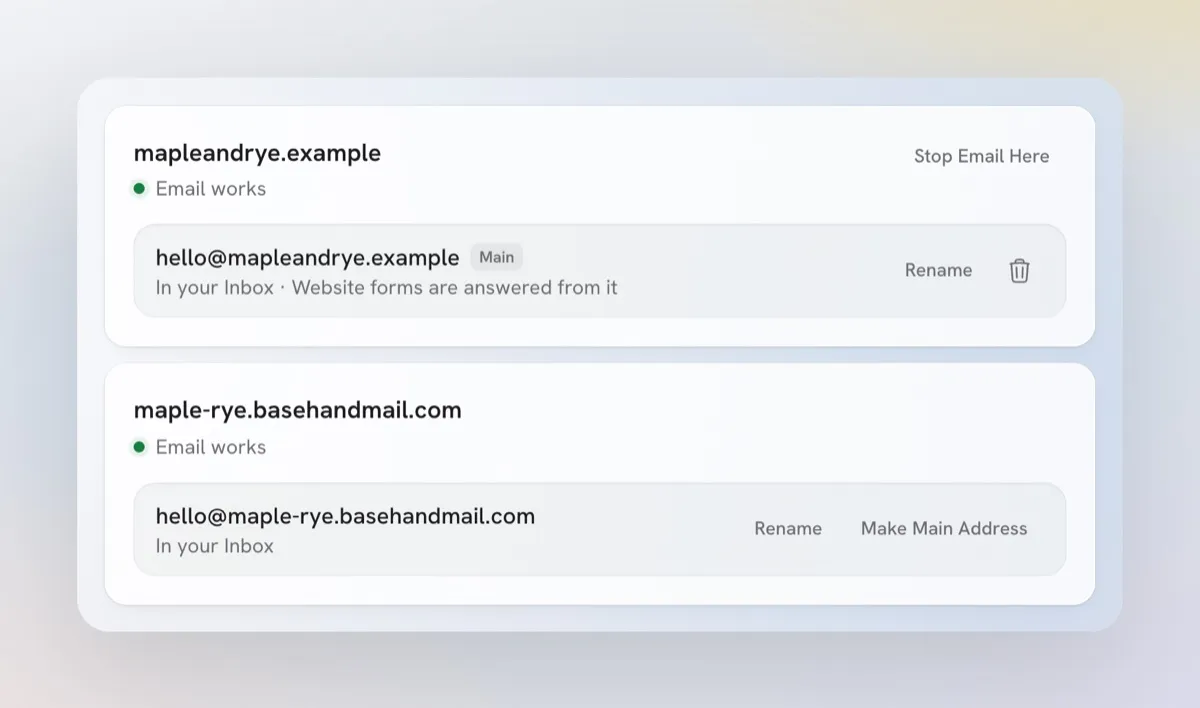
Every business now has an email address that works from the first day, at basehandmail.com. Email to it comes into your Inbox, and you reply from there.
Set up email at your own domain and it takes over, with your conversations moved across.
Booking confirmations, reminders and codes now come from your own address, not Basehand's.
Rename an address whenever you like.
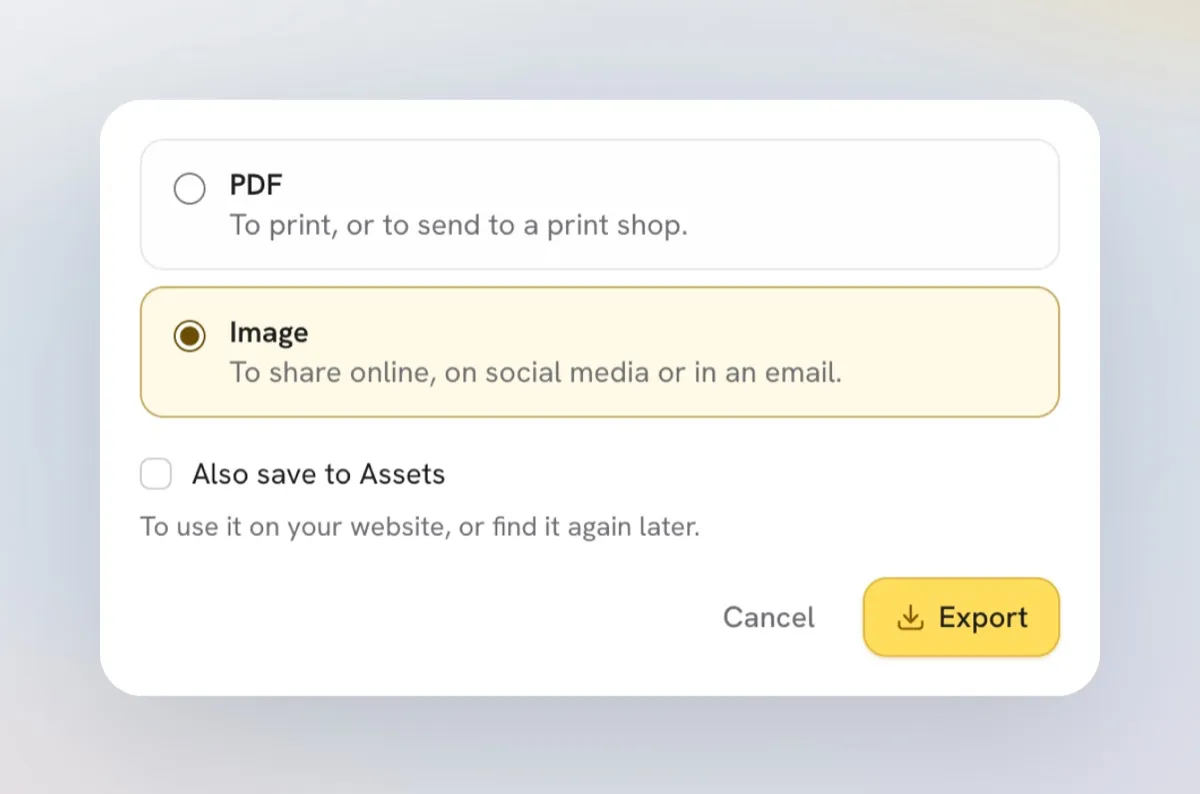
Export a poster, flyer or card as a PDF to print, or as an image to share online.
Save a copy to Assets to use on your website. The Export dialog shows which saved copies are out of date.
Also
Get your notifications on WhatsApp, at the number you link in your account settings.
Home shows what is next on your schedule.
A reply that didn't send can be sent again, and its message goes back to Needs Reply.
The booking page's colors match your site, and so does a form's own page.
Your Hand has its own page in Settings, where its memories are easier to sort through.