 Basehand
Unified inbox: Every message in one place, with a reply ready to check.
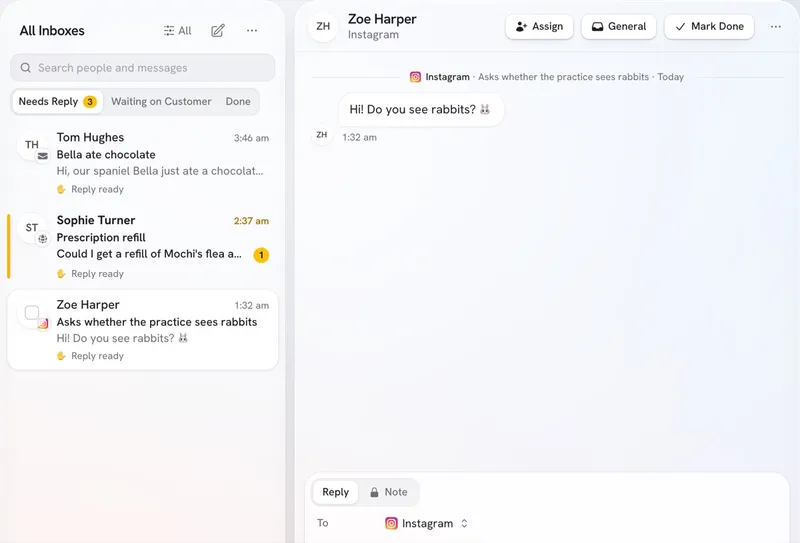
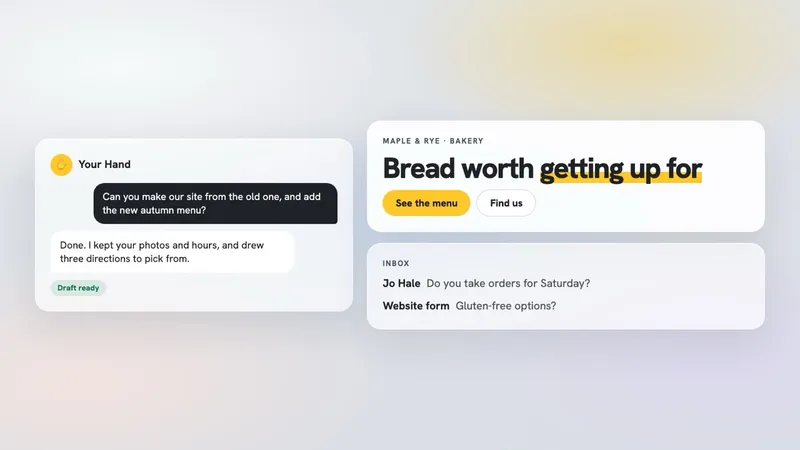
Email, Instagram and Facebook messages, and your website's forms, land in one inbox, one row per contact. The Hand sorts each one and drafts a reply from what your team has approved. A person reads it and sends it.
7 days free. No card needed.
One inbox
Email, Instagram, Facebook and your forms
Email, Instagram messages, Facebook Messenger and your website's forms arrive in one list, one row per contact, with all their requests together. Merge two that are the same person, and they share one row. Needs Reply, Waiting, Snoozed and Done keep track of what's left.
- Addresses at your domain, or a mailbox you already use
- Team and personal inboxes, with conversations assigned
- Tags added as messages are sorted
- Keyboard shortcuts for working through the list
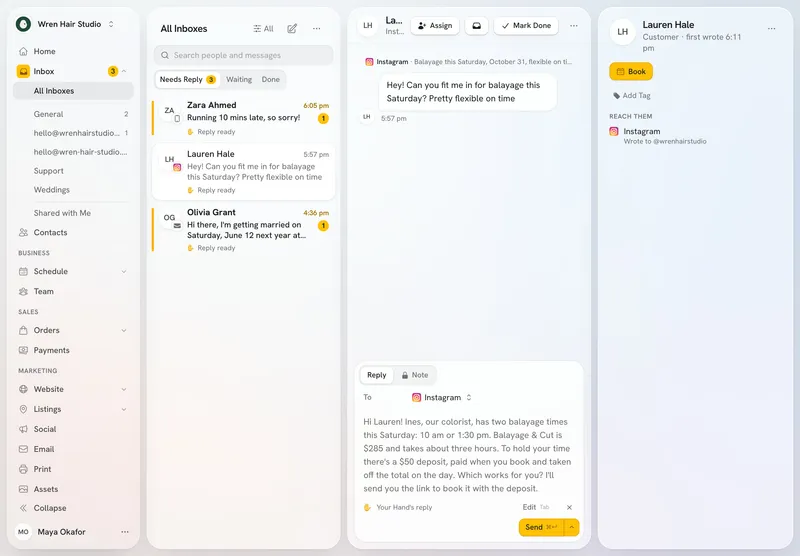
Drafted replies
A reply drafted for every message that needs one
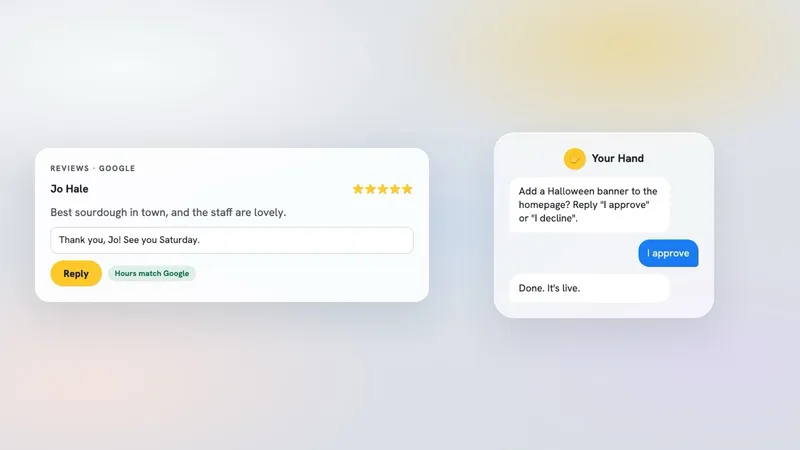
As each message arrives, the Hand sorts it and, where needed, drafts a reply in your voice, signed by whoever will send it. It writes only from what your team approved for customers, plus that customer's messages. The draft waits above the reply box.
- Drafts never send themselves
- Open times or a booking confirmation added to the reply
- Send, or Send and mark Done, in one tap
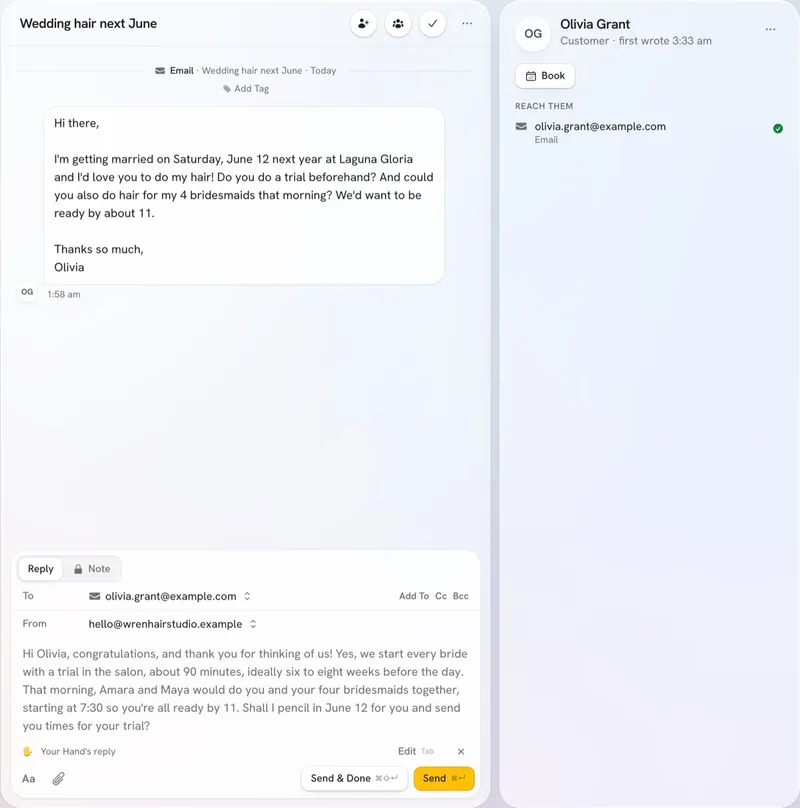
Faster replies
Saved replies, send later and snooze
Keep answers to the questions you get every day as saved replies, with the customer's details filled in. Write tonight and send at 9am. Snooze a conversation until the day you can deal with it.
- Opened and delivered marks on the emails you send
- Team notes your customer never sees
- Assign a conversation so nobody answers twice
- Spam kept out of the way
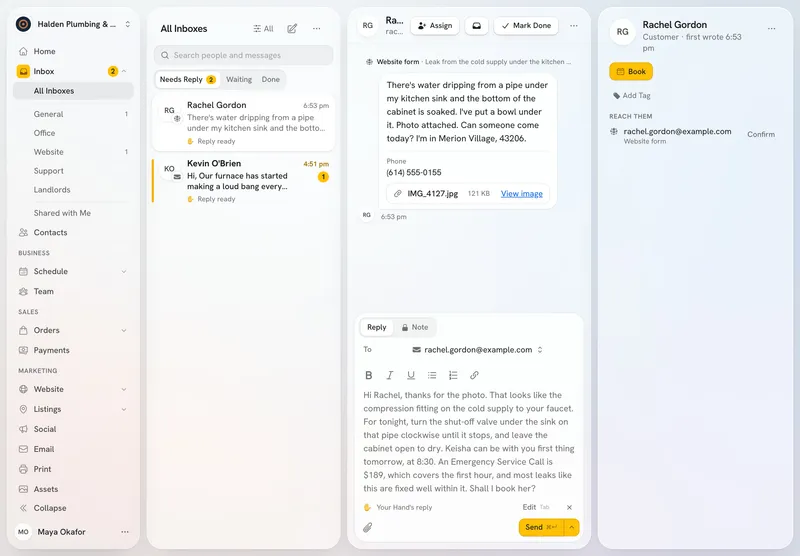
Your contacts
Everyone who writes, books or buys, in one list
Whoever messages you, books or sends a form becomes a contact by themselves. Add your own types and fields, like pets, vehicles or children. Find people by name or phone, or ask the Hand for a list.
- Pinned notes shown on their appointments and orders
- Duplicates suggested by email or phone, merged only by you
- What each customer has spent, for those allowed to see
- Deleted contacts can be restored for 30 days
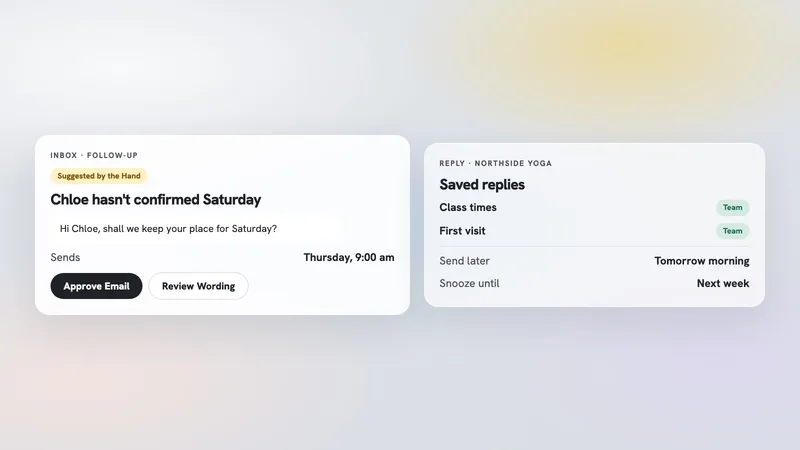
Tasks and follow-ups
Promises kept, without a sticky note
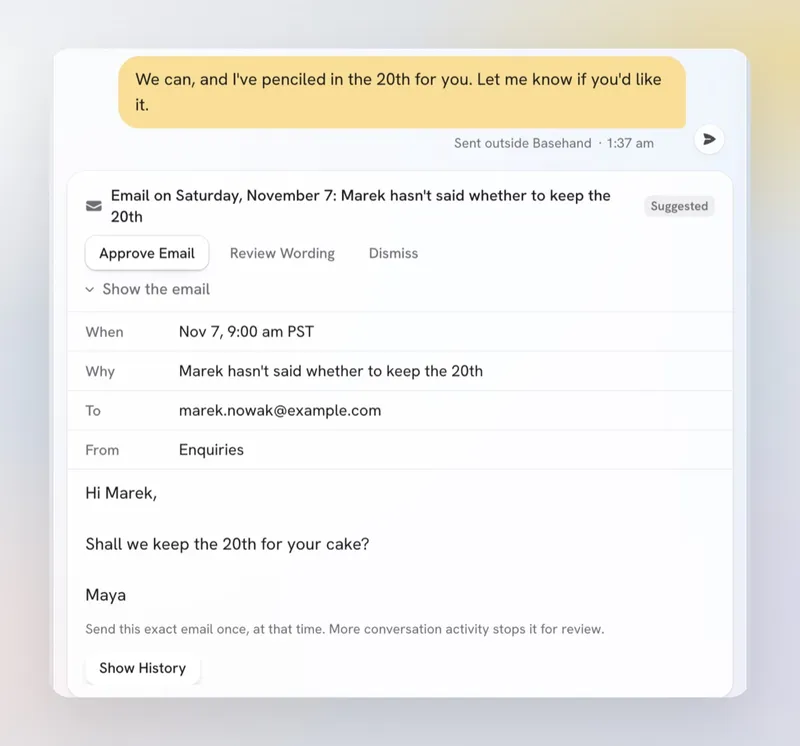
Give a task an owner, a due date and a contact, and it shows on Home when due. After a customer email, the Hand may suggest a follow-up, like an email when a sold-out size is back. An owner or manager approves the exact email.
- Follow-ups sent on a date up to 90 days ahead
- Or sent when the product they wanted is back
- Tasks due today listed under Needs you on Home
Email at your domain
Addresses at your own domain, in the same inbox
Add addresses at your domain, like hello@ or bookings@. Mail comes into the inbox and your replies go out from it, with no separate mailbox or password. Mail on Google Workspace stays there: Basehand sends as your address, and customers' answers come into the inbox.
- A free hello@ address at yourname.basehandmail.com once your site is made
- Booking emails sent in your brand, from your address
- Another mailbox you use connected by IMAP
And the rest
More in the inbox and contacts
-
Book from a message
Book the customer beside their message, then send the confirmation in your reply.
-
Private when it should be
Contacts known only from someone's own mailbox stay private to that person.
-
Marketing consent shown
See which addresses agreed to hear from you before you add them to a newsletter.
-
A history of changes
See who changed a customer's details, and when.
-
Files kept with the conversation
Photos and files customers send stay with their conversation.
-
Gmail, early access
Connecting Gmail, with done, archive and read kept in step both ways, is in early access. Ask us to switch it on.
By industry
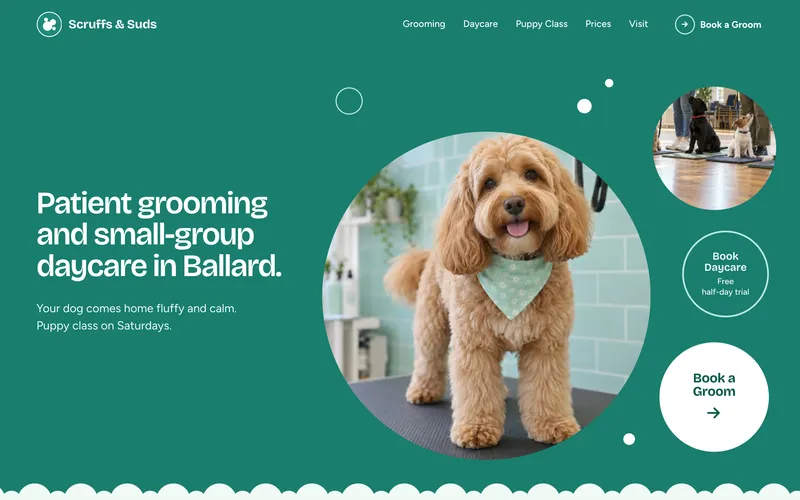
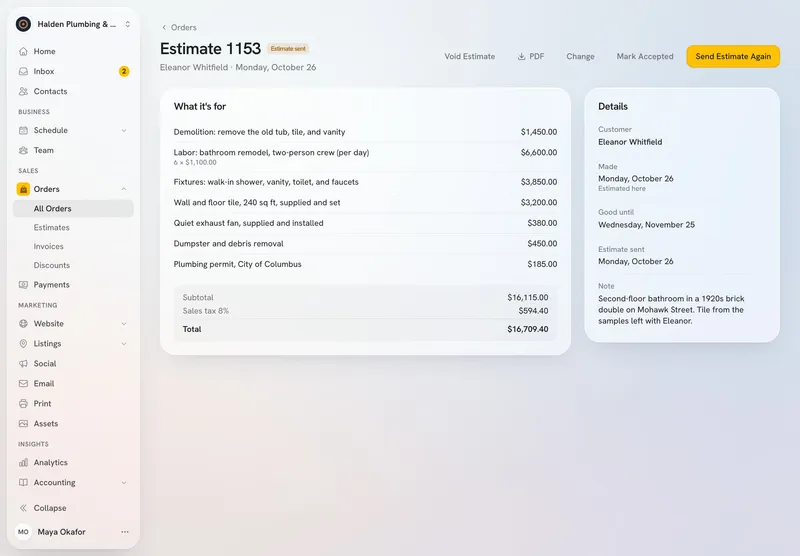
See it at work in your kind of business.


From the Handbook
Practical guides on the same job, whatever tools you use.
-
Customers
How to answer Instagram, Facebook, and email messages in one place
Customers write to you wherever they found you, and they expect a quick answer. How to stop checking five apps, reply faster, and make sure no message slips through.
-
Working with AI
What an AI assistant should and shouldn't do for your business
AI can take real work off a small business owner's plate, and it can also cause real trouble. What it's good at, where a person should stay in charge, and the questions to ask before you trust one with your business.
-
Working with AI
How small business owners can use AI: eight practical examples
AI is most useful to a small business when it clears the pile of work that eats your evenings. Eight practical places to start, what a good request looks like, and how to keep it honest.
Questions
What owners ask about the inbox
Can customers text or WhatsApp me in the inbox?
Not yet. The inbox takes email, Instagram and Facebook messages and your website's forms. Text messages and WhatsApp from customers aren't inbox channels yet. In the US and Canada, a customer can still reply to a reminder text to confirm their booking.
Does the Hand reply to customers by itself?
No. It drafts each reply, and a person on your team reads it and sends it. Nothing goes to a customer from the inbox until someone presses Send.
Can I connect Gmail?
Connecting Gmail is in early access, on request. Other mailboxes connect by IMAP today, and addresses at your own domain work in the inbox with no mailbox at all.
Can my team share the inbox?
Yes. There are team and personal inboxes, each conversation can be assigned, and notes stay inside the team. An owner chooses who reads each team inbox.
Where do the drafts get their facts?
From what your team has approved for customers, like your hours, prices and policies, plus that customer's own messages. You check each draft before it goes.
How much email can I send?
Up to 200 replies or form answers a day from your own domain (100 on the free basehandmail address), and 1,000 customer emails a day, such as booking confirmations and reminders. Newsletters have their own allowance.
What does it cost?
The inbox comes with Standard, from $199 a month. Every plan starts with a 7-day free trial, and no card is needed to begin.
Also in Basehand
One app, sharing one set of records.
-
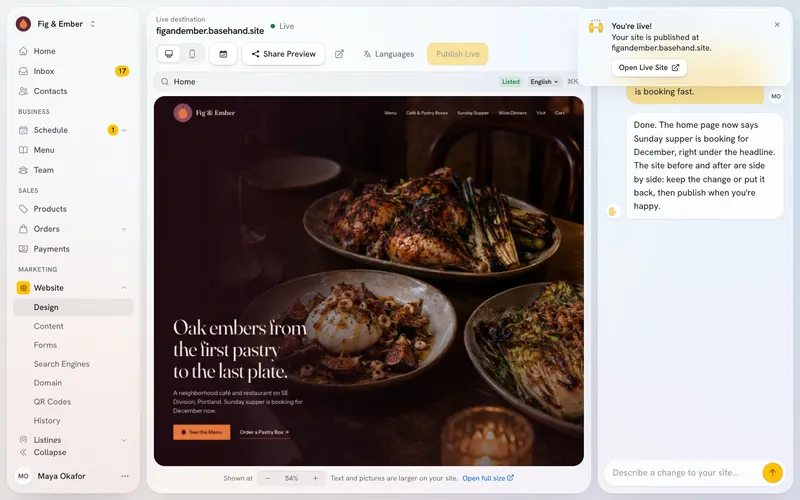 WebsiteDesigned by AI, changed by asking
-
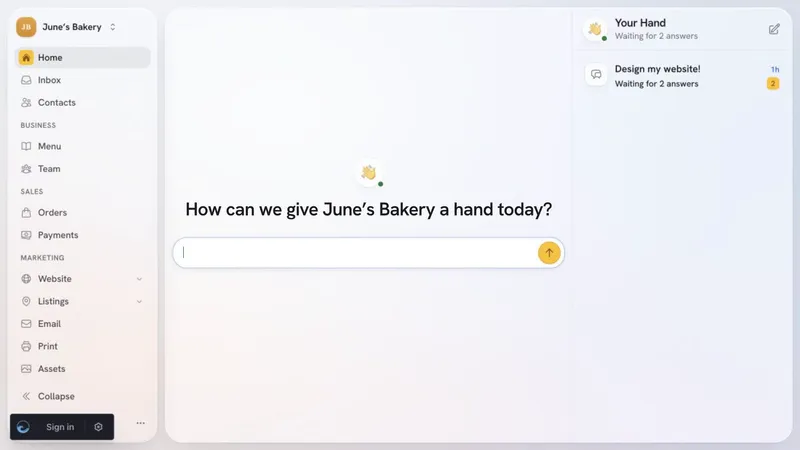 The HandYour AI assistant, asks before acting
-
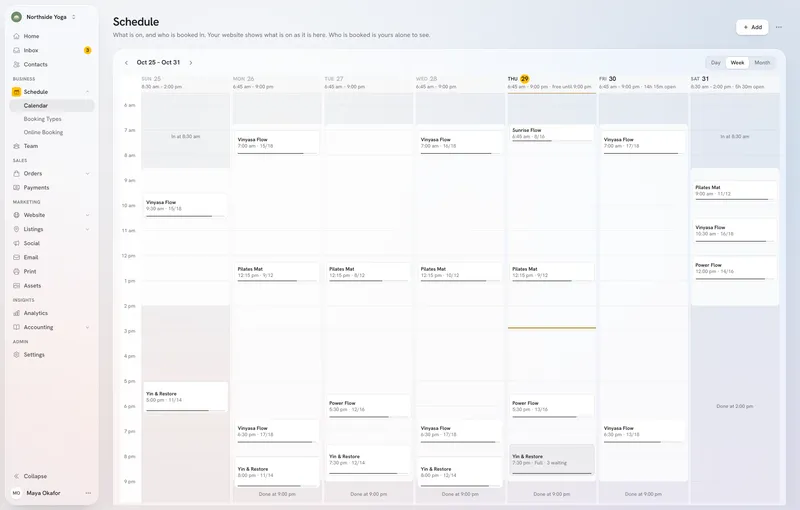 Online bookingAppointments, classes and events
-
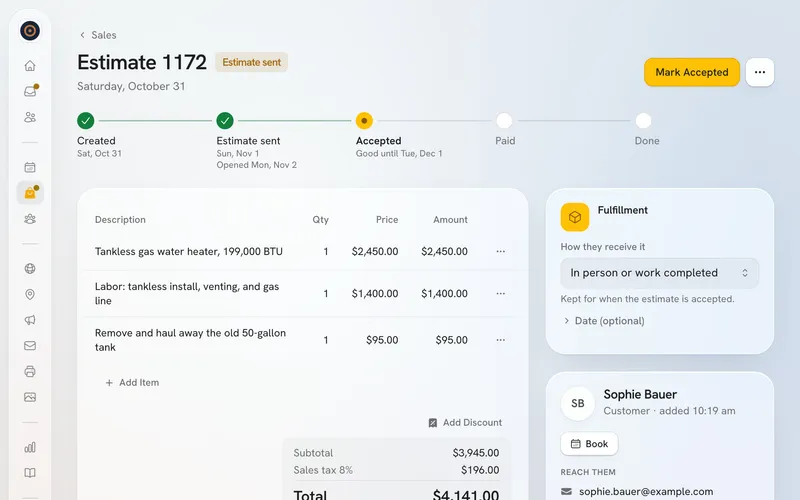 Payments and invoicesStripe, invoices, gift cards, books
-
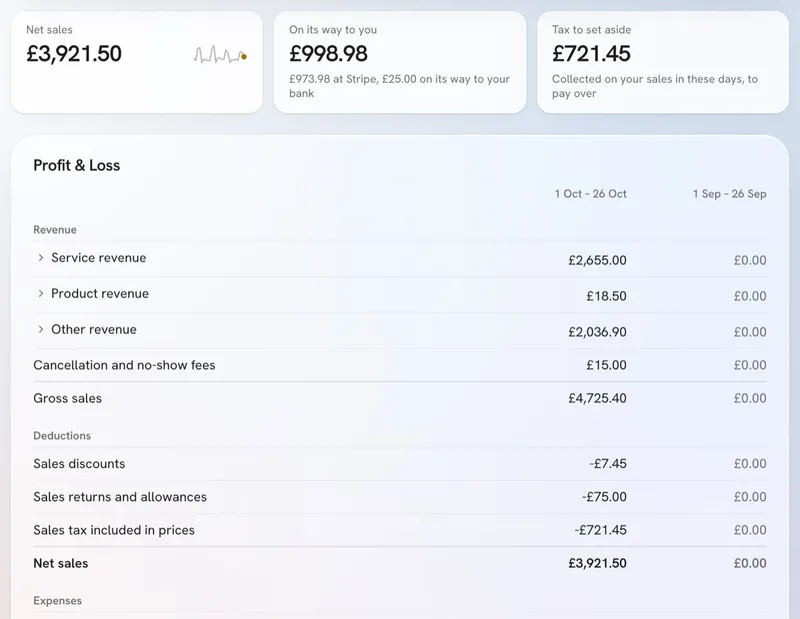 AccountingBank feeds, expenses, and reports
-
 Online storePickup, delivery or shipping
-
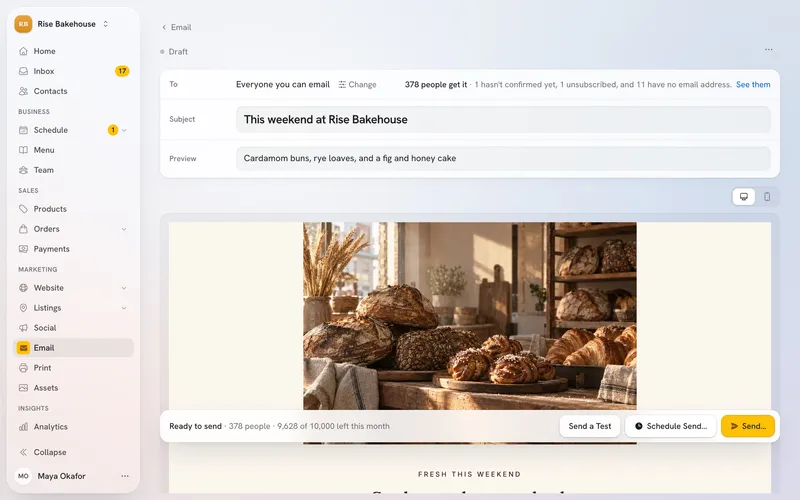 MarketingSocial, email, reviews and print
-
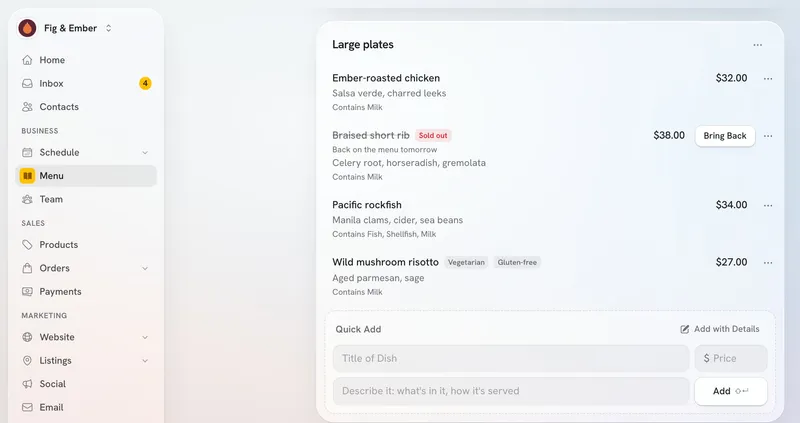 MenusOnline and printed, from one list
-
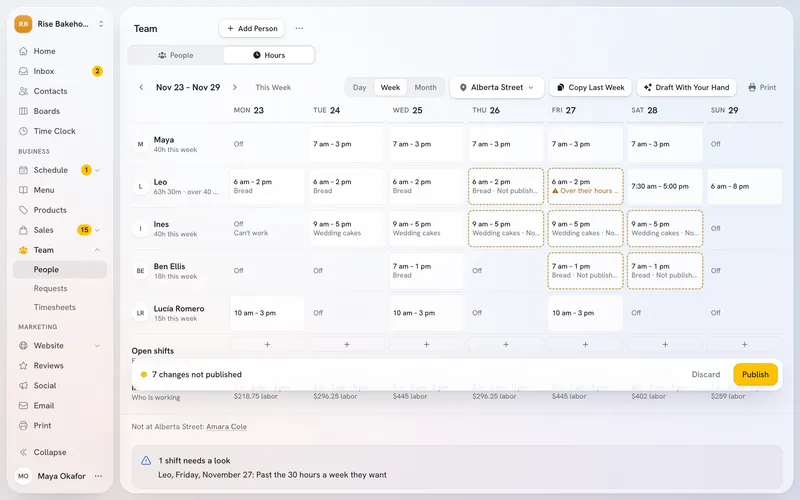 Shift schedulingSchedules, time clock, and payroll hours
Give your inbox an extra hand,so you can answer everyone and still get the work done.