 Basehand
Restaurant menus: One menu for your website and every table.
Keep every menu, from breakfast to drinks, in one place. Your website shows what you publish, the printed menu is made from the same dishes and prices, and a dish marked sold out comes back by itself the next morning.
7 days free. No card needed.
Getting started
Your menu read from a photo or PDF
Upload a photo of the board, the printed card or a PDF, or let Basehand bring menus over from your old website. They arrive as drafts. Anything it couldn't read for certain is left out and listed, so you can fill it in.
- Breakfast, lunch, dinner and drinks as separate menus
- Prices and sizes, like a glass or a bottle
- A wine list kept as one menu, however long
Allergens and labels
Allergens shown the way your country asks
Mark each dish with its allergens and labels like Vegan. The buttons follow your country's list: the 14 EU allergens in the UK and Europe, nine named in the US. Required notices, like the US advisory on raw food, are added for you.
- Letter or number codes in Germany, Austria and Italy
- Basehand never guesses that a dish is gluten-free
- Raw or undercooked dishes marked with an asterisk in the US
Sold out
Sold out in a tap, back by morning
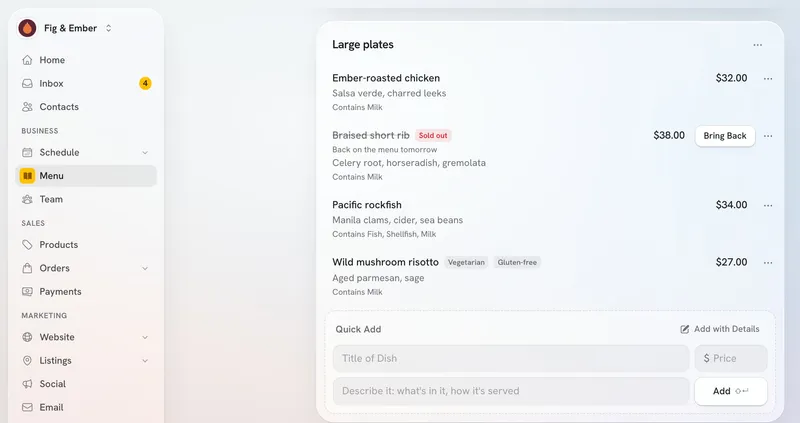
Mark a dish sold out beside its price and the website shows it at once, with nothing to publish. It comes back by itself at 4am at that location, or sooner if someone brings it back. Staff can do it from their phones.
- Sold out at one location or at all of them
- Staff can mark it without being able to publish
- The Hand can do it when you ask
Changes and seasons
Next month's menu ready now, live on the 1st
Edit in a draft, see in plain words what publishing will change, and publish when it's right. Prepare the spring menu as a copy and set it to go live at a time. Raise prices by a percent or an amount, with a preview first.
- Every save kept, so you can go back
- Go-live times on each location's own clock
- New prices rounded, like to the nearest 50 cents
- Owners and managers publish; staff edit drafts
Printed menus
A printed menu made from the same dishes
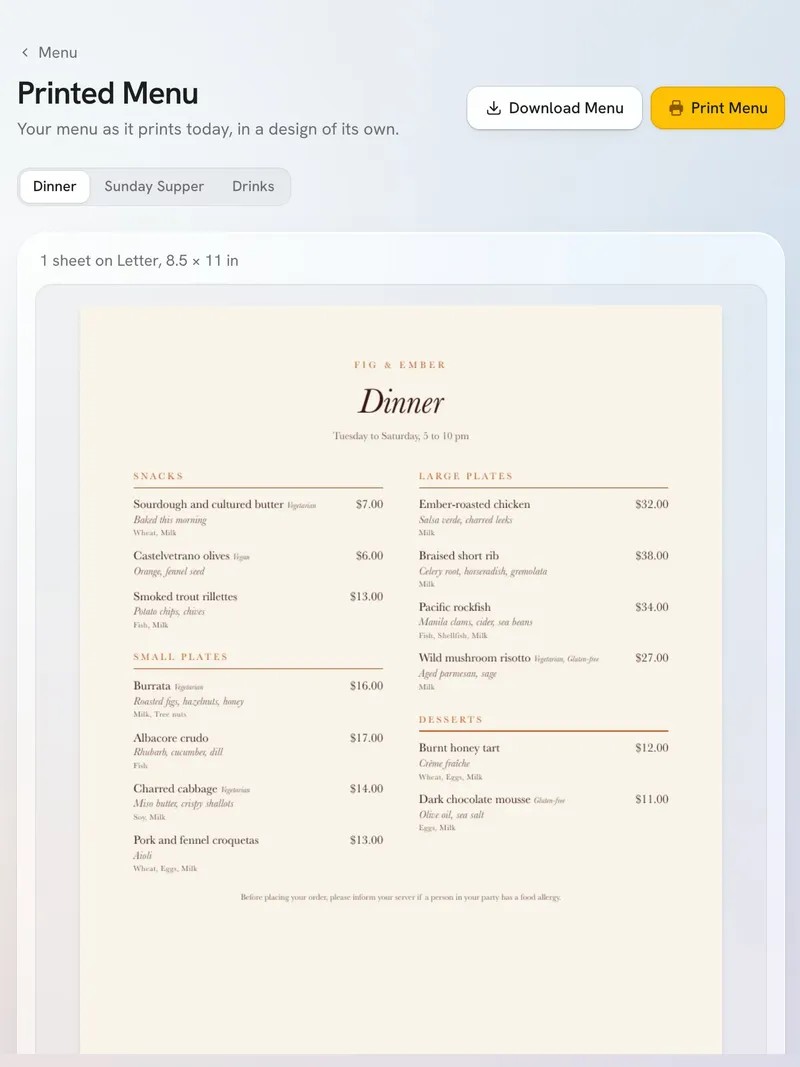
The Menu Designer lays out your printed menu from the same dishes and prices, in your website's look or the one you print now. You get a real PDF on Letter, A4 or any size, shrunk slightly to save a sheet where it can.
- One design for all of your menus
- Ask the Hand for changes, like bigger type
- Earlier designs kept to view or restore
- Printed in your site's main language
Several locations
A menu for each location, or one for all
A menu is served at every location until you say otherwise. Choose which locations serve it, or give one its own copy with its own prices. Each location's page can show what it serves, and sold-out marks stay where they happened.
- Menus that work even without a website
- Dishes translated into your site's other languages, when you ask
- Set-menu prices and notes, like a service charge
And the rest
Everything else a menu connects to
-
QR codes for tables
Make a code that opens your menu page, and see how many people scan it.
-
Posters in the same look
Wine nights and holiday menus as posters and flyers, in your design.
-
Wine dinners and classes
Sell seats for tastings and supper clubs, paid in full or by deposit when guests book.
-
Order ahead as products
Sell pastry boxes and holiday pies in your store, for pickup or delivery.
-
Holiday hours
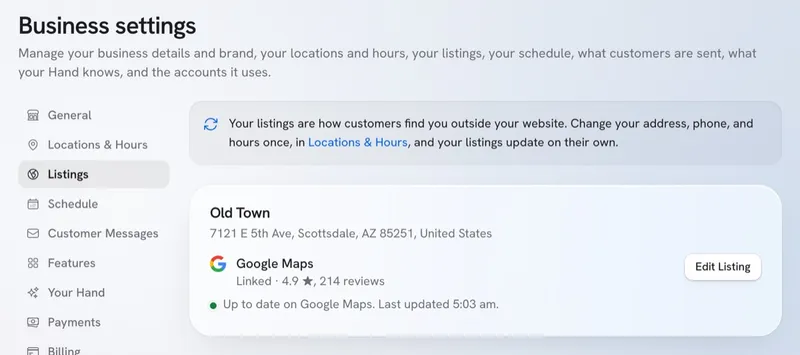
Set closures once. Your site shows them, and so does your linked Google listing.
-
Reviews answered
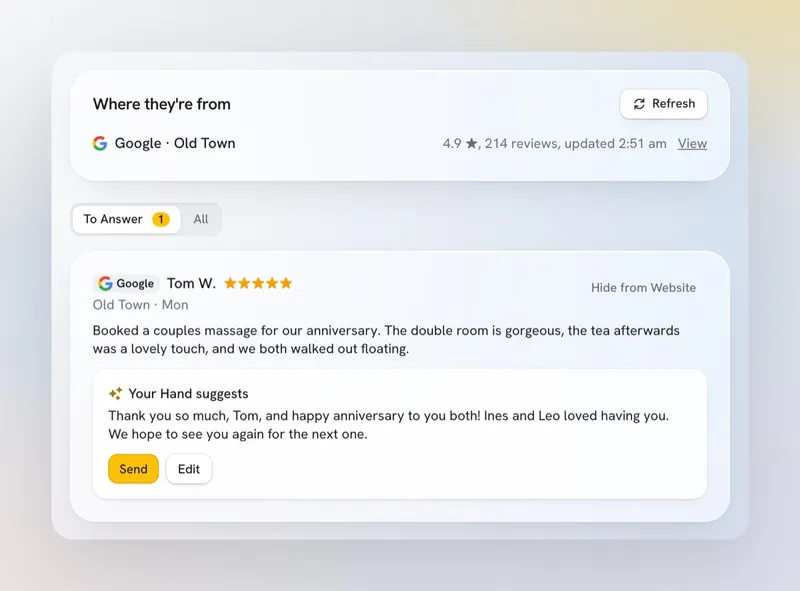
A reply drafted for every new Google review, waiting for you to send.
By industry
See it at work in your kind of business.
From the Handbook
Practical guides on the same job, whatever tools you use.
-
Your business
How to update your holiday hours everywhere at once
A customer who drives to a closed door on December 26 doesn't come back happy. How to plan your holiday hours and make sure Google, your website, and your bookings all say the same thing.
-
Getting found
How to get more Google reviews without breaking the rules
Most happy customers never leave a review because nobody asked at the right moment. How to ask every customer, make it one tap, and stay within Google's rules and the law.
-
Getting paid
How to sell gift cards online before the holidays
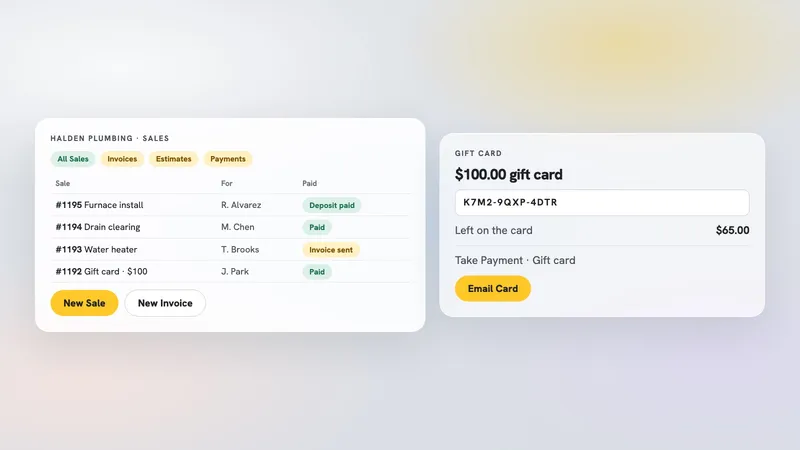
Gift cards bring in money now and new customers later. How to choose the amounts, where to offer them, and what to get right so they're easy to buy, give, and spend.
Questions
What restaurants and cafés ask about menus
Do I have to type in my menu?
No. Basehand reads it from your current website, a PDF or a photo of the card or the board, and keeps it as a draft for you to check before it goes live.
Can guests order from the menu?
Not from the menu itself. Menus show dishes and prices. To take orders for pickup or delivery, sell items like boxes, bakes or hampers as products in your online store.
Does Basehand take table reservations?
Not yet. For everyday tables, keep the reservation system you use now, and your site's Book a Table button can go straight to it. Events, tastings and classes with set seats book through Basehand.
How does it handle allergens?
Each dish keeps the allergens and labels you give it, and your website and printed menu show them the way your country asks, with the notices the US, UK and Europe need. Basehand never works out an allergen or a dietary claim for you.
Is the printed menu translated?
No. The printed menu is in your site's main language. Online, the menu can be translated into each language your site has, by you or the Hand.
Can it show calories?
No. Basehand doesn't keep calorie counts for dishes.
Can my staff mark dishes sold out?
Yes. Staff can mark dishes sold out and edit drafts from their phones. Owners and managers decide what gets published.
What does it cost?
Plans start at $79 a month. Every plan starts with a 7-day free trial, and no card is needed to begin.
Also in Basehand
One app, sharing one set of records.
-
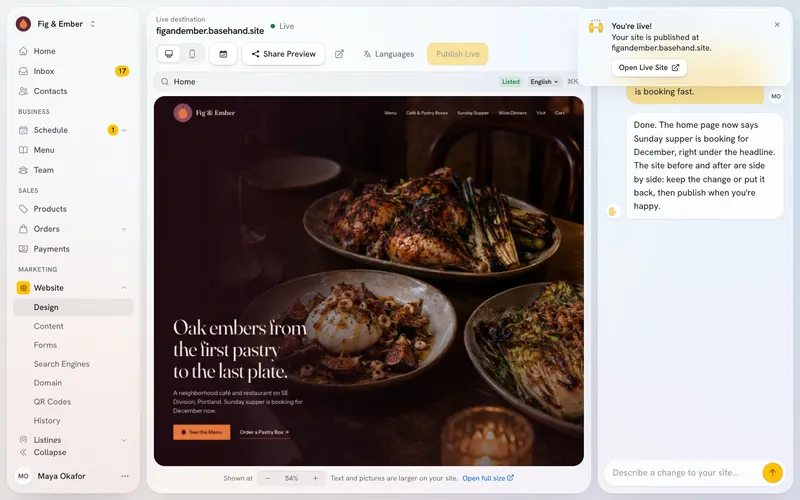 WebsiteDesigned by AI, changed by asking
-
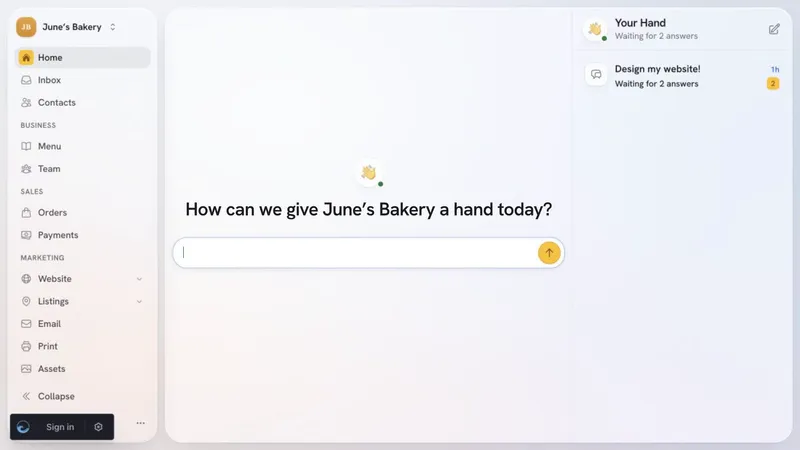 The HandYour AI assistant, asks before acting
-
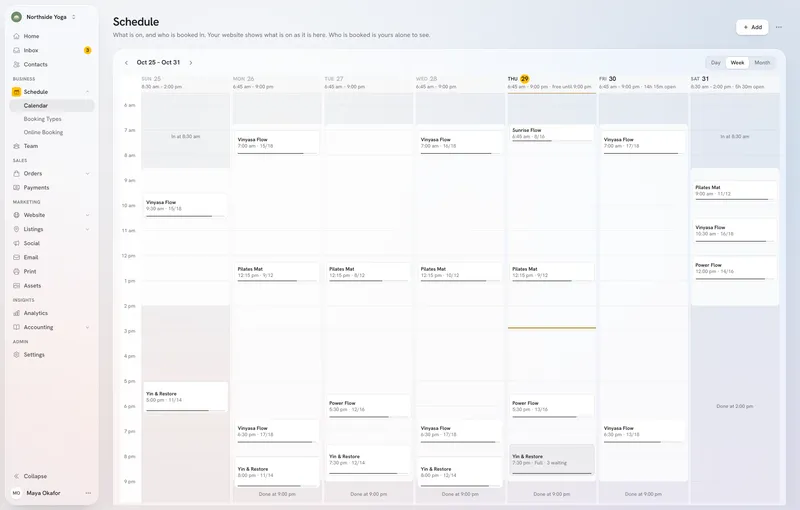 Online bookingAppointments, classes and events
-
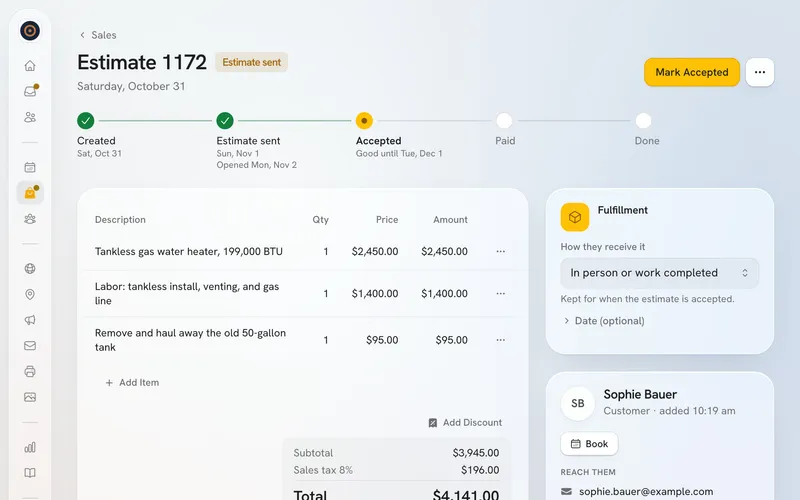 Payments and invoicesStripe, invoices, gift cards, books
-
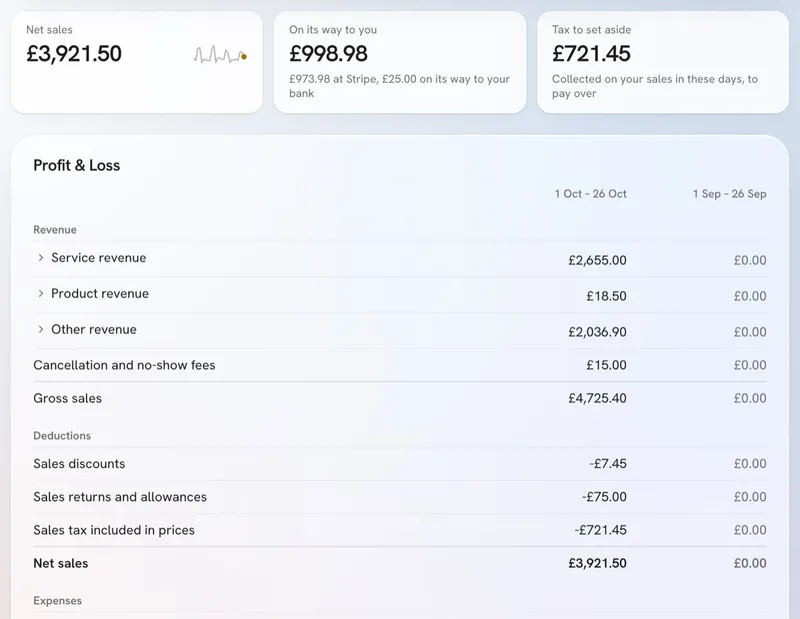 AccountingBank feeds, expenses, and reports
-
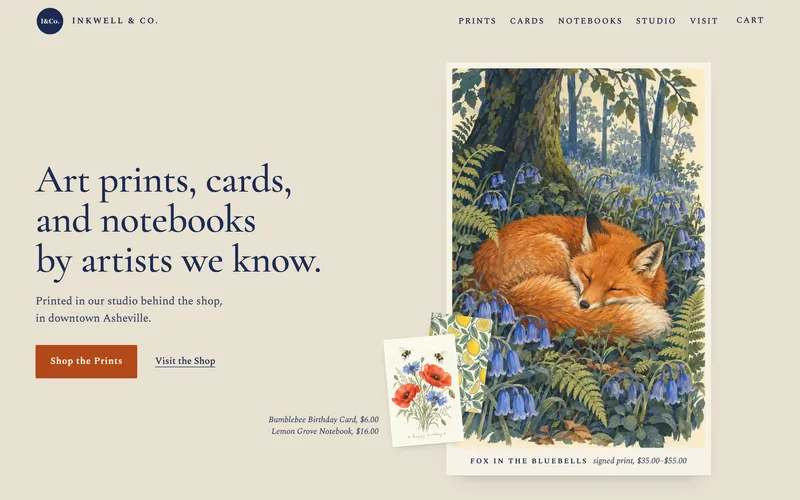 Online storePickup, delivery or shipping
-
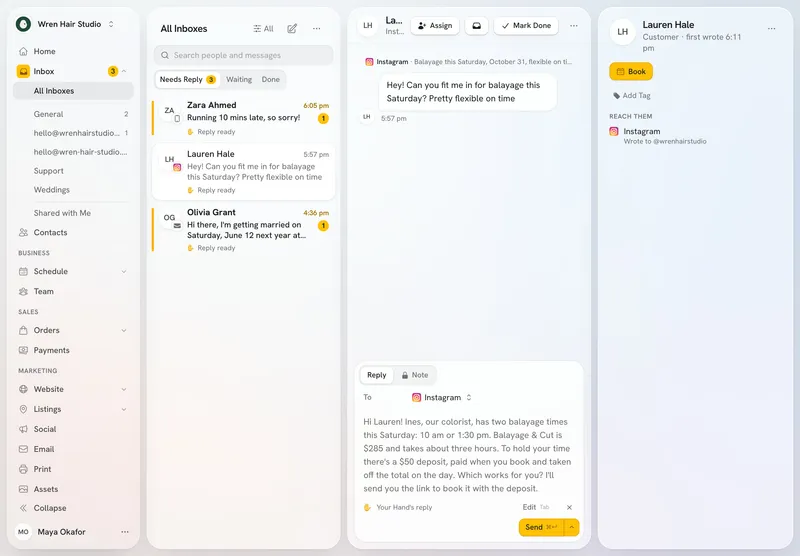 InboxEmail, Instagram, Facebook and forms
-
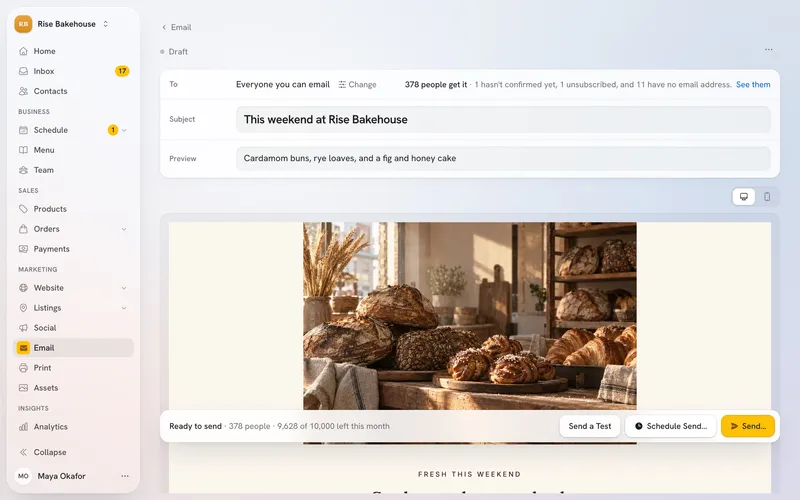 MarketingSocial, email, reviews and print
-
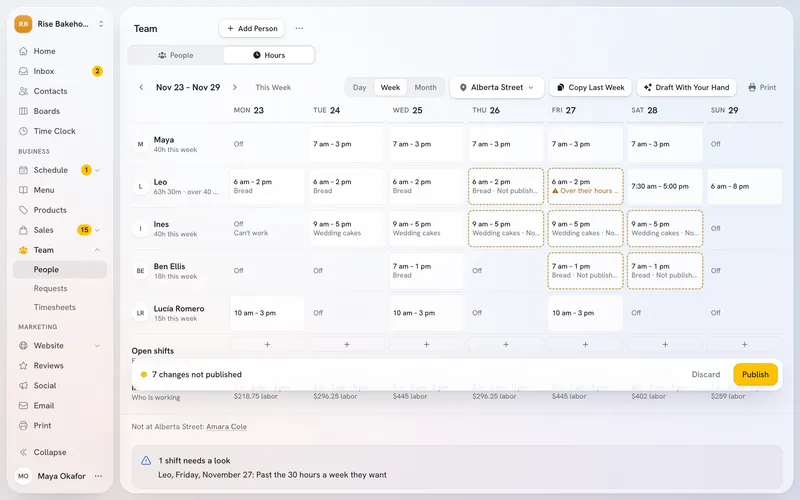 Shift schedulingSchedules, time clock, and payroll hours
Give your kitchen an extra hand,so you can get back to the food.