 Basehand
Accounting: Your bookkeeping, done for you.
Every sale, payment, and payout is in your books the moment it happens. Connect your bank and cards, and expenses come in and sort themselves, asking you only about the odd ones. See your profit, your tax, and what's owed, and hand your accountant books that are already reconciled.
7 days free. No card needed.
At a glance
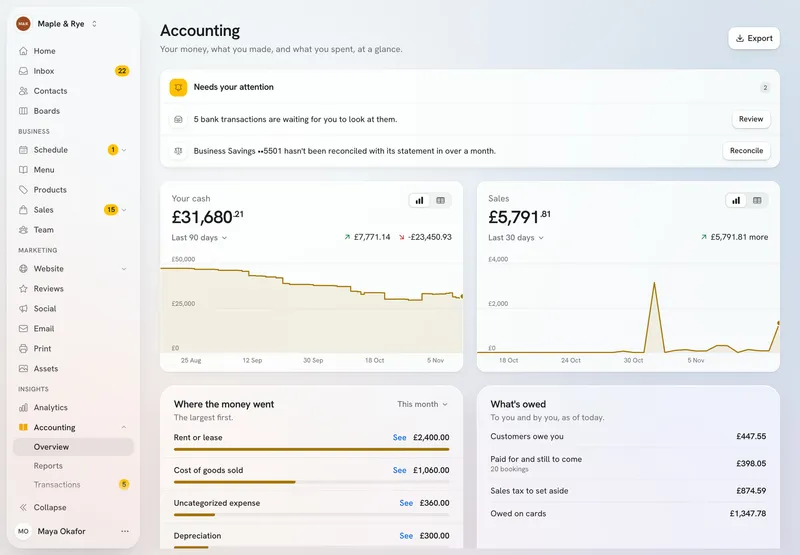
Your cash, profit, and what's owed, on one page
See the cash in your bank and on its way to you, and your net income, sales, and expenses over the last 30 days, 90 days, or year, each beside the stretch before. Below them, where this month's money went, and what's owed to you and by you.
- Sales tax to set aside, and bookings paid for ahead
- Customers who have owed for more than 30 days
- A failed payout or a bank to sign in again, flagged at the top
- Each bank account and card with its balance
Bank feeds
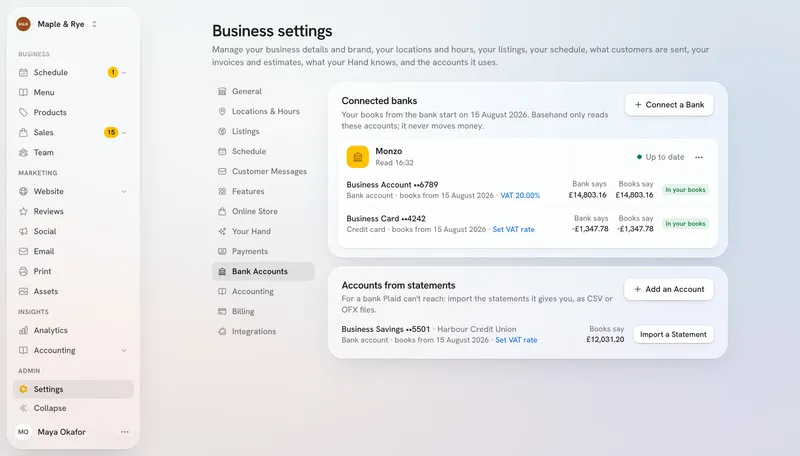
Your bank and cards, brought in on their own
Connect your bank accounts and business cards through Plaid, and every transaction comes into your books, with up to two years of history. Basehand only reads them, and never moves money. For a bank Plaid can't reach, import its CSV or OFX statements.
- Card payouts matched to the deposits they made
- Transfers between your accounts and card payments paired up
- Banks in the US, Canada, the UK, and much of Europe
- Up to ten banks, each with all its accounts
Sorted for you
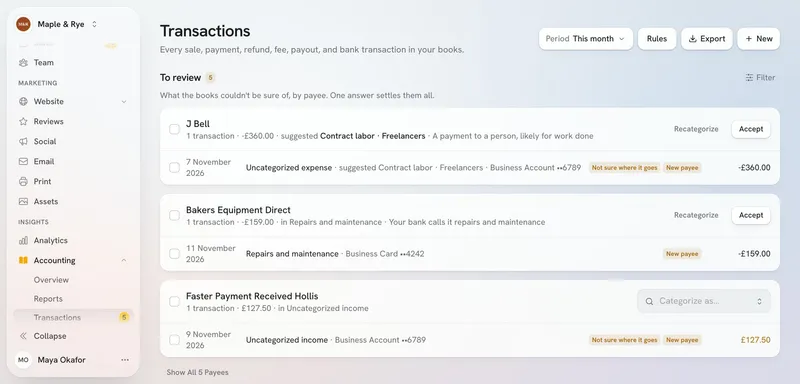
Expenses sorted, and only the odd ones asked about
Each transaction goes where it belongs: matched to a payout or a payment, put where you've put that payee before, sent by your own rules, or placed by Basehand's best guess. What it isn't sure of waits in To Review, one payee at a time, with a suggestion you accept in one click.
- Rules by payee, words, or amount
- Tags of your own, like Flowers under Supplies
- New payees, unusual amounts, and duplicates flagged
- A transaction split across several categories
Reports
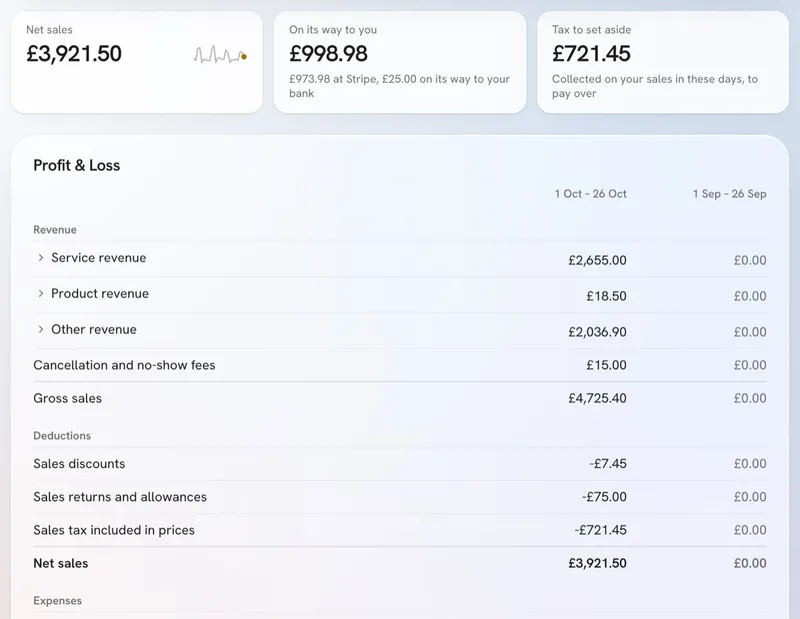
Profit and loss, and every report your accountant asks for
Profit and loss, a balance sheet, sales by category, team member, location, or customer, expenses by payee, and who owes you and for how long. Each compares with the period before and opens into what it's made of. Keep your books on a cash or accrual basis.
- A report builder for your own breakdowns
- Ask the Hand, and the report opens on your screen
- Gift cards outstanding and bookings paid in advance
- General ledger and trial balance, with CSV export
Tax
Tax to set aside, worked out as you go
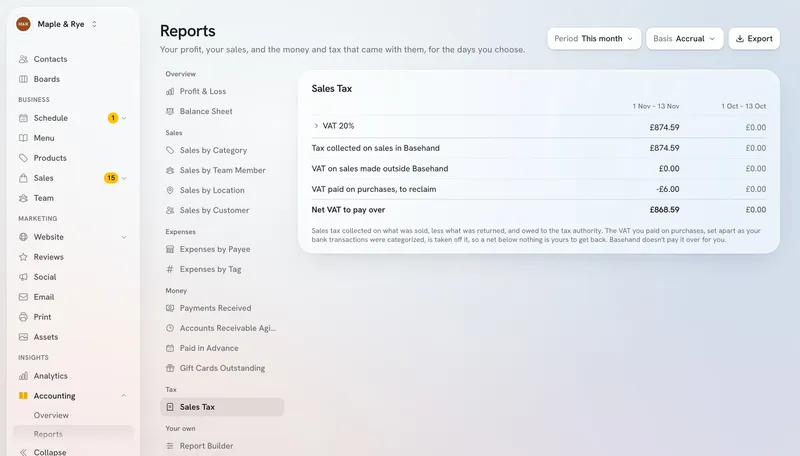
The sales tax and VAT you charge are kept by name and rate, with what each was charged on. Give an expense category its VAT rate, and the VAT in each purchase is set apart to reclaim. The Sales Tax report shows what's left to pay over.
- Tax included in prices or added on top, your choice
- VAT on purchases set apart to reclaim
- A year's summary for taxes in the export
- Filing and paying stays with you or your accountant
Your accountant
Reconciled, closed, and ready to hand over
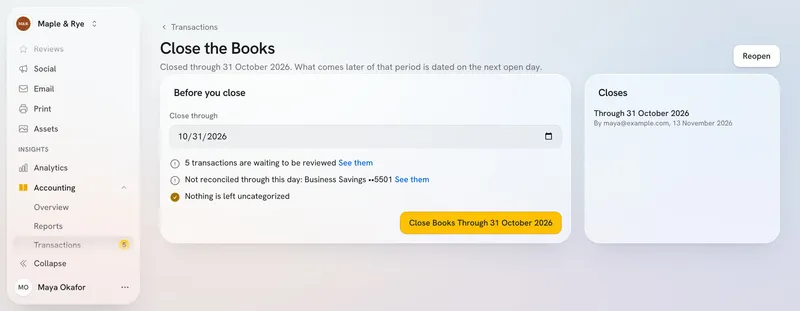
Reconcile each account against its statement, then close the books through a date, so nothing changes behind you. Invite your bookkeeper or accountant with a role of their own: they keep and export the books, and see nothing else of your business.
- Journal entries and opening balances
- Expenses paid from your own pocket or the till
- Receipts kept with each transaction
- An audit log of every change after the fact
And the rest
More that comes with your books
-
Sales recorded as they happen
Every sale, refund, fee, and payout through Basehand is posted the moment it happens, with nothing to import.
-
Receipts kept
Attach a photo or a PDF of a receipt to any transaction, up to ten on each.
-
Who sees the books
Owners, managers, and accountants see the books. Staff take payments at the counter without them.
-
Banks that need you
If a bank asks you to sign in again, or a payout fails, you hear about it at once.
-
More than one currency
Paid in two currencies? Each keeps its own balances, side by side, never converted.
-
Answers from your books
Ask the Hand what you spent on supplies, or how this quarter compares with the last, and get the figures in words.


From the Handbook
Practical guides on the same job, whatever tools you use.
-
Getting paid
How to get paid on time: a simple invoicing routine
Late payments are usually a process problem, not a customer problem. A routine for estimates, invoices, and reminders that gets money in without awkward conversations.
-
Getting paid
How to sell gift cards online before the holidays
Gift cards bring in money now and new customers later. How to choose the amounts, where to offer them, and what to get right so they're easy to buy, give, and spend.
Questions
What owners ask about accounting
What does small business accounting software like Basehand do?
It keeps your books for you: every sale and payment you take through Basehand, and every transaction in the bank accounts and cards you connect, each in the right category. From them come your profit and loss, balance sheet, sales tax, and what's owed, ready for your accountant.
Can Basehand replace QuickBooks or Xero?
For many small businesses, yes. It keeps full double-entry books, with bank feeds, reports, reconciling, and closing. It doesn't pay bills, run payroll, or work out depreciation, and there's no QuickBooks or Xero connection. Your accountant can export the general ledger and trial balance as CSV.
Can Basehand move money or pay bills?
No. Basehand only reads your bank and card transactions. Payments, transfers, and bills stay in your bank.
Is my bank login safe?
You sign in to your bank through Plaid, so Basehand never sees your password, and only an account's last four digits are kept. Only an owner can connect a bank, and the Hand never does. Disconnect a bank at any time, and what it brought in stays in your books.
My bank isn't on Plaid. Can I still use it?
Yes. Add the account by hand and import the CSV or OFX statements your bank gives you. Overlapping statements bring in only what's new.
Can my accountant work in it?
Yes. Invite them with the accountant role. They see Accounting and Payments, keep and close the books, and export them, but can't connect a bank or see the rest of your business.
Does Basehand file my taxes?
No. It keeps the sales tax and VAT you collected and paid, by rate, and gives a year's summary for taxes. Filing and paying stays with you or your accountant.
What does it cost?
Accounting comes with Standard, from $199 a month. Every plan starts with a 7-day free trial, and no card is needed to begin.
Also in Basehand
One app, sharing one set of records.
-
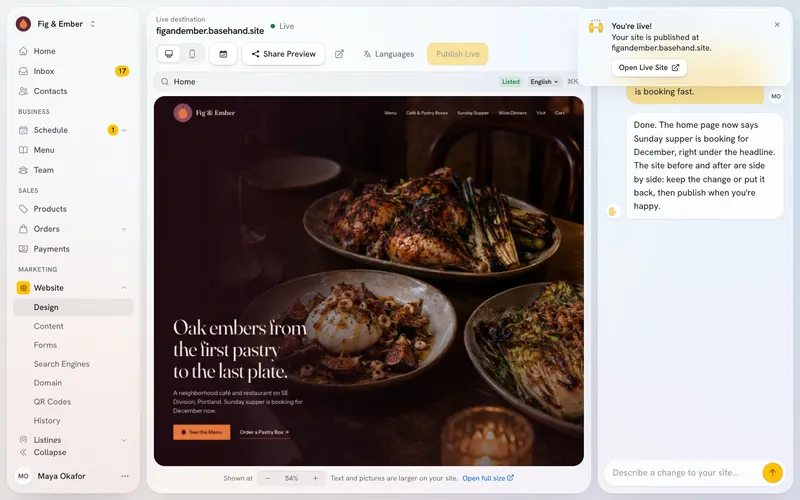 WebsiteDesigned by AI, changed by asking
-
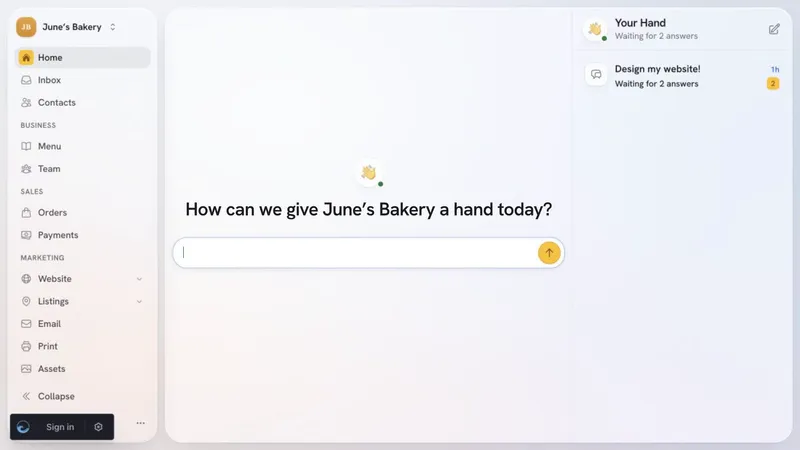 The HandYour AI assistant, asks before acting
-
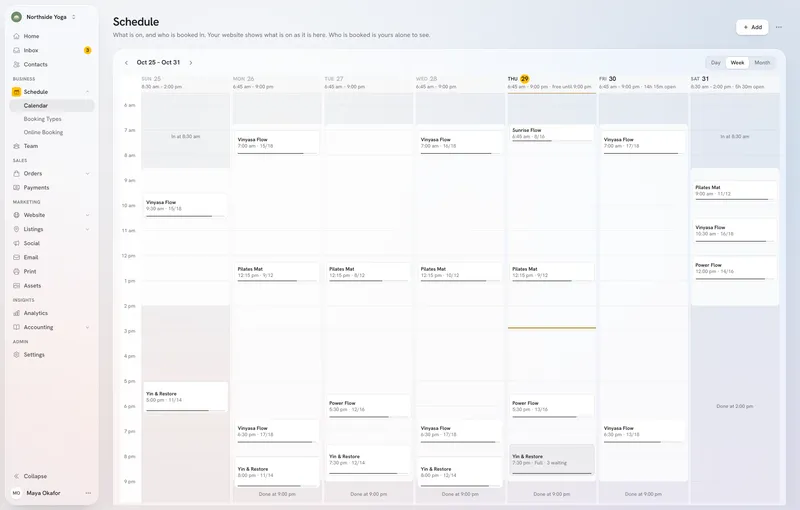 Online bookingAppointments, classes and events
-
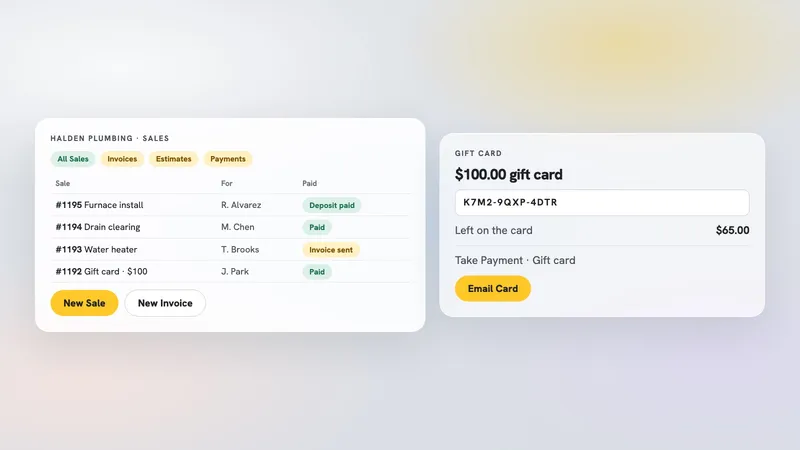
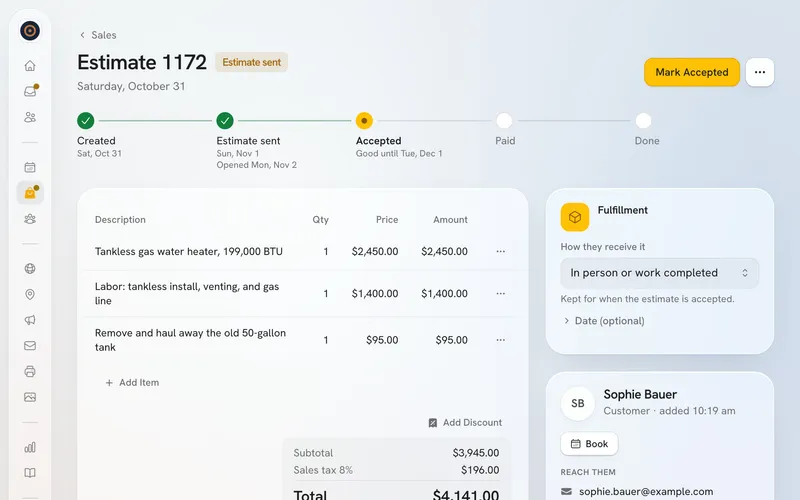 Payments and invoicesStripe, invoices, gift cards, books
-
 Online storePickup, delivery or shipping
-
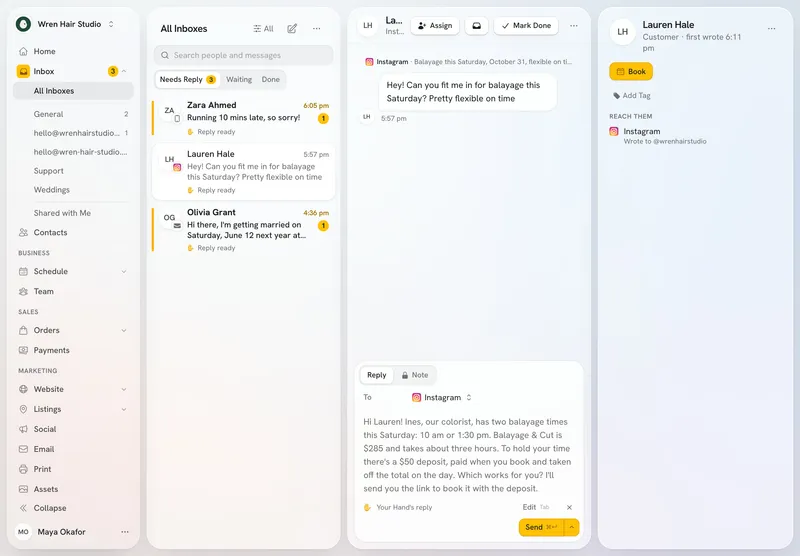 InboxEmail, Instagram, Facebook and forms
-
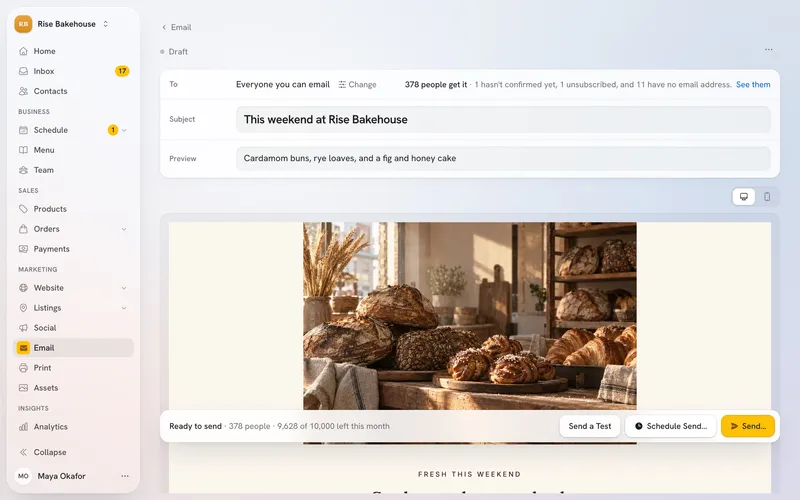 MarketingSocial, email, reviews and print
-
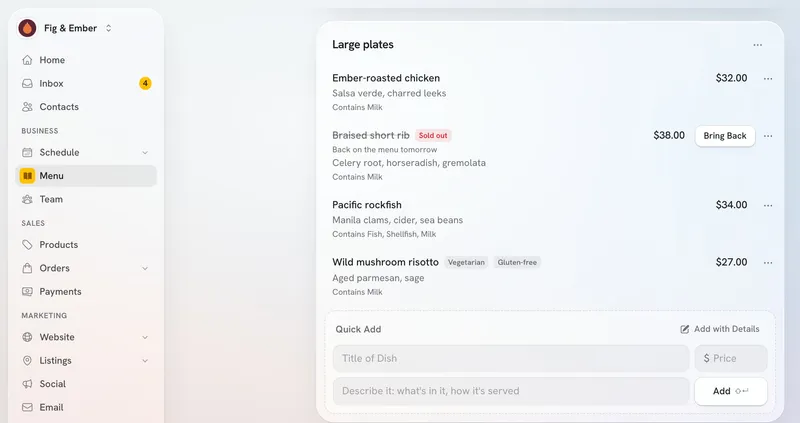 MenusOnline and printed, from one list
-
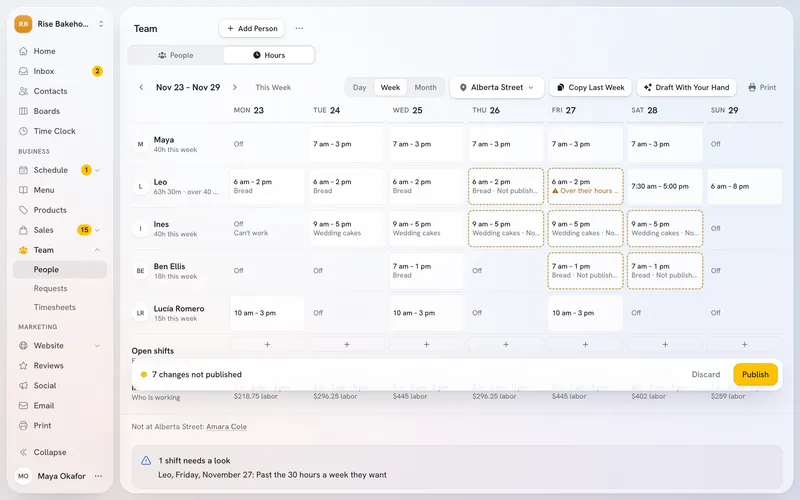 Shift schedulingSchedules, time clock, and payroll hours
Give your books an extra hand,so tax time is just another day.