 Basehand
AI assistant: An assistant that knows your business, and asks before it acts.
The Hand works inside Basehand, with your website, schedule, inbox and books. Tell it what you need in your own words. It does the work, remembers how you like things done, and leaves the final say to you.
7 days free. No card needed.
Ask in plain words
Tell it what you need, like a colleague
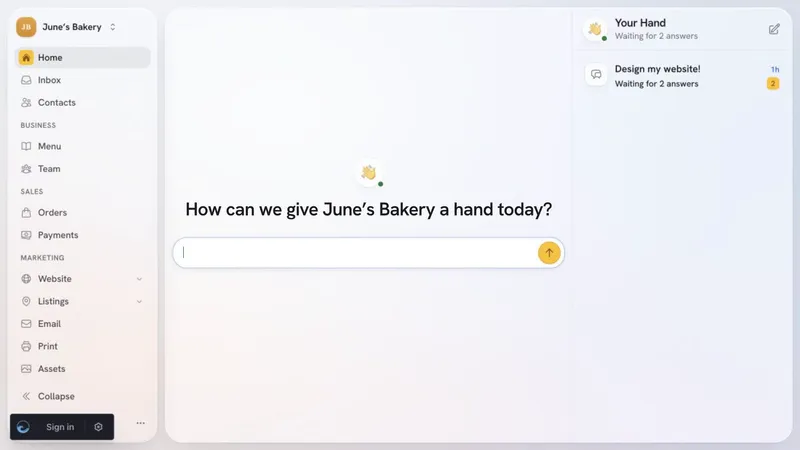
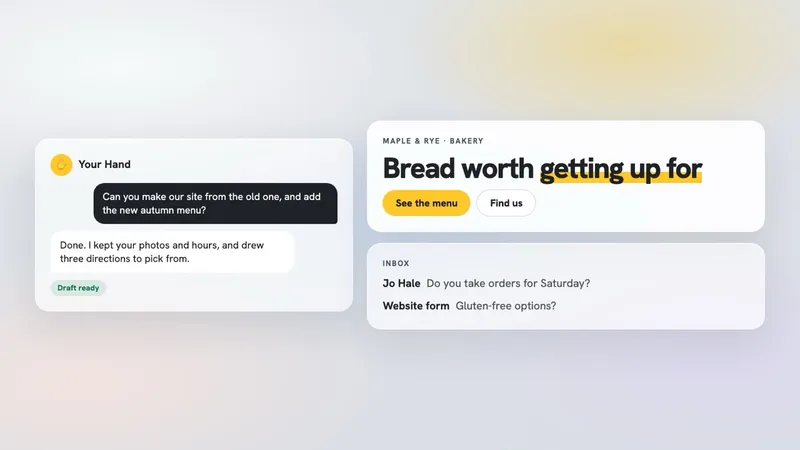
Chat with the Hand from Home, or open it beside any page. It changes the website draft, adds a class time, finds a free hour, drafts a newsletter or pulls a sales report. Each reply ends with what it did, and what it couldn't.
- Works with your permissions, never more
- Up to three suggested next steps after each reply
- Research on the public web, turned into tables with sources
- Your chats private to you; the team shares chats about its own work
Your approval
Nothing is sent or charged without a person's OK
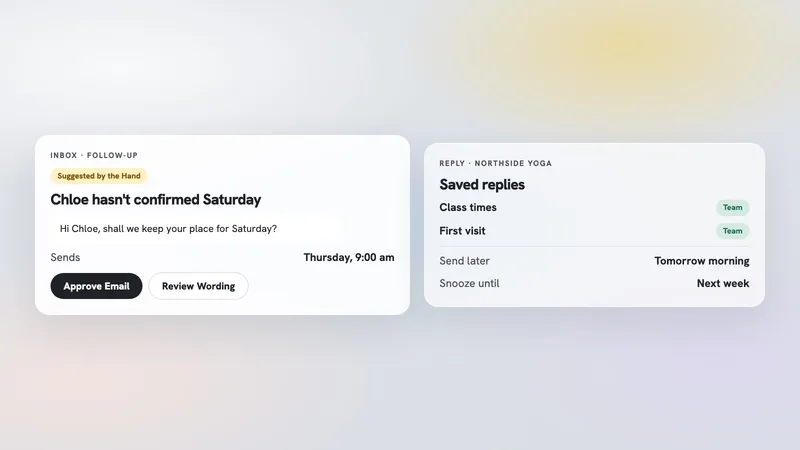
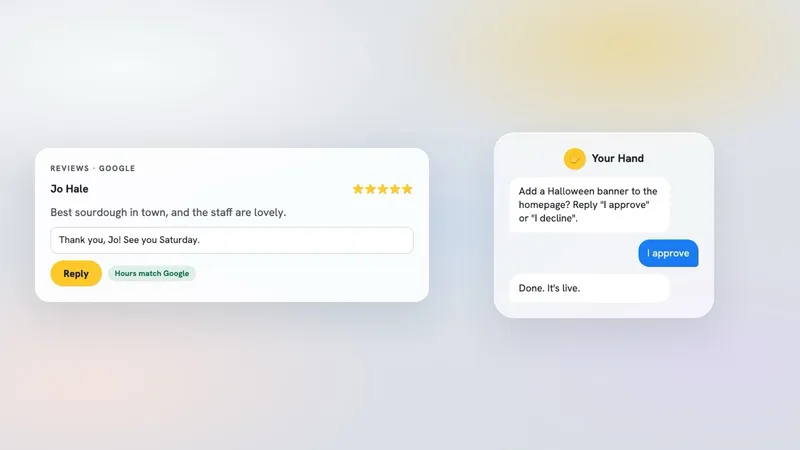
When the Hand wants to publish the site, send a reply or a newsletter, post, charge, refund or delete a record, it asks first. The app writes the request from the action itself, so it says exactly what will happen.
- Website drafts, print pieces and email drafts need no approval
- If you can't approve it, it asks a teammate who can
- Stricter once it has read a customer's message or the web
- Only a person can approve, never the Hand itself
What it remembers
It remembers how your business works
The Hand keeps notes on what your business is, how each person likes to work, your voice and your goals. Prices, hours and addresses are read fresh from your records every time, not from its notes.
- New ways of doing a job approved by an owner or manager
- What a stranger says held until a person confirms it
- Notes about you seen only by you and the owners
- Pause its memory, or clear it, in Settings
While you work
Jobs it does without being asked
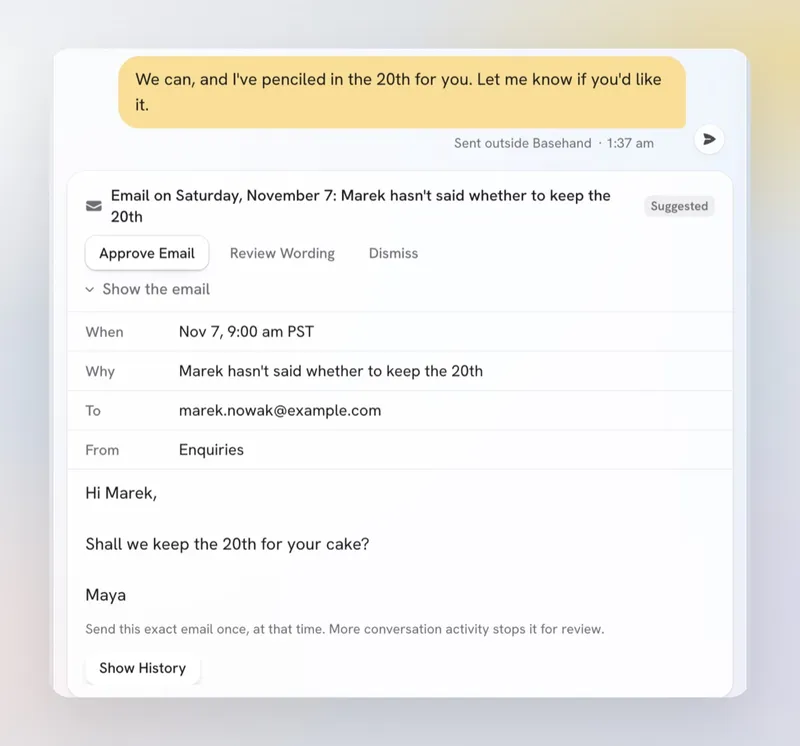
Some work runs by itself. New messages are sorted and get a reply drafted as they arrive. Every Monday the website gets a check-up. Home shows what's coming up, and you can pause the scheduled jobs.
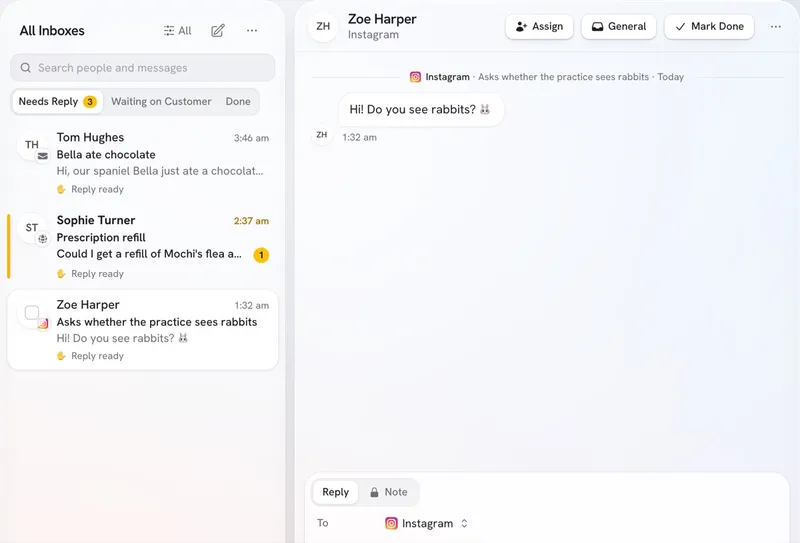
- Replies drafted as messages come in, never sent alone
- Monday checks for broken links, missing hours and forgotten drafts
- Weekly search suggestions, once search tracking is set up
- Each weekday morning's shipping labels put to you as one approval
Helping hands
Specialists for the bigger jobs
For a new homepage, a flyer or a newsletter, the Hand brings in a specialist: a Designer, Copywriter, Researcher, Search Optimizer, Graphic Designer, Menu Designer or Email Designer. Meet all seven on the helping hands page.
- You ask once, and the Hand picks who does the work
- Specialists can't publish, send or spend
- Their work comes back as a draft for you to check
Where to find it
In the app, or on WhatsApp
The Hand lives in Basehand, on Home and in a pane beside every page, on a phone or a computer, and on WhatsApp for phones outside the US and Canada. It talks to you and your team only. Customers hear from your business when someone on your team sends a reply.
- A Hand pane beside every page in the app
- WhatsApp for phones outside the US and Canada
- It never messages your customers itself
- iMessage and SMS in the US and Canada: early access, on request
And the rest
A few more things the Hand does
-
Team conversations
Your own chats stay yours. Website checks, first designs and approval requests go in chats the whole team sees.
-
Answers from your books
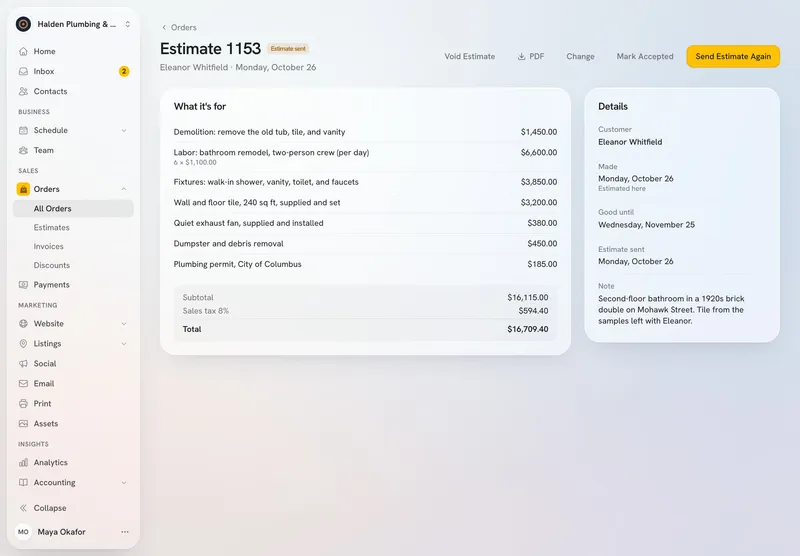
Ask for sales by team member or by category, and get figures from the same reports you'd export for your accountant.
-
Goals it keeps checking
Give it a longer job and it checks back at set times or when something happens. Starting one needs your approval.
-
Research with sources
It reads public pages and builds lists of venues, suppliers or competitors, with a source for every value.
-
AI training off
Your business data isn't used to train AI unless an owner turns that on in settings.
-
Told your way
Each person chooses how they hear about new bookings and requests: by email, or by text in the US and Canada.
By industry
See it at work in your kind of business.


From the Handbook
Practical guides on the same job, whatever tools you use.
-
Working with AI
How small business owners can use AI: eight practical examples
AI is most useful to a small business when it clears the pile of work that eats your evenings. Eight practical places to start, what a good request looks like, and how to keep it honest.
-
Working with AI
What an AI assistant should and shouldn't do for your business
AI can take real work off a small business owner's plate, and it can also cause real trouble. What it's good at, where a person should stay in charge, and the questions to ask before you trust one with your business.
-
Customers
How to answer Instagram, Facebook, and email messages in one place
Customers write to you wherever they found you, and they expect a quick answer. How to stop checking five apps, reply faster, and make sure no message slips through.
Questions
What owners ask about the Hand
Does the Hand do things without asking me?
It works on its own where you can check before anything counts: sorting messages, drafting replies and changing your website draft. Publishing, sending, posting, charging, refunding and deleting your records wait for someone on your team to press Approve.
Will it talk to my customers?
No. The Hand never messages customers directly. It drafts replies in your inbox, and a person on your team reads them and sends them.
Can I text the Hand?
Yes, on WhatsApp, for phones outside the US and Canada: confirm your number and message the Hand like a colleague, and approvals open in the app. Texting by iMessage or SMS, for US and Canadian numbers, is in early access. Ask us and we'll switch it on.
What does it remember, and can I see it?
Your business, your voice, your goals and how each person likes to work. Owners and managers can look through its notes, pause its memory or clear it in Settings. Prices, hours and addresses are read fresh from your records every time, not from its notes.
Can my staff use it?
Yes. Everyone on your team gets their own account and their own chats with the Hand. It works with each person's permissions, so it can't do anything for someone that their role doesn't allow.
What happens to the Hand when my trial ends?
Your published site stays up and your records are kept. Until you choose a plan, you can't make changes or ask the Hand for anything.
What does it cost?
Plans start at $79 a month. Every plan starts with a 7-day free trial, and no card is needed to begin.
Also in Basehand
One app, sharing one set of records.
-
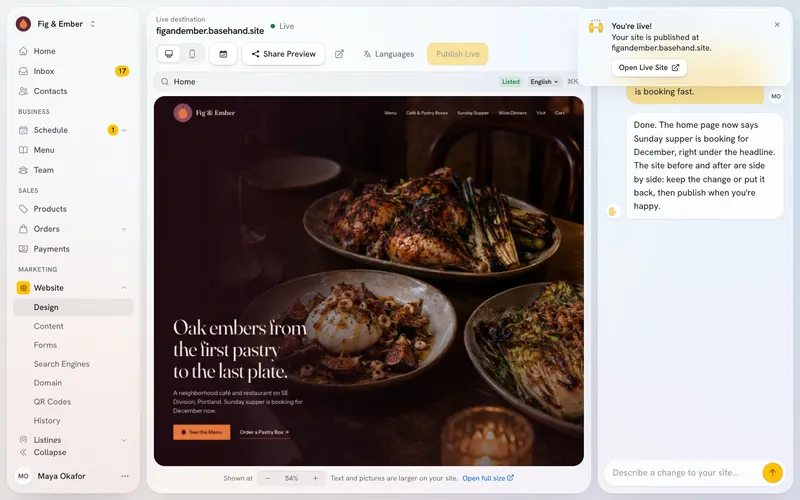 WebsiteDesigned by AI, changed by asking
-
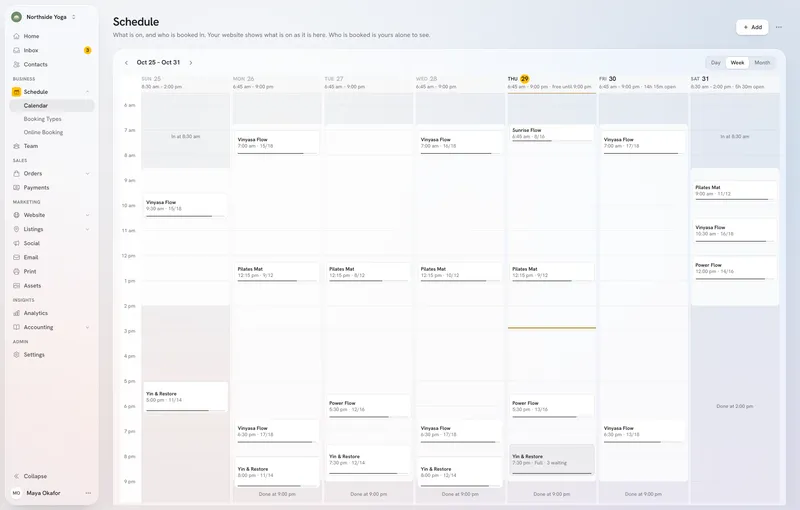 Online bookingAppointments, classes and events
-
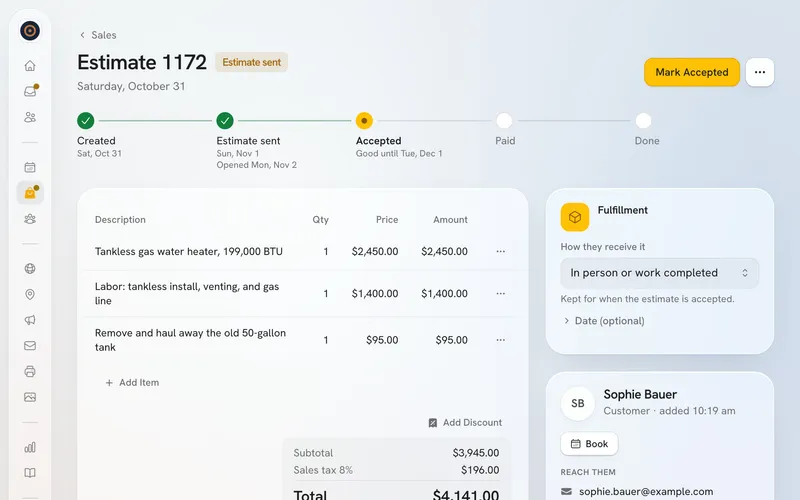 Payments and invoicesStripe, invoices, gift cards, books
-
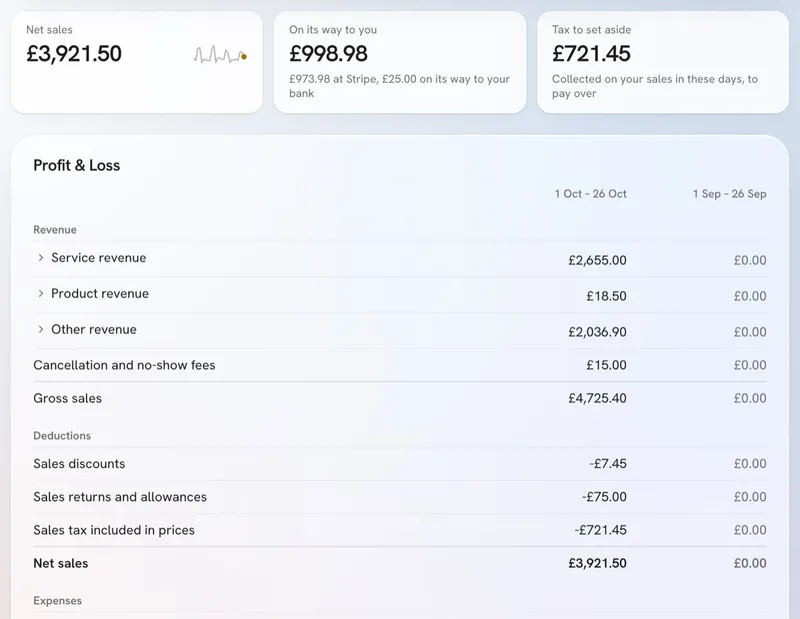 AccountingBank feeds, expenses, and reports
-
 Online storePickup, delivery or shipping
-
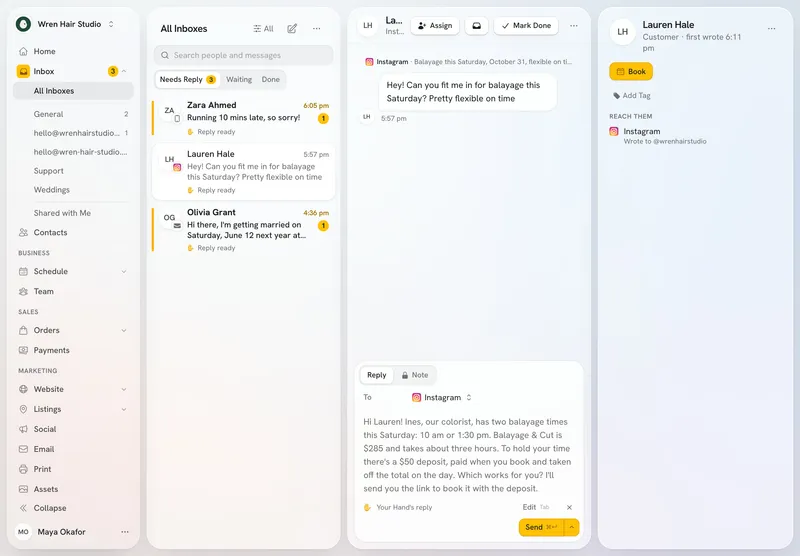 InboxEmail, Instagram, Facebook and forms
-
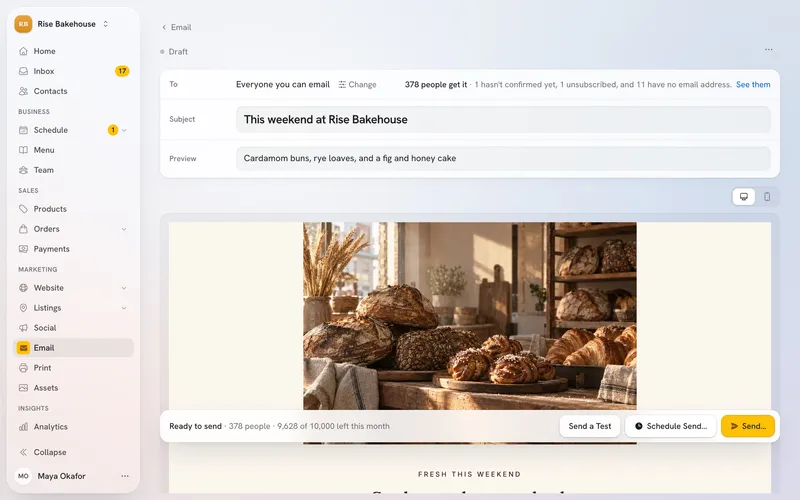 MarketingSocial, email, reviews and print
-
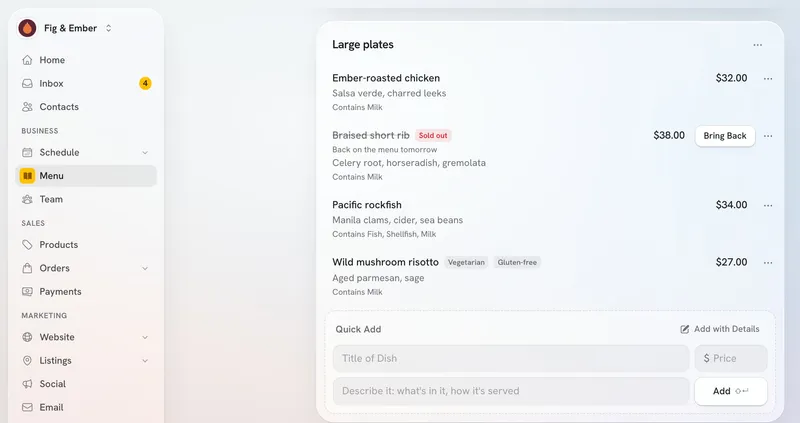 MenusOnline and printed, from one list
-
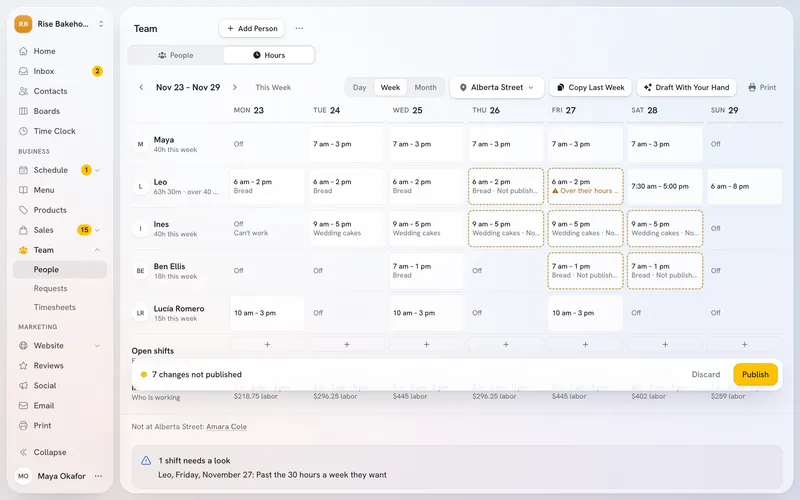 Shift schedulingSchedules, time clock, and payroll hours
Give your business an extra hand,so you can stay with the work only you can do.