 Basehand
Payments and invoices: Get paid on time, and know where it went.
Card payments go to your own Stripe account. Send estimates customers accept on their phone and invoices that send their own reminders. Sell gift cards, memberships and class packs. Every sale, fee and payout lands in one set of books.
7 days free. No card needed.
Your own Stripe
Payments that land in your own Stripe account
Set up Stripe without leaving Basehand. It's a full Stripe account in your business's name, with its own dashboard. Customers pay by card, Apple Pay, Google Pay or Link. Stripe's fee is paid on your account, and Basehand's own fee is on the pricing page.
- Customers pay your price, with no fee added
- Receipts sent as your own branded emails
- Every payout matched to the payments inside it
- Fees and net amounts on every payment, with CSV export
Estimates and invoices
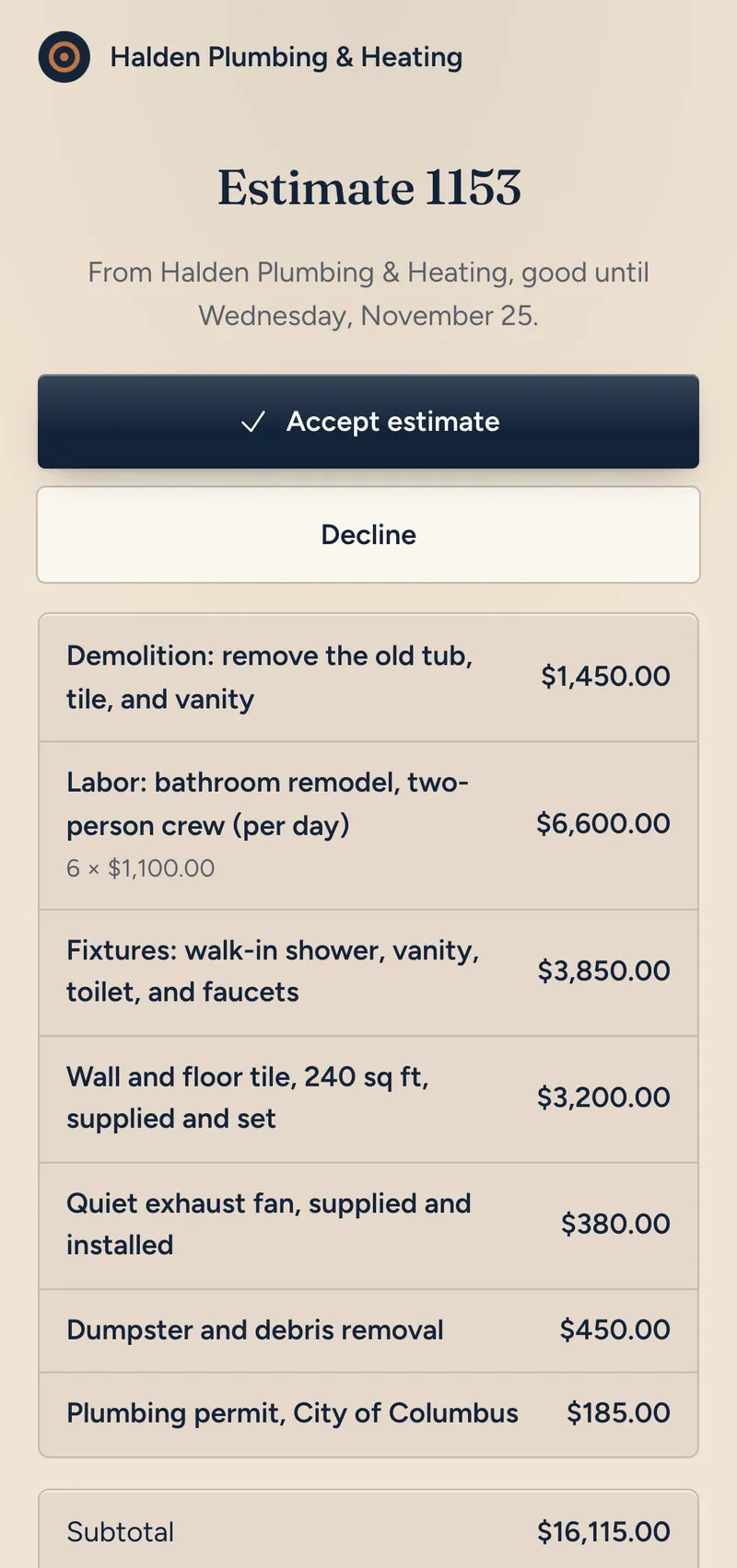
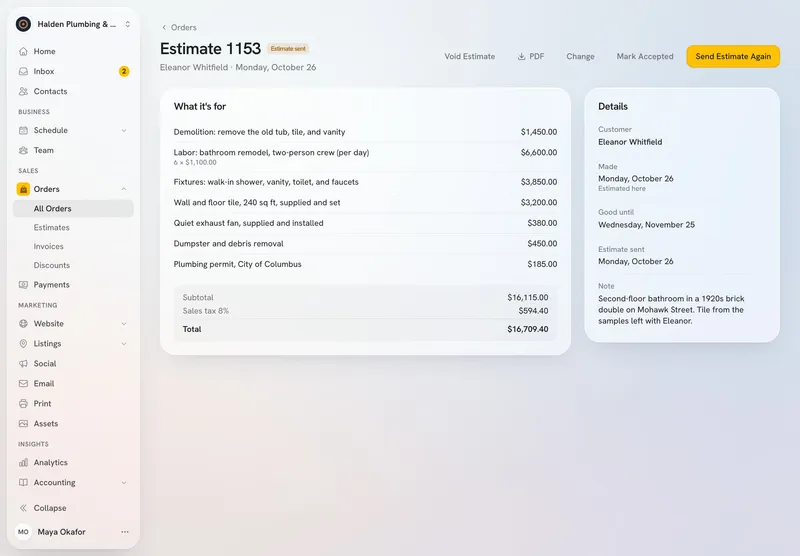
Estimates they accept, invoices that chase themselves
Send an estimate as a page, an email and a PDF. The customer accepts on their phone and can pay a deposit straight away. When the job's done, send the invoice. Reminders go on the due date, then a week and two weeks later.
- Your logo, tax number and payment terms on every PDF
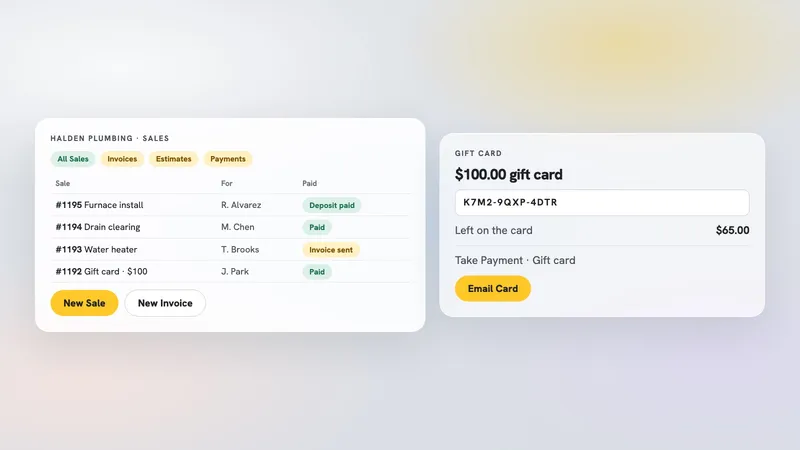
- Gift cards taken on the invoice page, and every part paid shown
- Who owes what, and how late, on one page
- Credit notes and write-offs when plans change
Gift cards
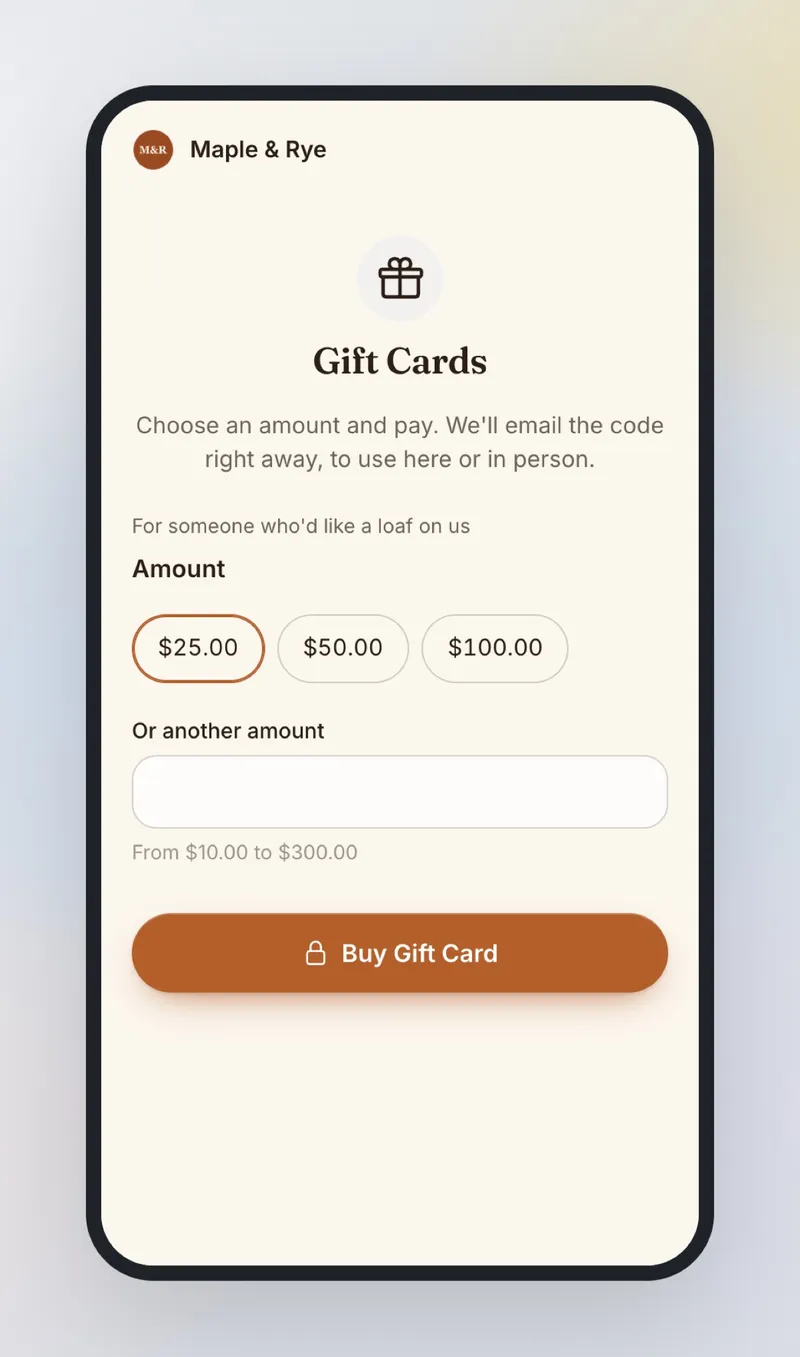
Gift cards, sold online and at the desk
Customers buy a gift card on your site, at a set amount or their own, and get the code by email. It's spent on bookings, in your store, on invoices and at the counter, a bit at a time, with the balance kept.
- Your own amounts, plus any from $10 to $500, a range you can change
- Any amount when you sell one from the Orders page
- Counted as money owed until it's spent, in your reports
- A balance page link that never expires
Memberships and packs
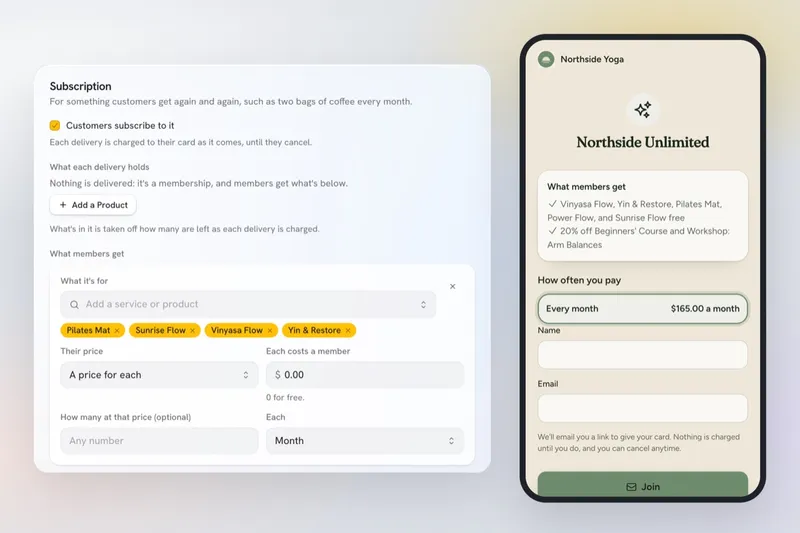
Memberships, class packs and subscriptions
A membership renews on a schedule and gives perks, like 10% off or one free class a month, plus pages only members see. A class pack is paid once and used up as customers book. Subscriptions deliver your products on a schedule.
- Members' prices applied as they book or check out
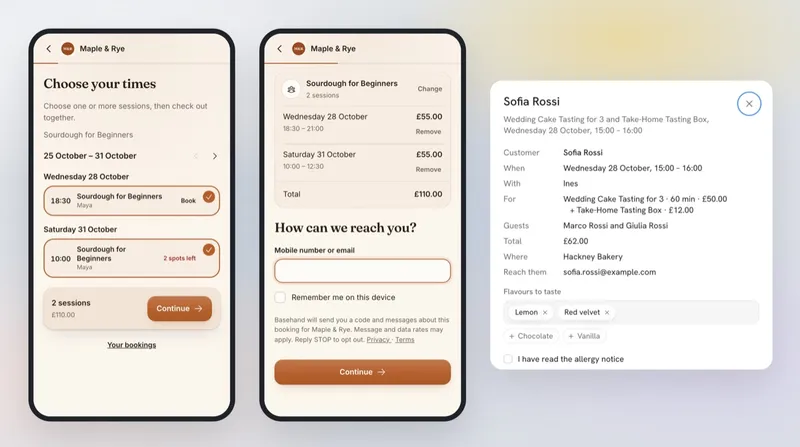
- Customers can join a membership while they book
- Declined cards retried, with an email asking for a new one
- Subscribers skip, pause or change deliveries themselves
Discounts and tax
Discount codes, sales tax and VAT
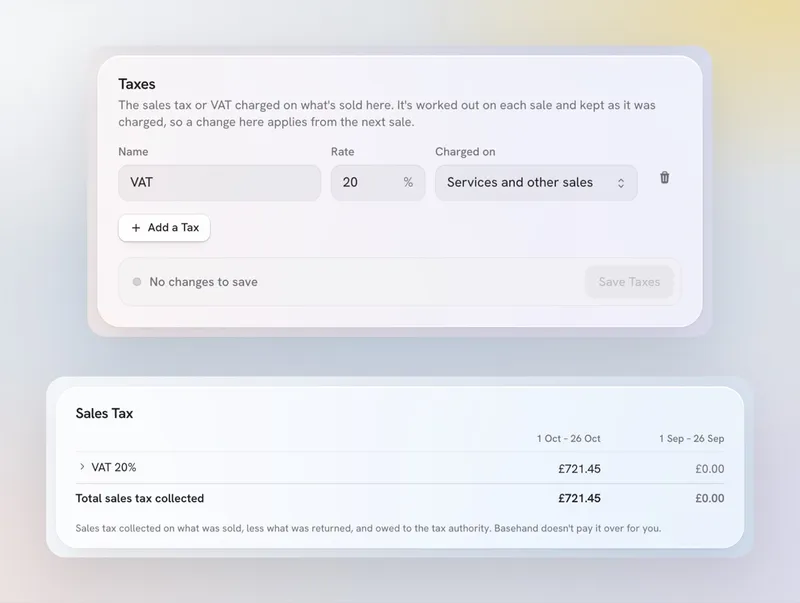
Make a code for a percent or an amount off, on everything or chosen items, with dates and a use limit. Set your sales tax or VAT rates for each location, and Basehand applies them. For shipped orders, Stripe Tax works out tax by address.
- Up to 200 one-time codes made at once
- Printable vouchers with a QR code to book
- Prices shown with tax included or added, your choice
- Your tax number printed on every invoice
Your books
Profit and loss for everything you sell
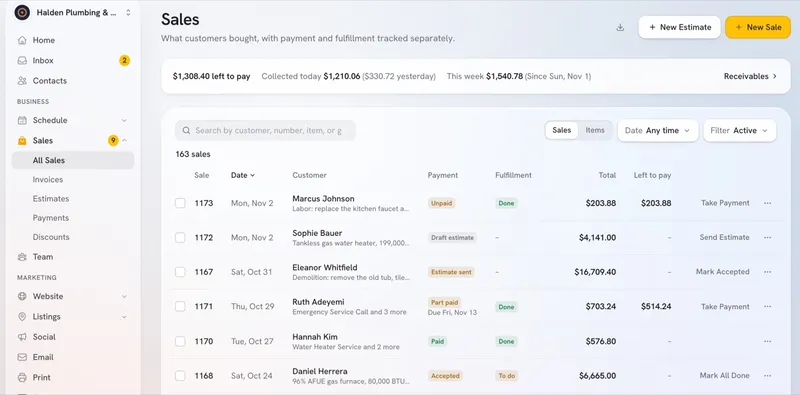
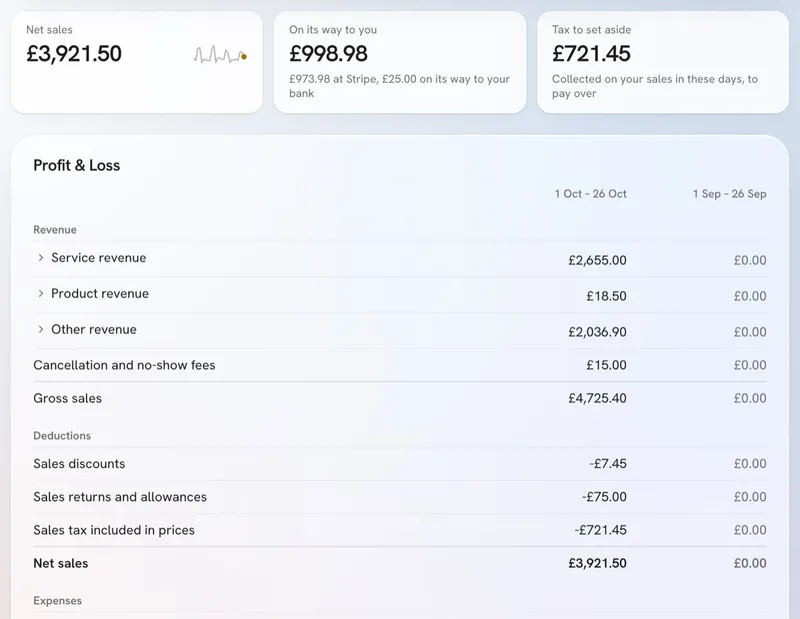
Every sale, payment, refund, fee, and payout through Basehand is recorded as it happens. Connect your bank and cards, and your expenses come in too. See profit and loss, sales by category, team member, or location, and CSV exports for your accountant.
- Your Stripe balance, payouts on the way, and money owed
- Tips owed to each person, and tax to set aside
- Ask the Hand for sales by team member and category
- Bank feeds, with expenses sorted for you
Refunds and cash
Refunds, cash and payments taken in person
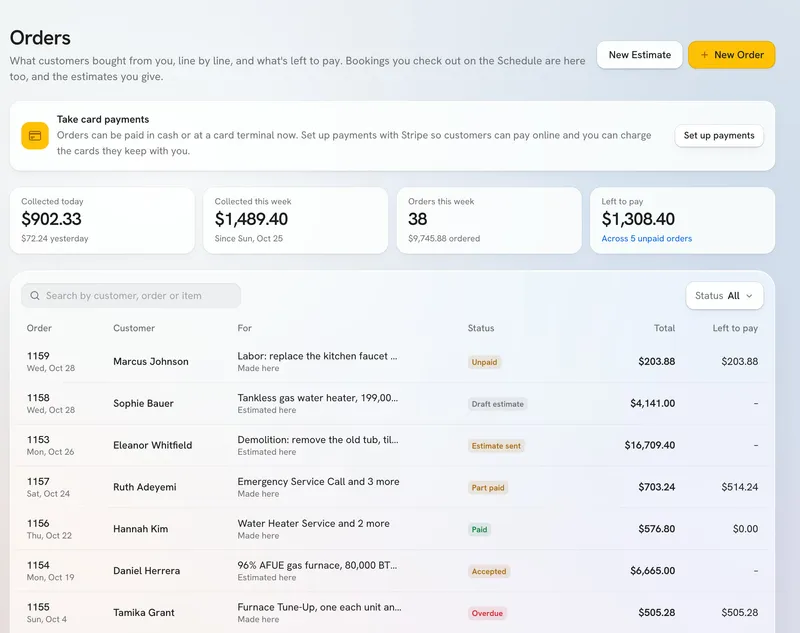
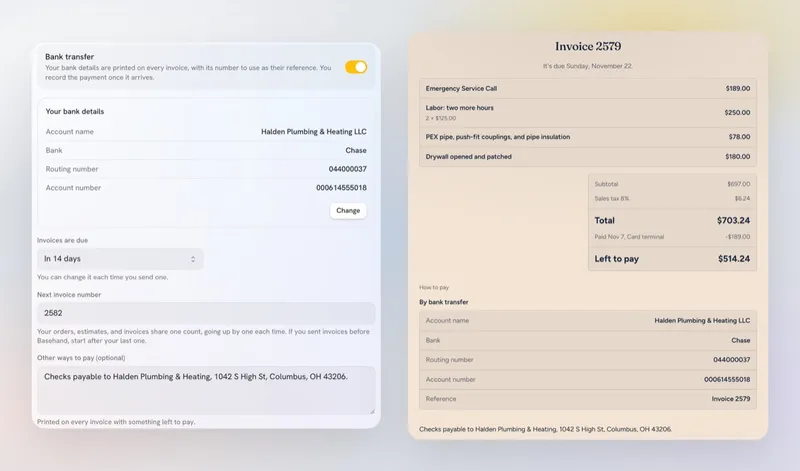
Give back all or part of a payment, and put store items back in stock if you like. Record cash, a card terminal, a bank transfer or a check, so every sale is in the same books. Over the phone, send a payment link.
- Refunds made in Stripe show up in Basehand too
- Customers emailed when a refund is issued
- Disputes shown with their deadline and a link to Stripe
- No Basehand fee on cash and other recorded payments
And the rest
More for getting paid
-
Sales at the counter
Ring up a walk-in or a contact, add a tip, and charge a card on file or record how they paid.
-
Payment links
Ask a customer to pay for a booking you made for them, with a link by email or text.
-
Deposits on any order
Ask for a deposit on any order, as an amount or a percent, sent with one button.
-
Customer statements
A PDF statement for any customer, with what's paid and what's still owed.
-
Who sees the money
Owners and managers see payments, reports and refunds. Staff take payments at the counter, without the books.
-
Failed payouts flagged
If a Stripe payout to your bank fails, owners and managers hear about it at once.
By industry
See it at work in your kind of business.


From the Handbook
Practical guides on the same job, whatever tools you use.
-
Getting paid
How to get paid on time: a simple invoicing routine
Late payments are usually a process problem, not a customer problem. A routine for estimates, invoices, and reminders that gets money in without awkward conversations.
-
Getting paid
How to sell gift cards online before the holidays
Gift cards bring in money now and new customers later. How to choose the amounts, where to offer them, and what to get right so they're easy to buy, give, and spend.
-
Bookings
How to cut no-shows without upsetting your regulars
An empty chair costs you the whole appointment. How reminders, confirmations, deposits, and a fair cancellation policy work together to keep your calendar full.
Questions
What owners ask about payments
What does it cost to take card payments?
Stripe charges its processing fee on your own Stripe account, and Basehand takes a small fee on each card payment, shown on the pricing page. Your customer pays your price, with nothing added. Cash and other payments you record carry no Basehand fee.
Can I take cards in person with a card reader?
Not through Basehand. There's no card reader. If you use a terminal from another company, record the payment as a card terminal payment so it's in your books. For orders over the phone, send the customer a payment link.
Can I connect the Stripe account I already have?
Not today. Setting up payments makes a new Stripe account in your business's name. If you've verified your details with Stripe before, you can reuse them, which makes it quicker.
Can I send recurring invoices?
Not yet. Each invoice is sent on its own. For something that repeats, like a monthly delivery or a membership, a subscription charges the customer's card automatically.
Does Basehand file my sales tax?
No. You set your rates for each location, and Basehand applies them and reports what you collected. For shipped orders, Stripe Tax works out the tax by address. Filing and paying it stays with you or your accountant.
Is it full bookkeeping?
Yes. Everything you sell and get paid through Basehand is in the books, and once you connect your bank and cards, so are your expenses, with reports, reconciling, and closing. There's no QuickBooks or Xero connection, but your accountant can export the books as CSV.
Do gift cards expire?
No. The code and its balance page don't expire. Customers spend it on bookings, in your store, on invoices or at the counter, a bit at a time.
What does it cost?
Plans start at $79 a month. Every plan starts with a 7-day free trial, and no card is needed to begin.
Also in Basehand
One app, sharing one set of records.
-
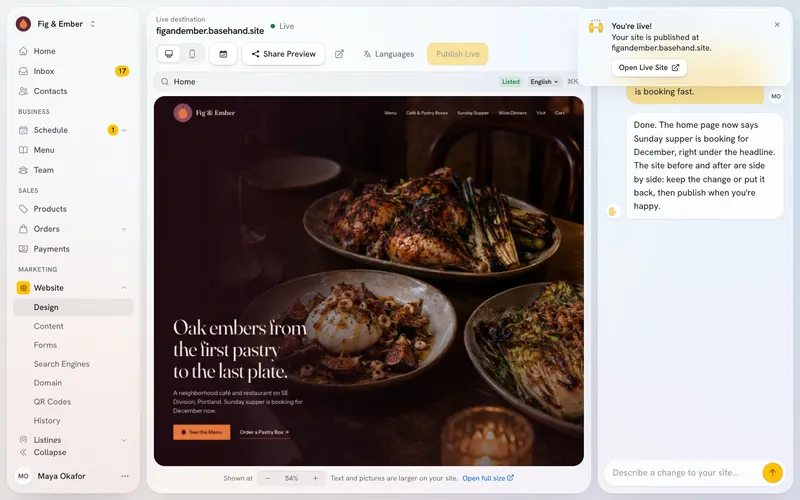 WebsiteDesigned by AI, changed by asking
-
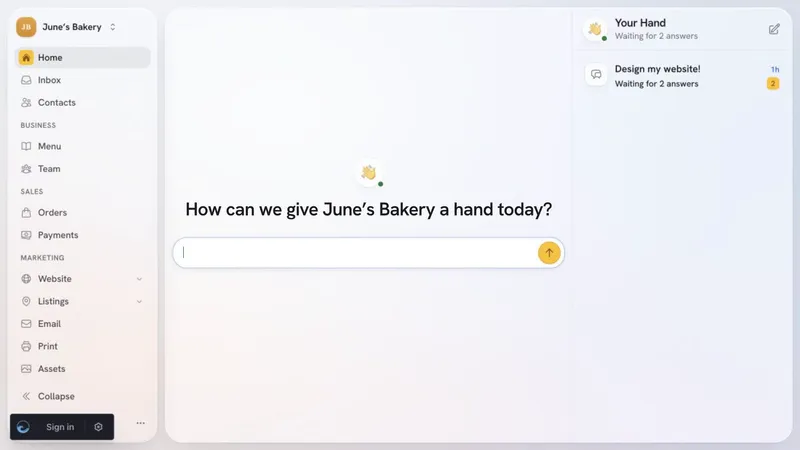 The HandYour AI assistant, asks before acting
-
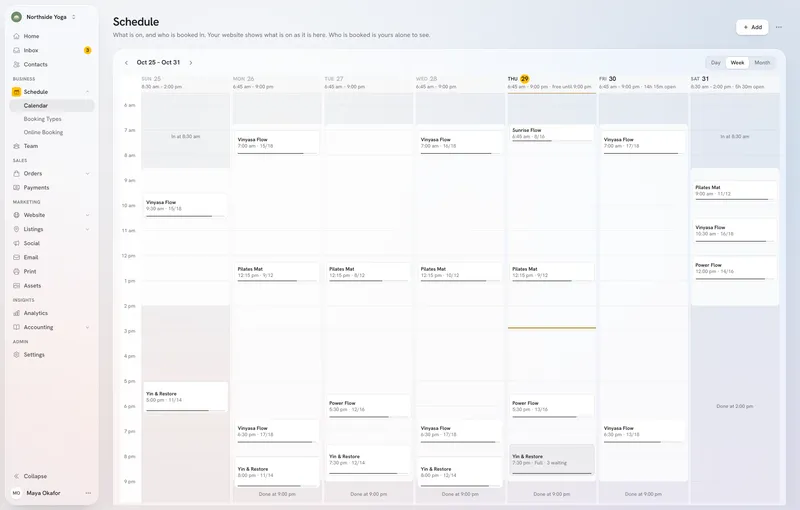 Online bookingAppointments, classes and events
-
AccountingBank feeds, expenses, and reports
-
 Online storePickup, delivery or shipping
-
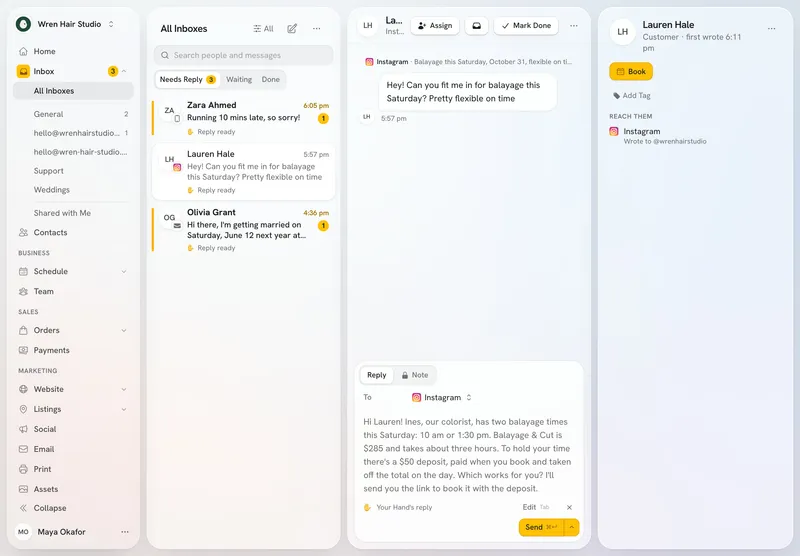 InboxEmail, Instagram, Facebook and forms
-
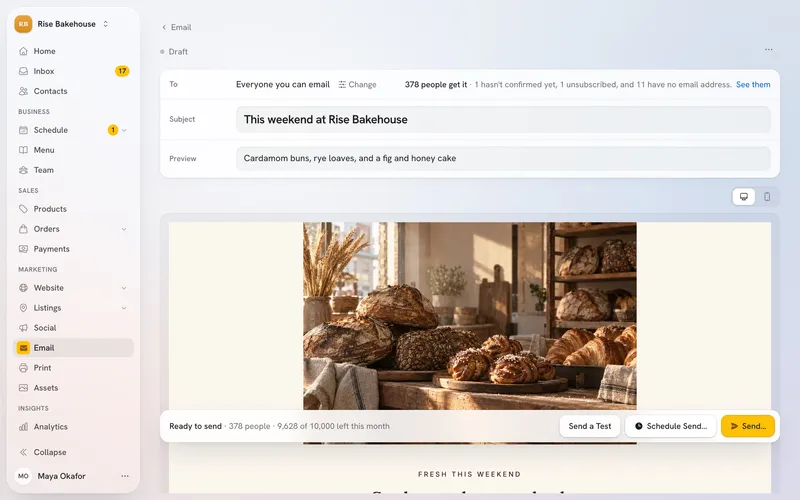 MarketingSocial, email, reviews and print
-
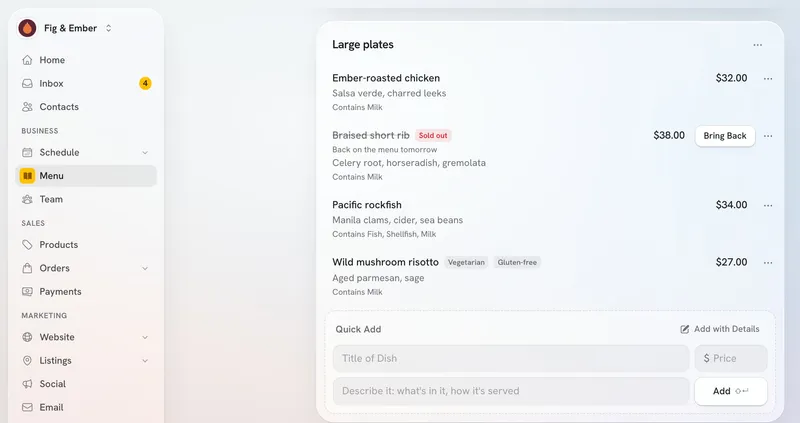 MenusOnline and printed, from one list
-
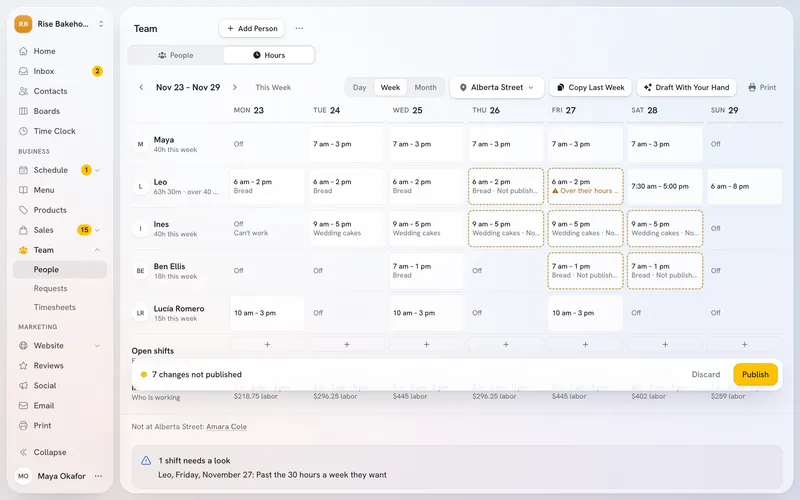 Shift schedulingSchedules, time clock, and payroll hours
Give your paperwork an extra hand,so you can get paid without chasing anyone.