 Basehand
Online booking: A booking page that works while you do.
Customers book appointments, classes and events on your website, at times that are really free. Take a deposit or keep a card on file, send reminders by email and text, and see the whole team's day on one schedule.
7 days free. No card needed.
Appointments and classes
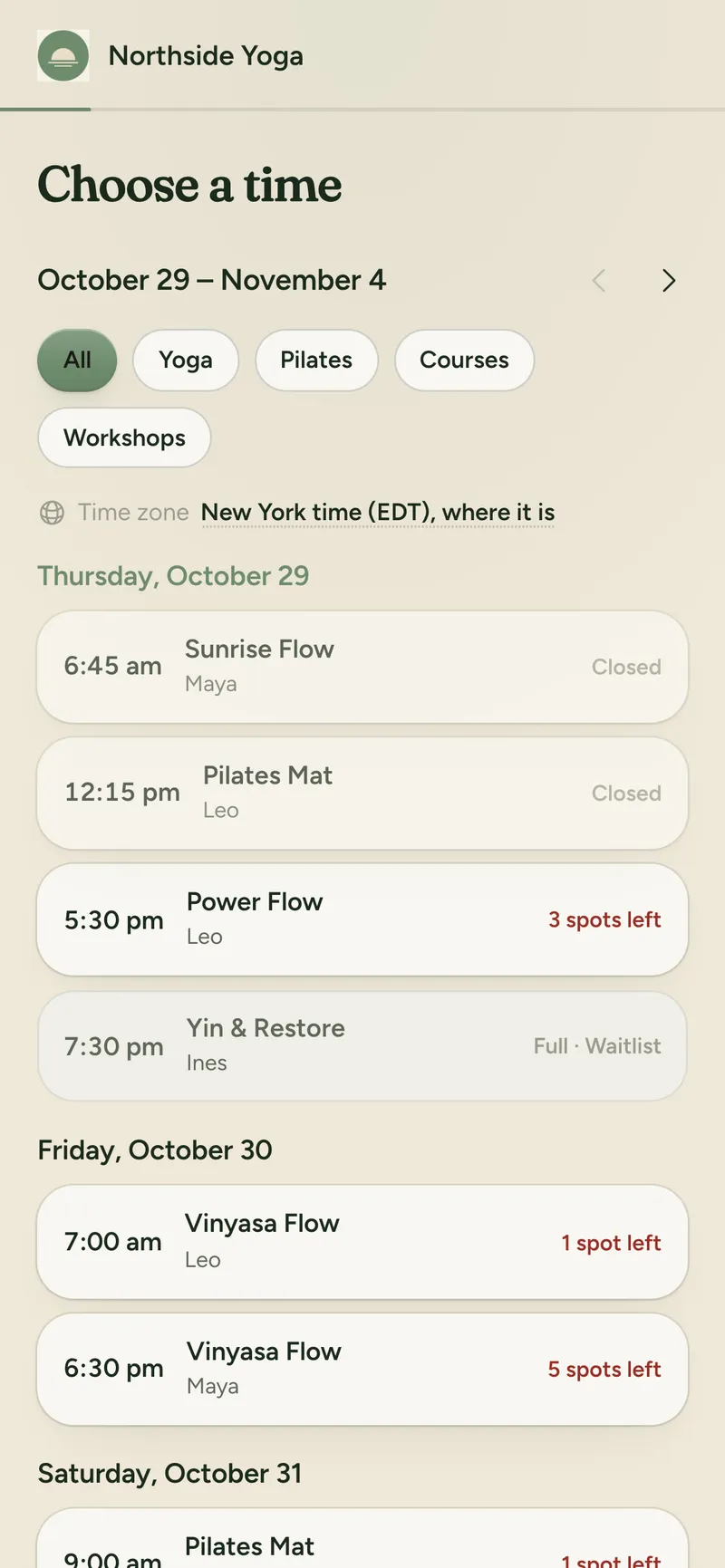
Appointments, classes, courses and timed entry
An appointment happens when a customer picks a time and someone is free. A class or event runs at times you set, with a number of spots. A course books several dates at once, and timed entry starts every few minutes, like a tour.
- Weekly, monthly or one-off dates, and all-day sessions
- Prices that change with who does it, like senior stylists
- Online sessions with a Google Meet link, once you connect a Google account
- Your timetable read from a photo or PDF into drafts
Groups and add-ons
Parties, guests and extras
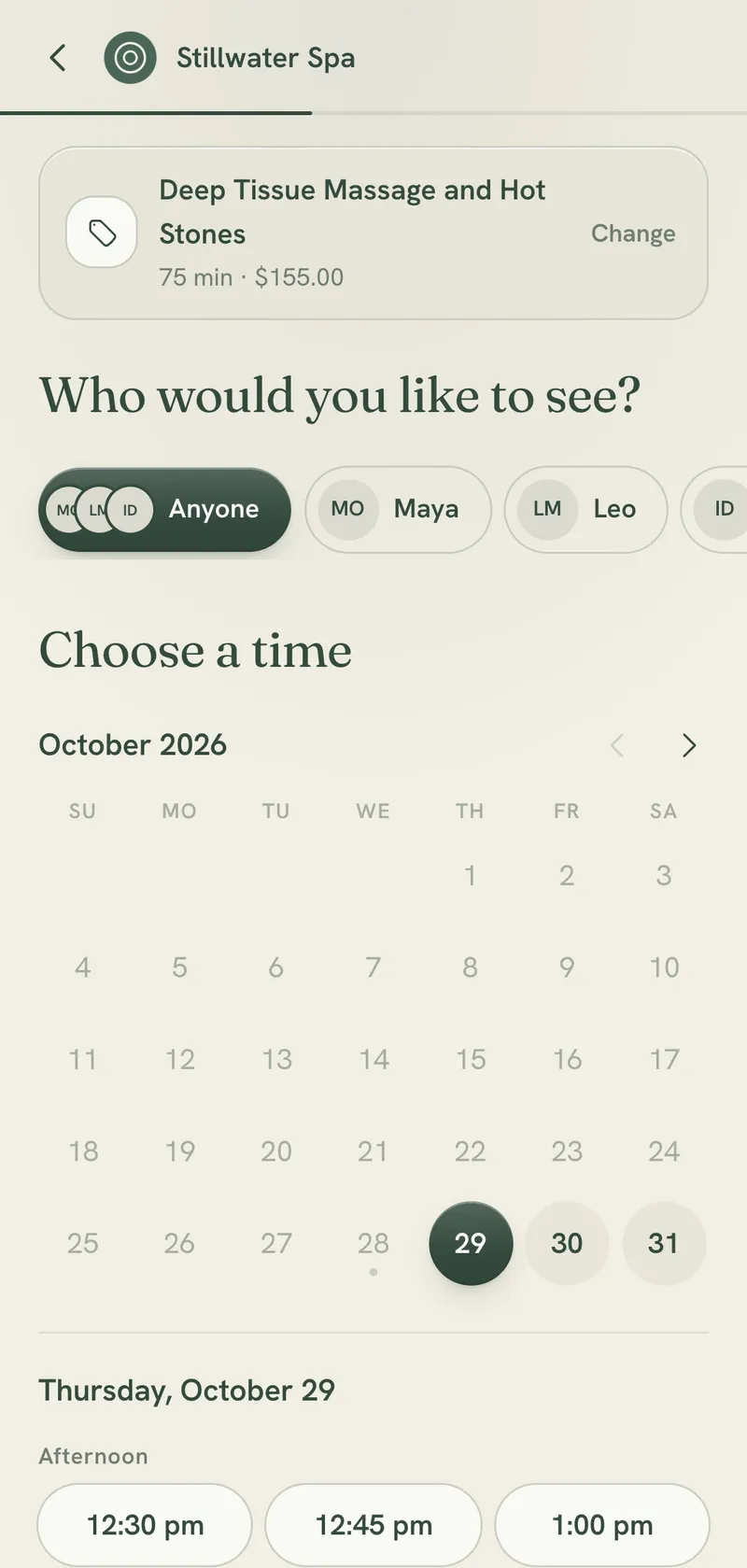
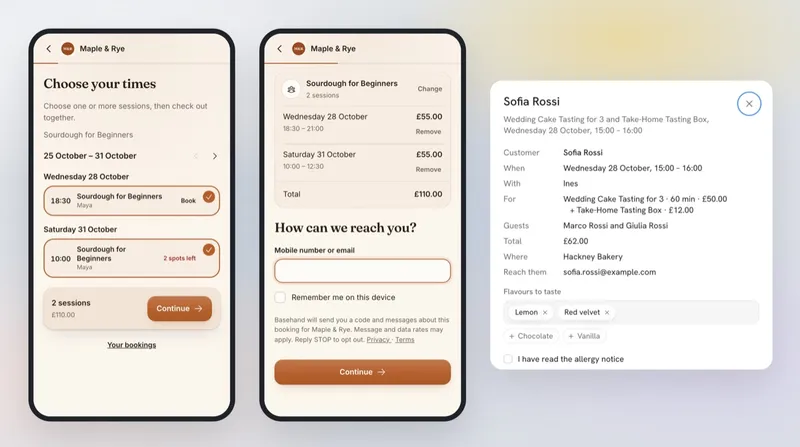
A service can be booked for 2 to 50 people, with what each extra person adds in time and price. Class customers can bring guests. Add-ons, like hot stones on a massage, are ticked before choosing a time, so only times long enough are offered.
- Up to 20 add-ons per service, each at its own price
- A minimum party size where a service needs one
- Add-on-only services, like a nail trim with a groom
- Guests named by the customer as they book
Spots and waitlists
Full classes take a waitlist
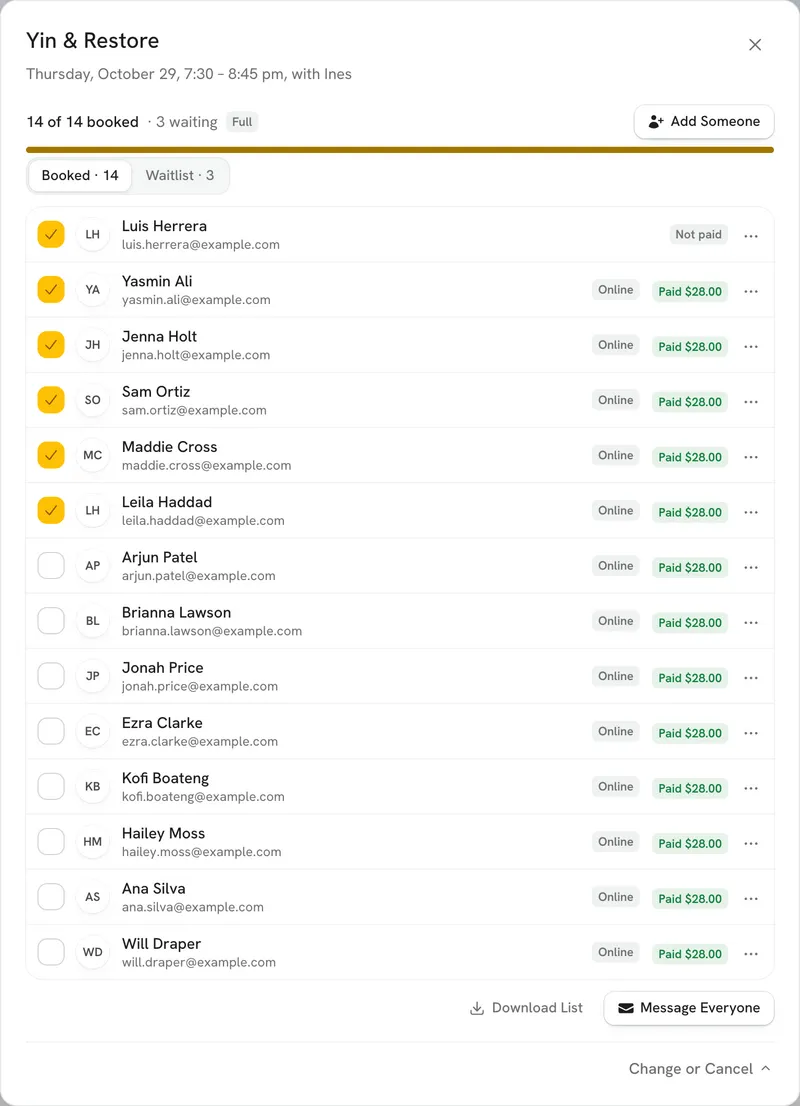
Set spots per class, per time or for one date. When a class fills, people join the waitlist. If a spot opens, everyone in line whose party fits is told at once, and the first to claim it gets it.
- Spots left shown when few remain, always, or never
- A roster for each class, with check-in and no-shows
- Message everyone booked, or download the list
- Several dates of a class booked and paid in one go
Deposits and fees
Deposits, cards on file and cancellation fees
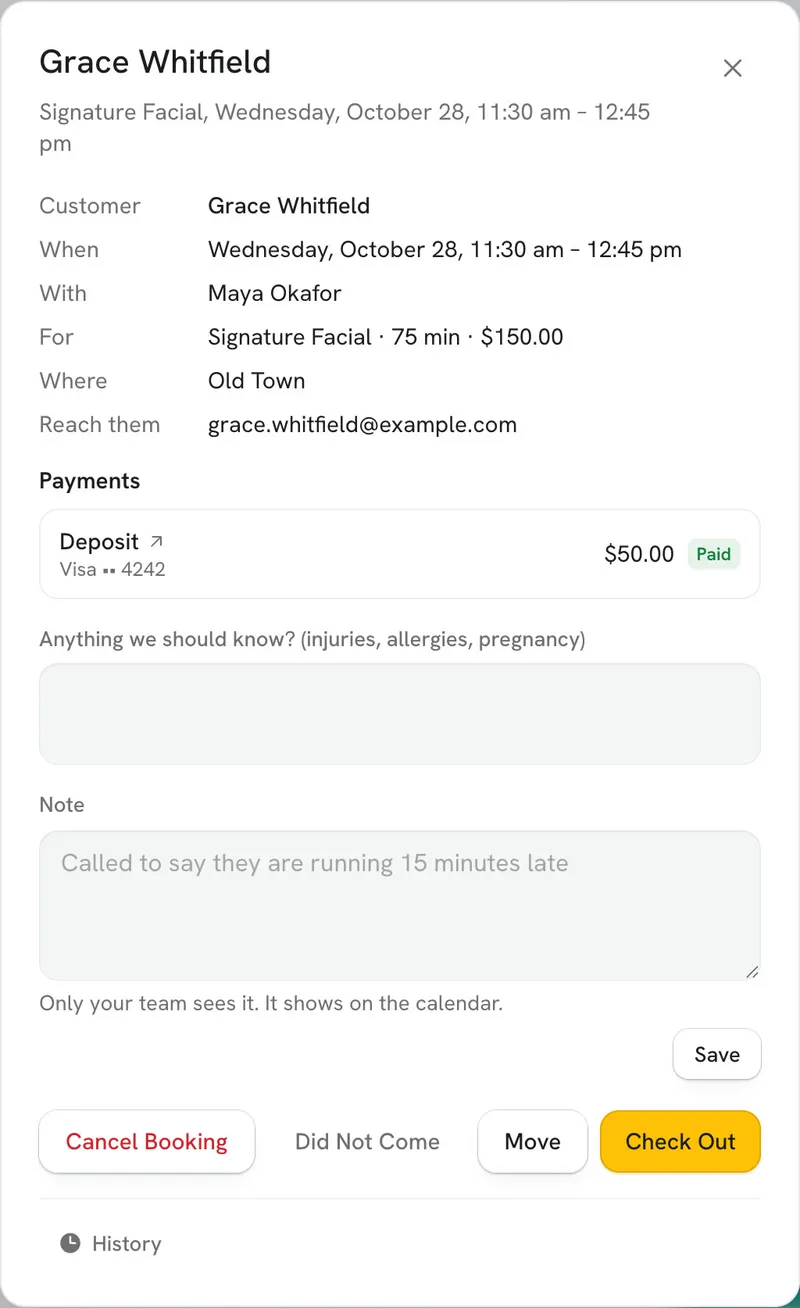
For each service, choose pay at the business, pay in full, pay a deposit, or keep a card on file. Set a cancellation fee and a cutoff. The booking page says what's paid now, what's paid later and when the fee applies.
- Apple Pay, Google Pay and cards, through your own Stripe account
- A time being paid for is held so nobody else takes it
- For a no-show, charge the fee, keep, refund or decide later
- Cancel in time online, and the refund happens by itself
Requests and questions
Approve bookings first, and ask what you need
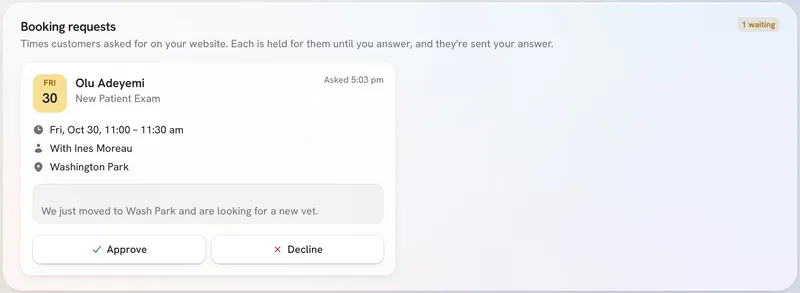
Want to check before you accept? Switch online appointments to requests: the time is held, and you Approve or Decline with a reason. Add booking questions, like a dog's breed or a policy to agree to, required or optional.
- Requests for appointments; class spots always book at once
- Contact details saved and filled in next time; other answers kept with the booking
- Your notice, how far ahead, and when online changes stop
- A card saved with a request and charged only on approval
Reminders and confirmations
Reminders by email and text, at sensible hours
Every customer gets a reminder, however they booked: one or two, from a week to an hour before. Texts go to mobiles in the US, Canada and the UK, and everyone else gets email. A reminder due between 9pm and 8am goes the evening before.
- Ask customers to confirm from the reminder, if you like
- Confirmations with a calendar invite that updates when things move
- Customers change or cancel from their own booking page
- A thank-you email after appointments, with your review link
Your team's time
Every person's hours, time off and travel
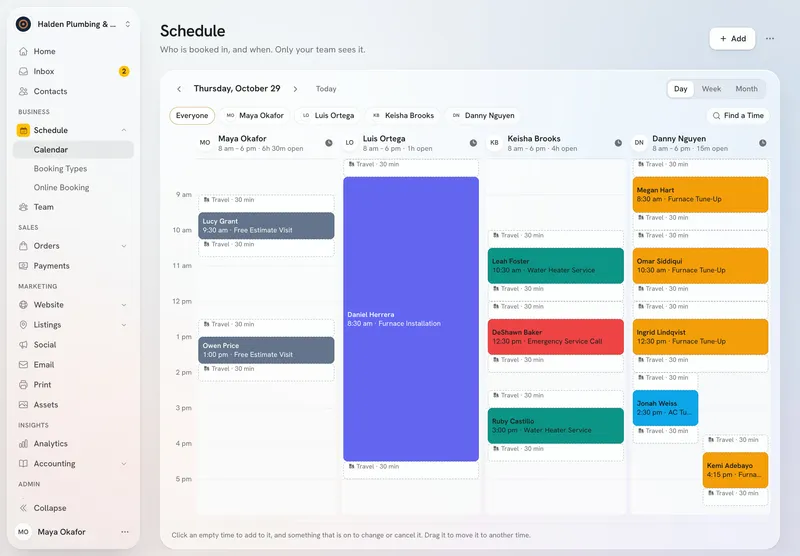
Each person has their own weekly hours, time off and services, at each location. Their own Google Calendar can block busy times. For home visits, travel time is kept clear before and after. The schedule shows everyone side by side.
- Find a Time shows where a service fits across the team
- Drag an appointment to another time, person or day
- Pick public holidays once, and they close a location every year
- Appointments copied to each person's Google Calendar, if they choose
And the rest
More that comes with booking
-
Several locations
Each location has its own address, hours, holidays and team hours. Customers pick where they're booking.
-
A QR code to book
A code for the desk or the mirror that opens your booking page, even at one service or one person.
-
Memberships and class packs
Members' prices apply as they book, and class credits are used up automatically.
-
Google Meet built in
Connect a Google account, and each online appointment or class date gets a Meet room, with a join reminder about five minutes before.
-
A Book link on Google
With your site published and online booking on, your linked Google listing gets a link to your booking page.
-
Book from a conversation
Book a customer from the inbox beside their message, and put the open times into your reply.
By industry
See it at work in your kind of business.



From the Handbook
Practical guides on the same job, whatever tools you use.
-
Bookings
How to cut no-shows without upsetting your regulars
An empty chair costs you the whole appointment. How reminders, confirmations, deposits, and a fair cancellation policy work together to keep your calendar full.
-
Your business
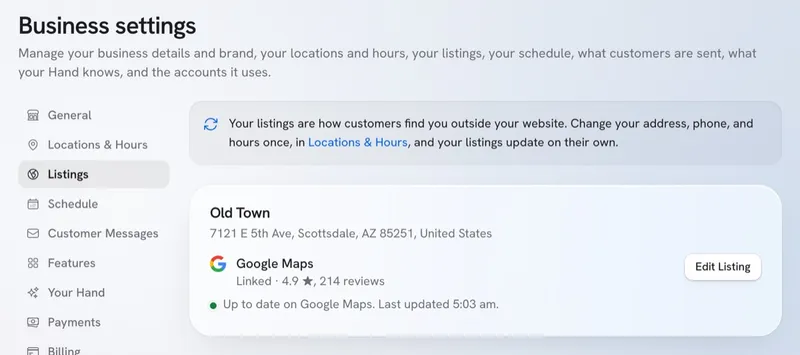
How to update your holiday hours everywhere at once
A customer who drives to a closed door on December 26 doesn't come back happy. How to plan your holiday hours and make sure Google, your website, and your bookings all say the same thing.
-
Customers
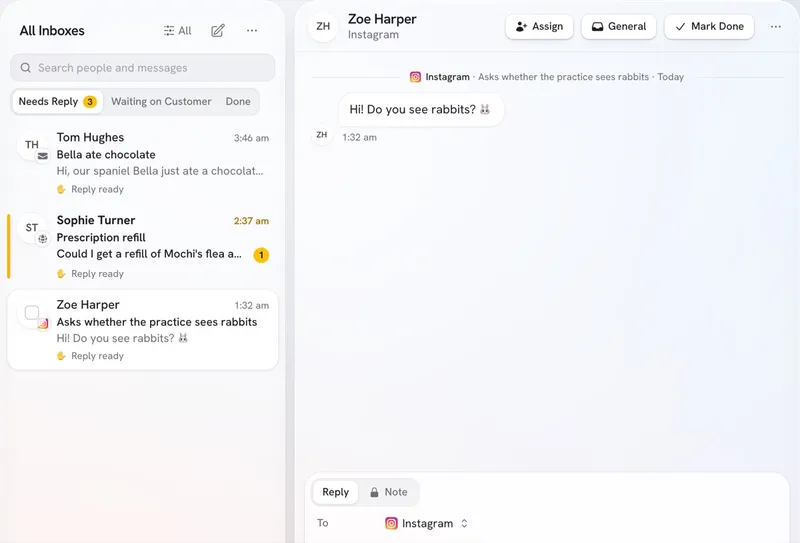
How to answer Instagram, Facebook, and email messages in one place
Customers write to you wherever they found you, and they expect a quick answer. How to stop checking five apps, reply faster, and make sure no message slips through.
Questions
What owners ask about booking
Can customers choose who they see?
Yes, if you want them to. Each service lists who does it, and customers see only the times that person really has free. Turn choosing off and Basehand gives the booking to whoever is free and least busy.
Do you take table reservations?
Not yet. Basehand books appointments, classes, events and tastings with set times and spots. For everyday tables, rooms or courts, keep the system you use now and link to it from your site.
Can I set up a standing weekly appointment?
Not as a repeating series yet. A regular who comes every Tuesday is booked one appointment at a time, and each one gets its own reminders.
Are no-show fees charged automatically?
No. When you mark someone as a no-show, you choose: charge the fee to their card, keep what they paid, refund them, or decide later. A customer who cancels late online sees the fee and accepts it, and it's charged right away.
Can reminders go by text?
Yes, to mobiles in the US, Canada and the UK. Customers elsewhere get reminders by email. If you turn on confirmations, customers in the US and Canada can reply 1 or CONFIRM, and UK texts link to a page to confirm.
Can two people take one appointment together?
Not yet. Each appointment is with one person, so a couples' massage with two therapists is booked as two appointments at the same time.
Can I move over from Mindbody or another booking system?
There's no direct import from other booking systems. Basehand reads your services, classes and prices from your current website, or your timetable from a photo or PDF, as drafts for you to check.
What does it cost?
Plans start at $79 a month. Every plan starts with a 7-day free trial, and no card is needed to begin.
Also in Basehand
One app, sharing one set of records.
-
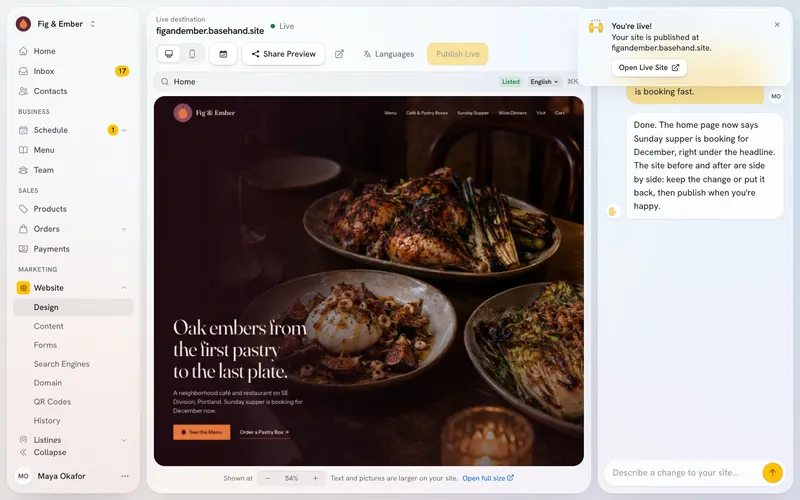 WebsiteDesigned by AI, changed by asking
-
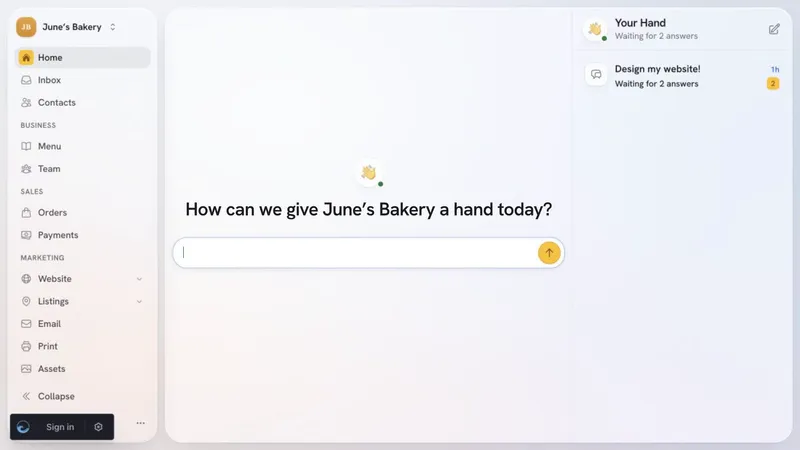 The HandYour AI assistant, asks before acting
-
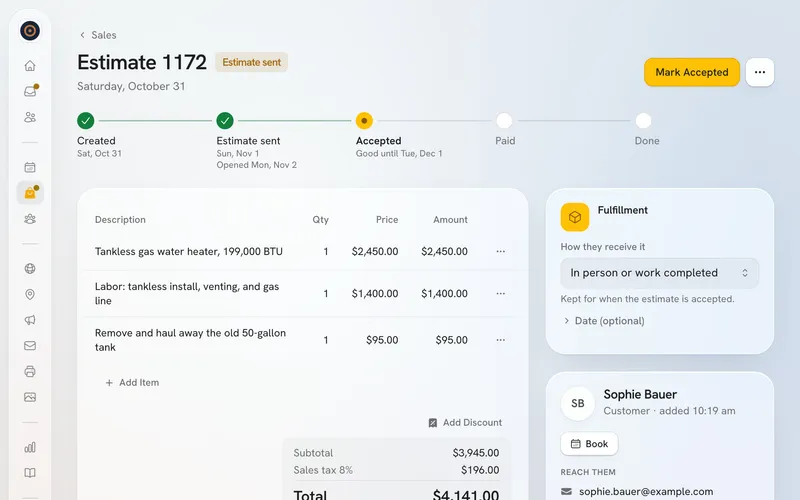 Payments and invoicesStripe, invoices, gift cards, books
-
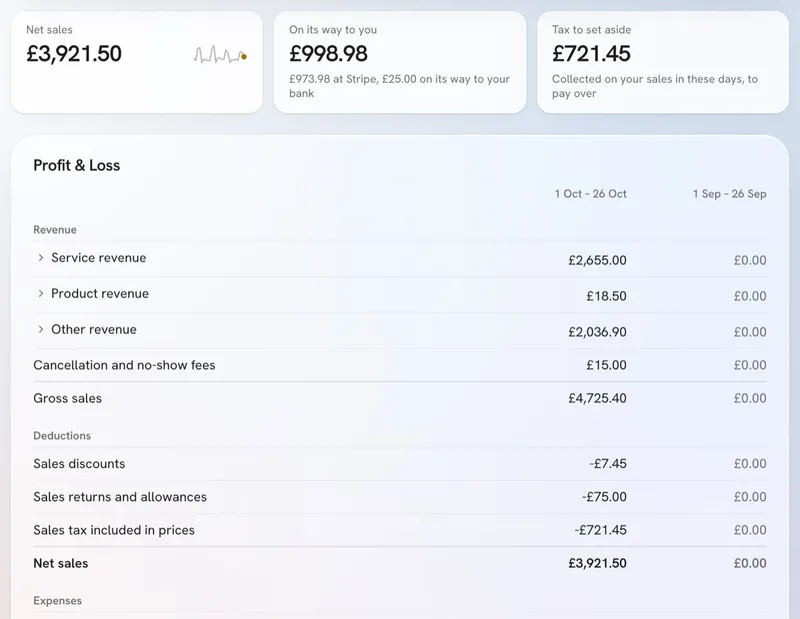 AccountingBank feeds, expenses, and reports
-
 Online storePickup, delivery or shipping
-
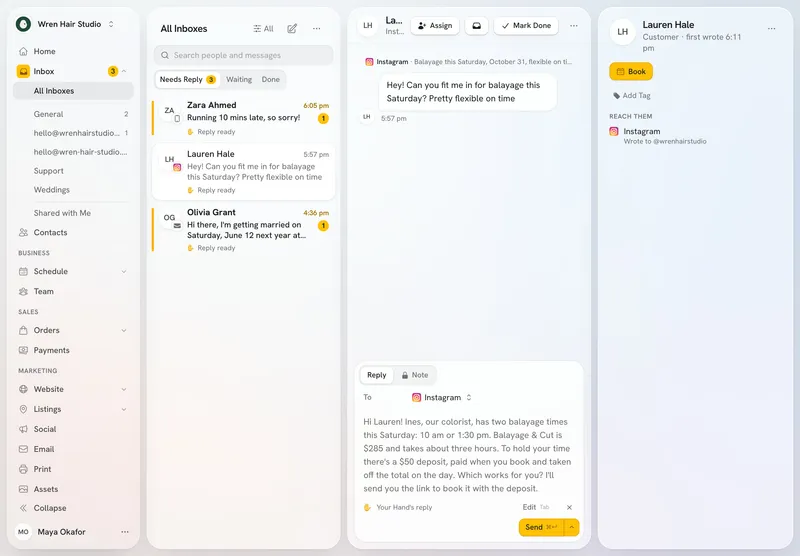 InboxEmail, Instagram, Facebook and forms
-
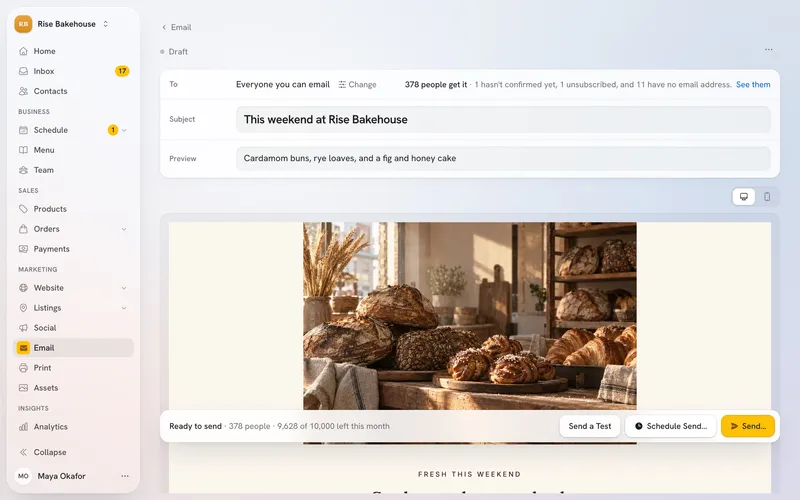 MarketingSocial, email, reviews and print
-
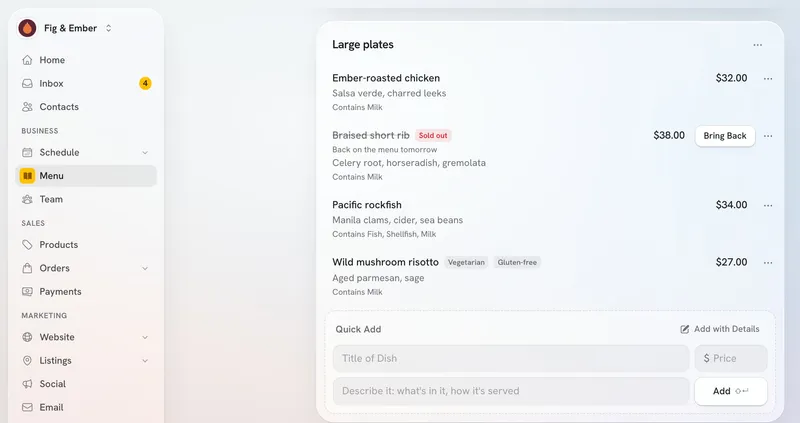 MenusOnline and printed, from one list
-
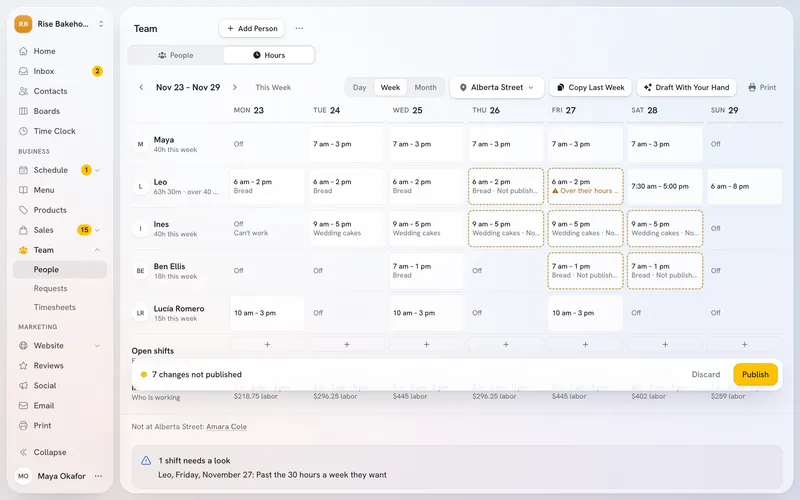 Shift schedulingSchedules, time clock, and payroll hours
Give your front desk an extra hand,so you can get back to the client in front of you.