 Basehand
October 28, 2026
Google Calendar, and online appointments with Google Meet
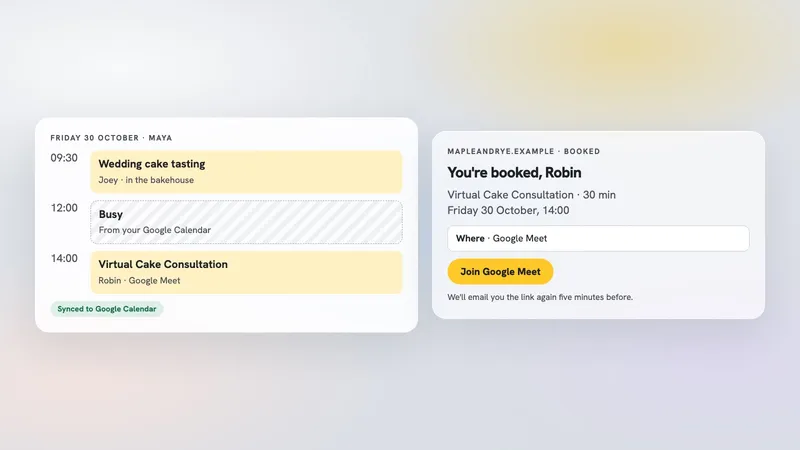
Google Calendar
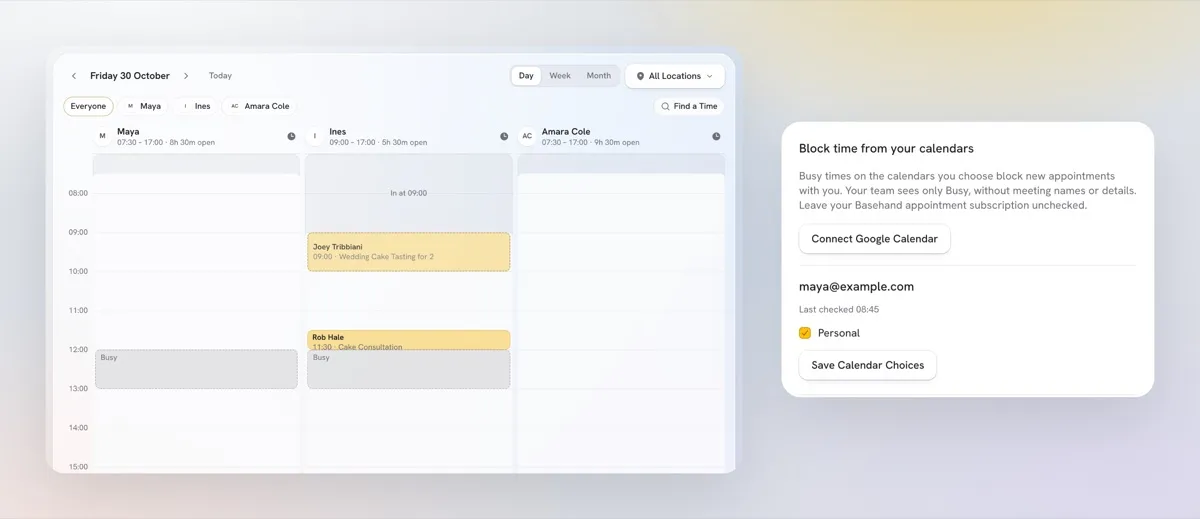
Connect your Google Calendar from the Schedule, under Your Calendars, and choose which calendars count. When you're busy there, customers can't book you then.
Your team sees only Busy, never what the event is.
Each person on your team connects their own calendar.
Turn on Sync My Appointments, and your bookings show up in a Google calendar of their own, kept up to date as they're moved or canceled. Customer names are left out unless you want them.
Use Apple Calendar or Outlook? Subscribe to your appointments with a private link instead.
Online appointments and classes with Google Meet
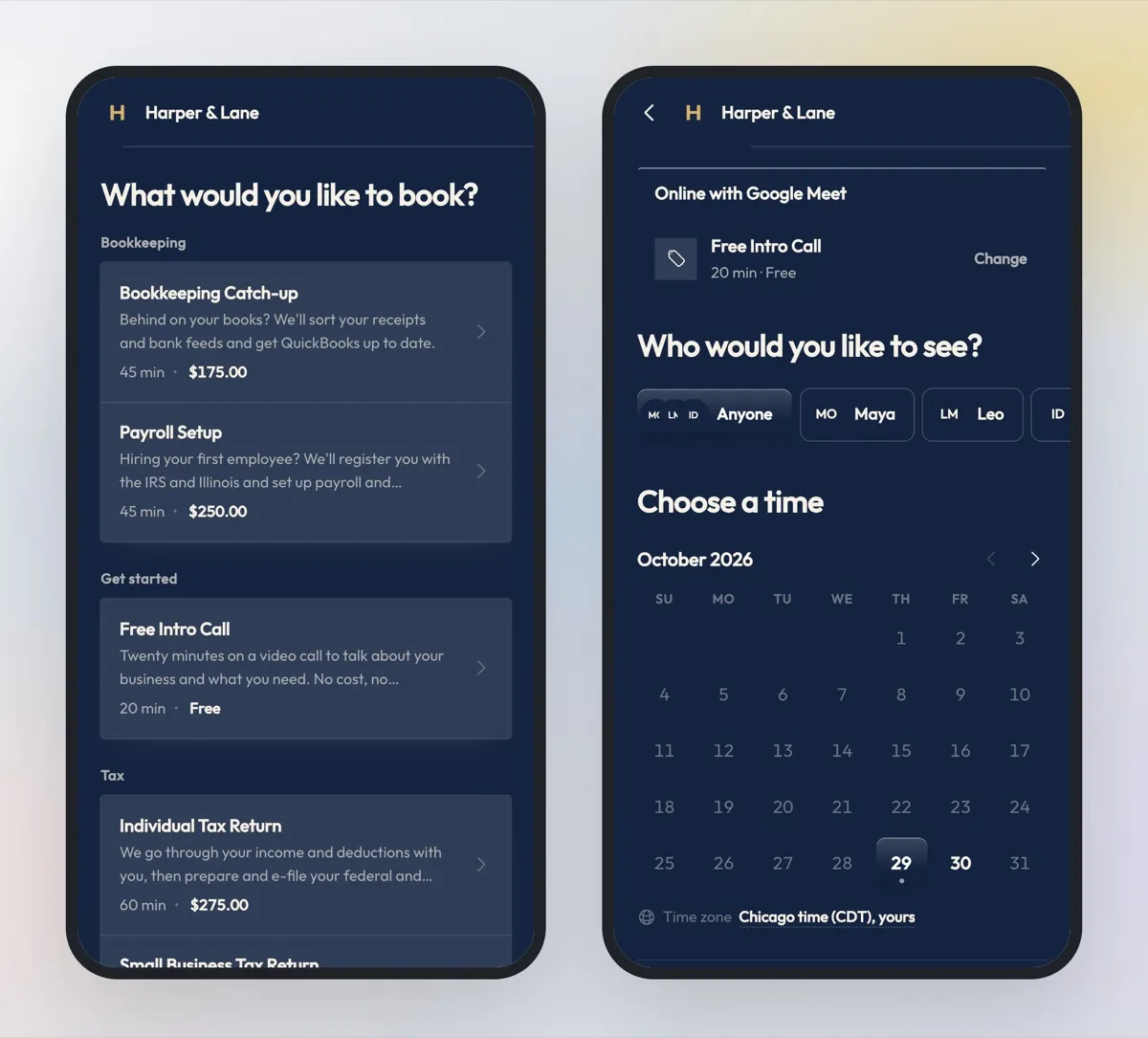
Connect Google Meet in Settings, under Integrations, then choose which services, classes and events meet online.
Each booking gets its own private Google Meet link. Customers find it in their confirmation, their reminders and the calendar invite.
Customers get an email five minutes before it starts, with a button to join.
An appointment is hosted from the Google account of the person it's with, once they've connected one.
Also
Contacts that look like the same person are pointed out beside a contact's details, with a button to review and merge them.
A form response shows in the Inbox as a card: the form's name, the page it was sent from, and the answers in order.
Drop many files into Assets at once, and they upload one after another.
In the site editor, a change you pointed at and asked the Hand for stays marked on the page until it's done.