 Basehand
November 10, 2026
Keep count of your stock, and check people in with one tap
Inventory
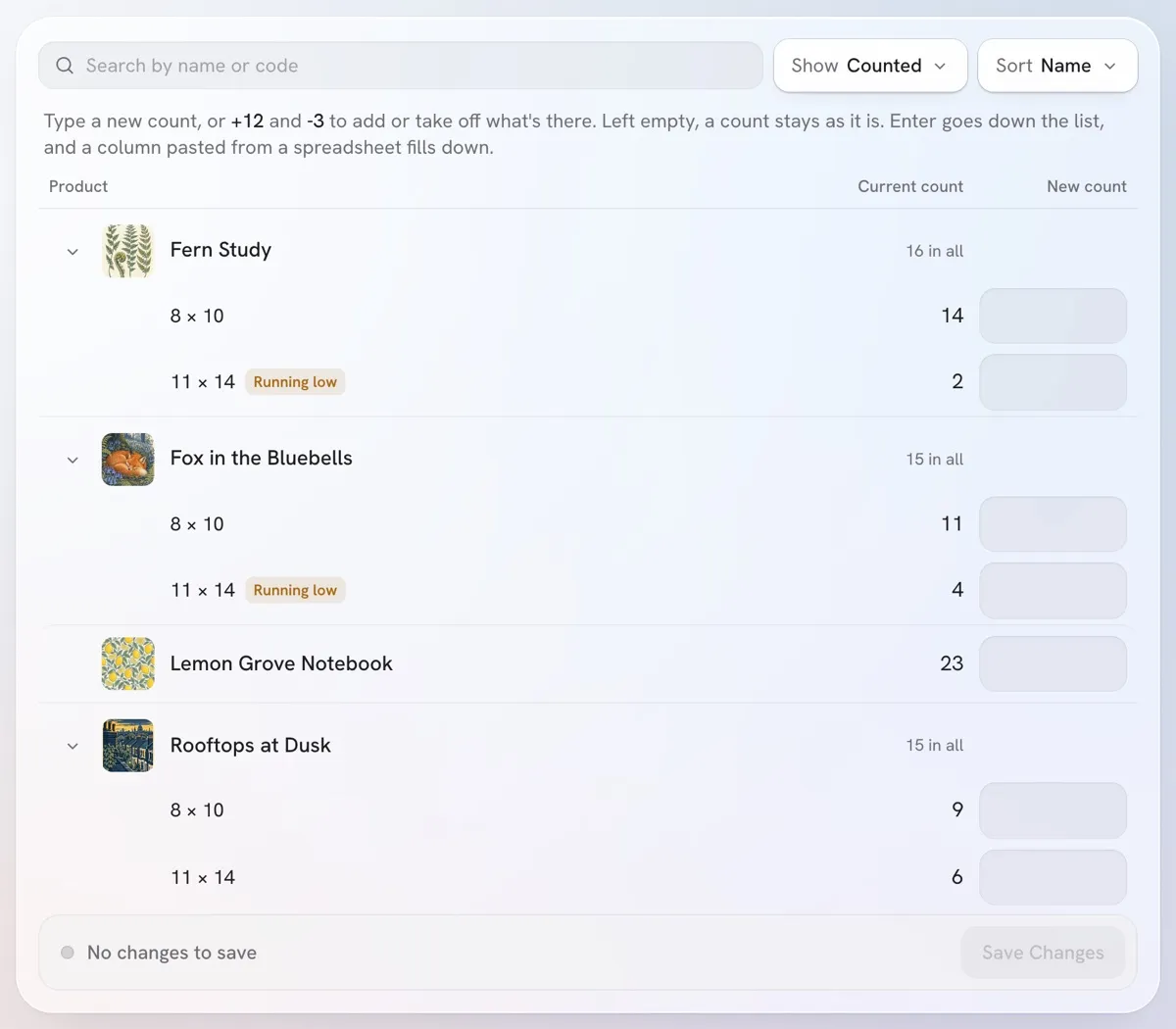
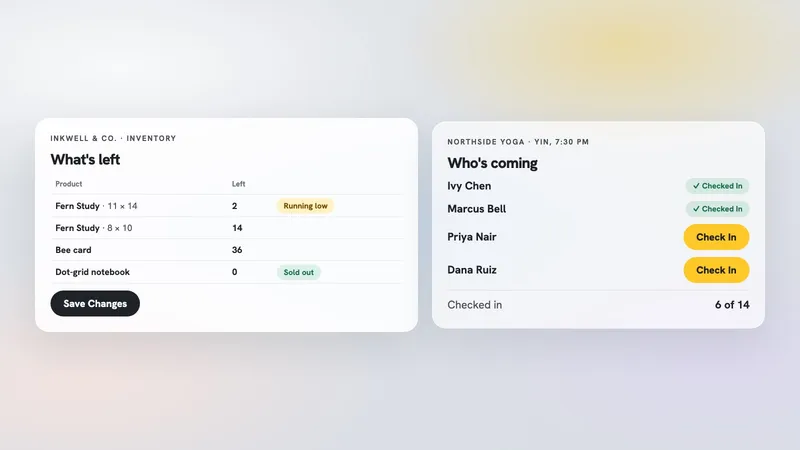
A new Inventory page under Products lists how many of each product and option you have left. Change many counts at once and save them together.
Narrow it to what's running low, sold out, or not counted yet, or to one category, and search by name or code.
Set the number at which a product counts as running low. Your team hears when something reaches it, and again when it sells out.
What you sell in person comes off the count too, not only what sells on your website.
Check in and check out
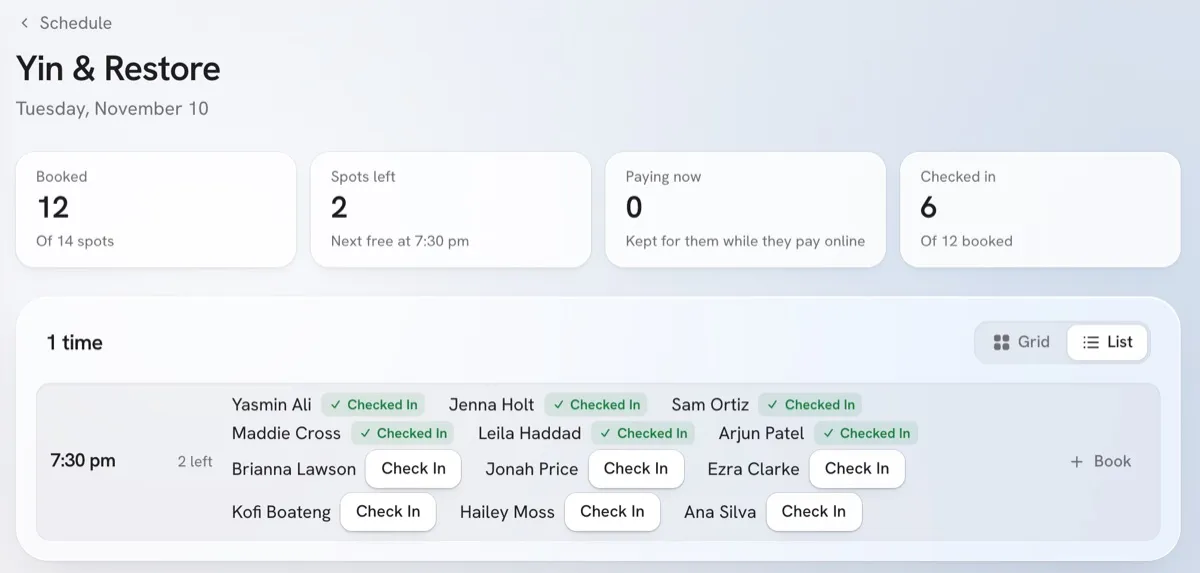
Check people in with a Check In button on a class's list, the day view, and a booking. Tap a row to open that booking.
Check Out on a booking opens Take Payment right there on the Schedule, so you never leave the day. Open the full invoice when you need to change its items.
Inbox
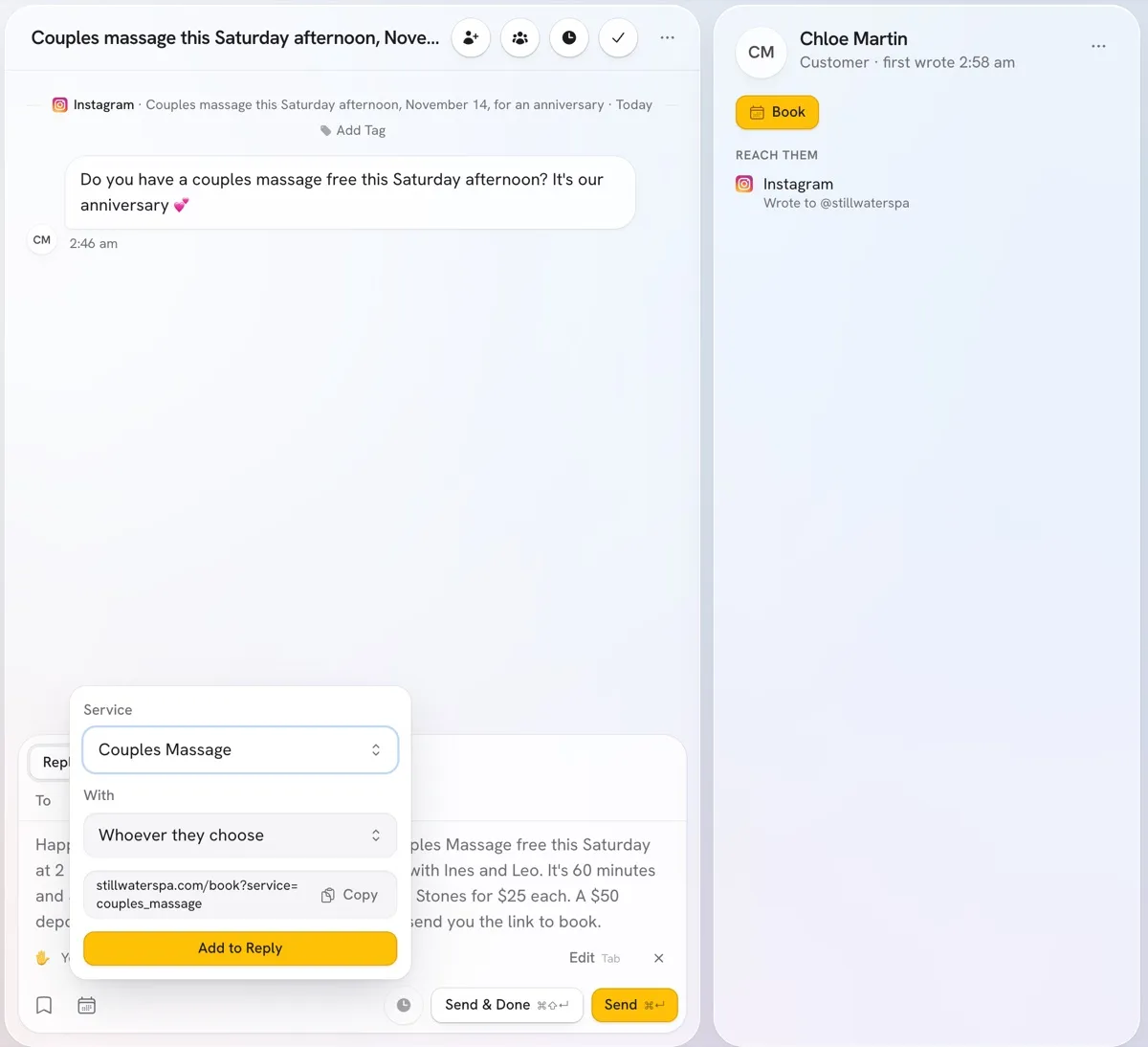
Send a link to book from the reply box. Pick the service, who it's with, and the location, then add it to your reply or copy it.
When a conversation is waiting on the customer or done, the reply box folds down to Reply and Note buttons.
When the Hand thinks a message needs no answer, like a thank-you, it offers Mark Done.
Also
Every page of your website shows a preview with its title, description, and a picture when someone shares a link to it.
Analytics shows which countries, states, and cities your visitors come from.
The Hand can book several people into several dates as one request for you to approve, like moving a course's customers onto new weekly classes.