 Basehand
November 3, 2026
Buy shipping labels, and sell gift cards on your website
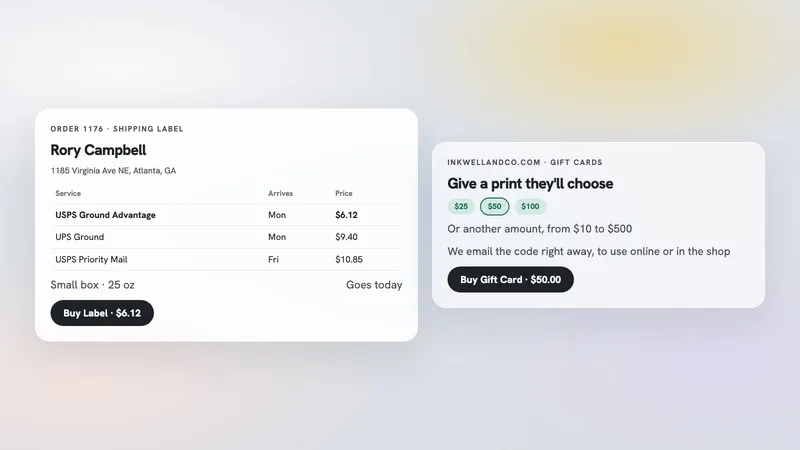
Shipping labels
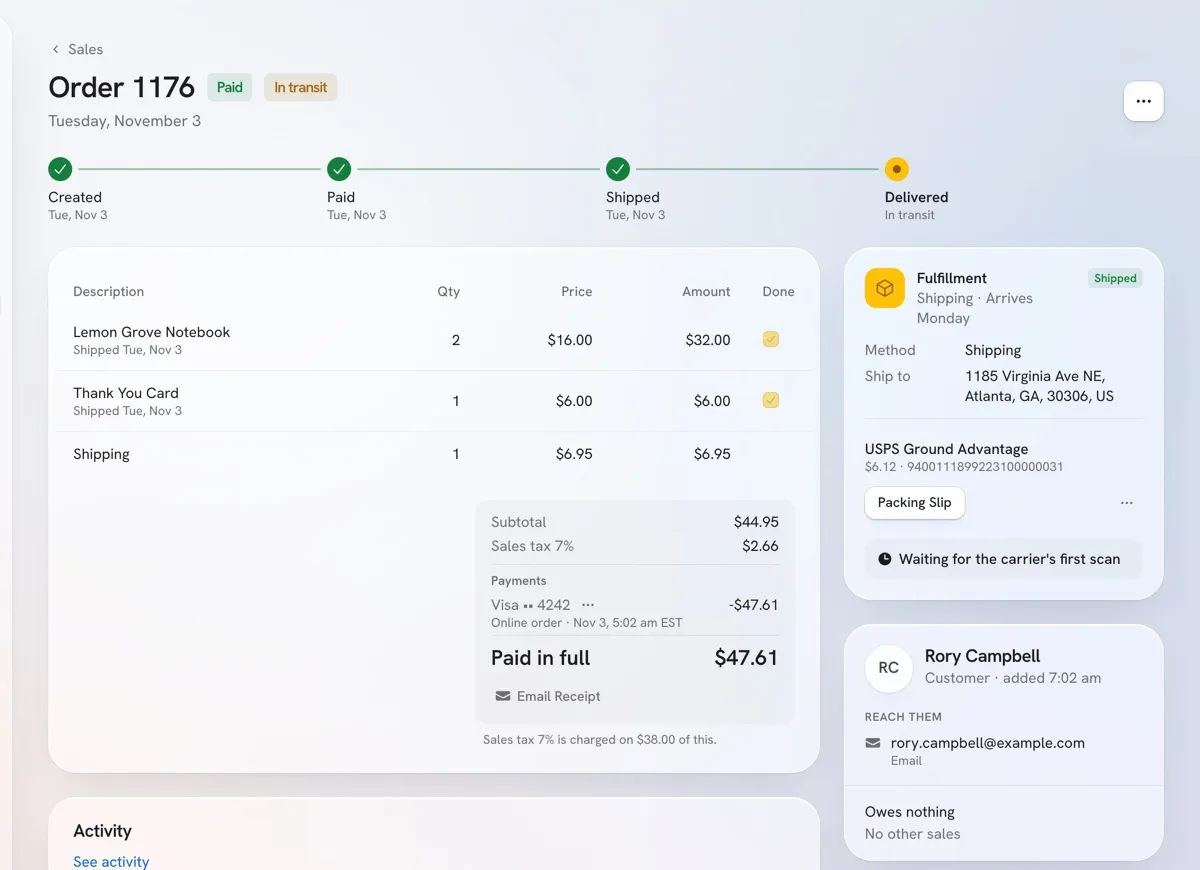
Buy a shipping label for any order that ships, right on the order's page, whether it came from your website or a phone call. You don't need an account with a carrier.
See each carrier's price and arrival date, and pick one. Set up your packages, your carriers, and where you ship from under Settings › Online Store.
What the customer paid for shipping pays for the label. Print the label and the packing slip together.
Customers can choose Express or Overnight shipping at checkout, with the day it arrives, when you offer them.
A To ship card on the Orders page shows what still needs to go out, and what is overdue or due today. Buy labels for several orders at once.
Put an order on hold to stop it going out until you're ready.
Gift cards on your website
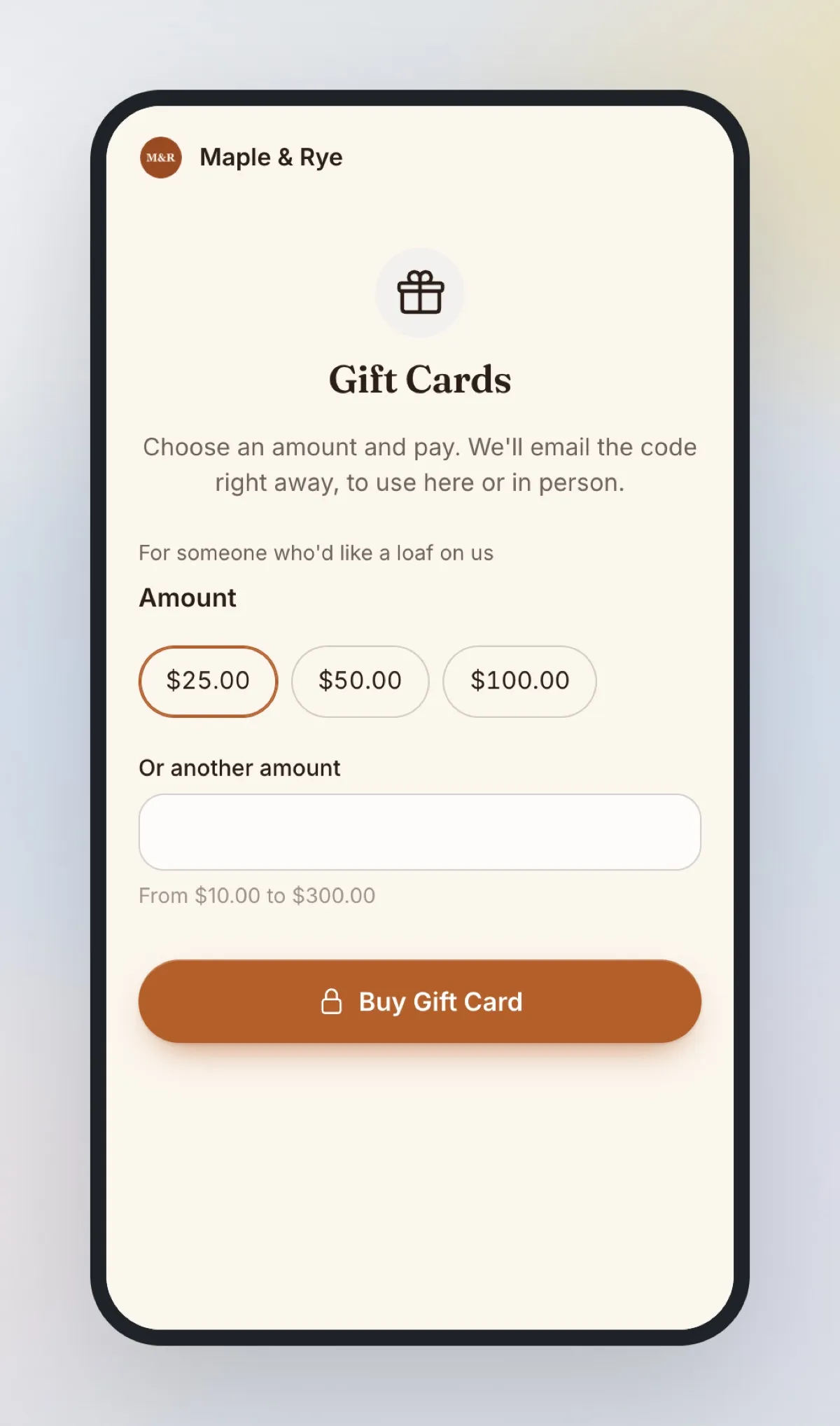
Customers buy gift cards on your website at the amounts you set, or type their own. Turn on Sold Online for your gift card.
The code is emailed as soon as it's paid, with a link to see what's left on the card.
Customers spend it in your online store, on your booking page, and on an invoice you send them.
More in the Handbook: how to sell gift cards online before the holidays.
Your online store
When a cart holds things you ship and things only for pickup, customers can ship some and pick up the rest. It's one order and one payment, and you hand over each part when it's ready.
Checkout now goes step by step on one page: email, address, how fast it ships, then the card.
A link at checkout opens a box for a discount code or a gift card.
When the customer ticks the box for your emails, they're signed up once the order is paid, with no email to confirm.
The email telling your team of a new order quotes the customer's note.
Listings look after themselves
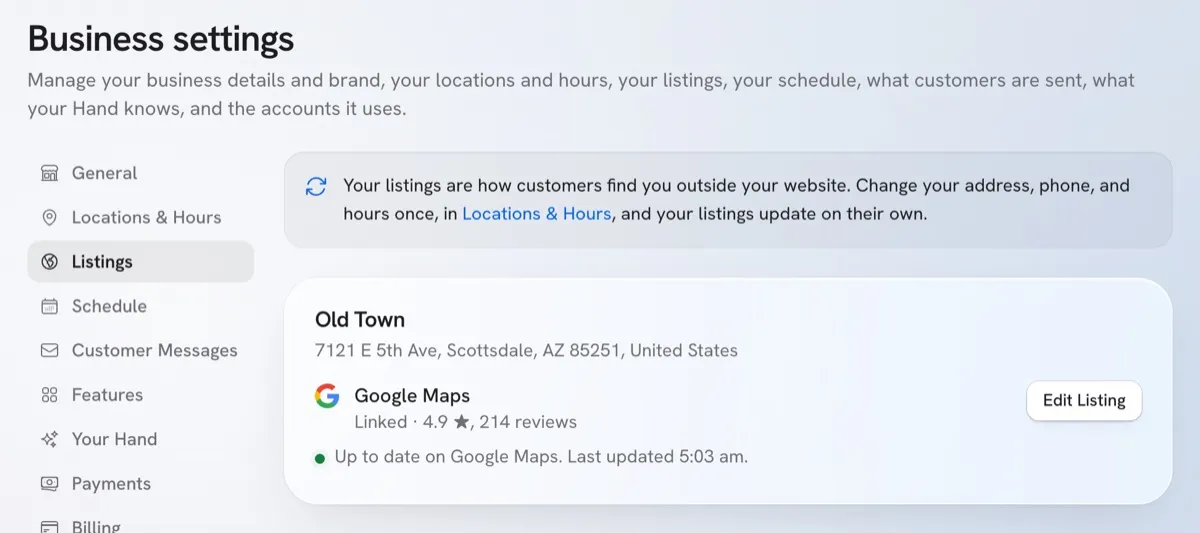
Change your address, phone, and hours once, in Locations & Hours, and your Google listing updates on its own.
Listings, under Settings, shows whether each change has reached Google. If someone changed your hours or phone on Google, choose which to keep.
Reviews has its own page under Marketing, to read and answer what customers said.
More in the Handbook: how to update your holiday hours everywhere at once.
Also
Customers who dispute a card payment with their bank are flagged on the order, and you get an email.
Create Google Workspace shared inboxes, like info@ or orders@, from the Email page and answer them in your Inbox.
On the tour, each empty page shows a sample, like a conversation or a booking, so you can see what it's for. The samples go when the tour ends.
The schedule is easier to scan.