 Basehand
Your business
How to make a staff schedule your team will actually follow
A schedule your team can rely on is a weekly routine, not software: ask before you draft, publish on the same day, set simple swap rules, and record time to the minute.
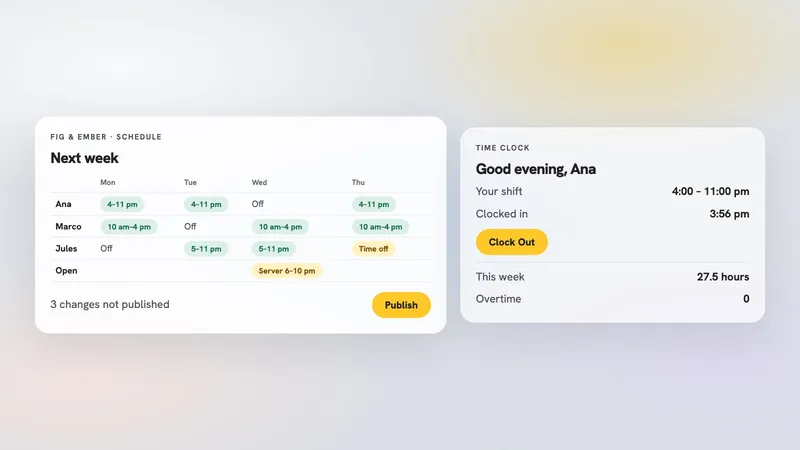
Most scheduling problems aren't about the schedule. Someone didn't see the change, two people thought they had Saturday off, or nobody knew who could cover when a shift opened up at the last minute. Each one costs you a short-staffed shift, an overtime bill, or a good employee who's had enough.
A schedule your team can rely on doesn't need special software or an HR department. It needs a routine: the same steps every week, in the same order, so people know where to look and what to expect.
Ask when people can work, before you draft
Start with availability, not the calendar. Ask each person which days and times they can't work, which they'd rather not, and how many hours a week they want. Write it down, and ask them to tell you when it changes.
This is the step that saves the most arguments. A schedule built around what people told you is one they'll show up for. A schedule that ignores it gets a stream of swap requests the day it's posted.
Draft from a pattern, not from scratch
Most weeks look like the week before. Start from last week, or from a set of shifts you give often ("opening, 7 am to 3 pm", "close, 4 to 11 pm"), and change what's different: a holiday, someone's time off, a big event, a slow week after the holidays.
Then check the draft before anyone sees it:
Does anyone have two shifts that overlap?
Is anyone scheduled during their time off, or a time they said they can't work?
Does anyone have a close followed by an early open, with too little rest between?
Is anyone over the hours they wanted, or over 40 for the week?
That last one matters for your costs. In the US, federal law requires overtime at one and a half times the regular rate for hours over 40 in a workweek for most hourly employees. Some states go further: California, for one, also counts overtime by the day, after 8 hours, and double time after 12.
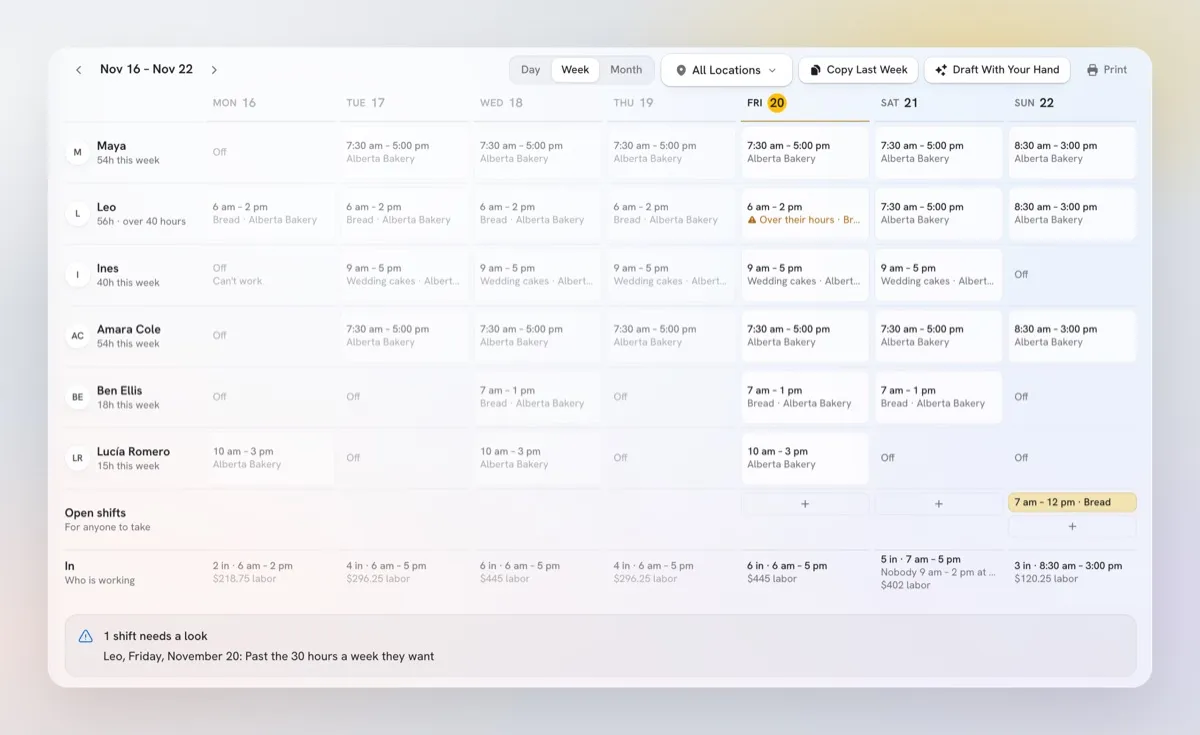
A week drafted and checked before it's published, with the one shift that needs a look called out.
Publish it on the same day, well ahead
Pick a day and keep to it, such as every Thursday for the week after next. Two weeks ahead is a good aim; one week is the least people can plan around. People with childcare, a second job, or classes need to know when they're working.
Some cities, such as New York, Chicago, Seattle, San Francisco, and Los Angeles, and the state of Oregon have fair workweek laws that require certain employers, mostly in retail and food service, to post schedules in advance and pay extra for late changes. Who they cover differs from place to place, so check whether one applies to you.
Once it's published, treat it as a promise. Change it only when you have to, and when you do, tell the person whose shift changed directly. Don't rely on them noticing a new version on the wall.
Let your team trade shifts, with simple rules
Life happens, and people will need to swap. Rather than fielding every request yourself, set a few rules and let your team sort most of it out:
A swap is between two people who can both work the shift
Both of them agree to it, in writing
You approve it, or you don't need to, for shifts that need no special skill
Nobody swaps into overtime without asking first
For a shift nobody wants, post it as an open shift for anyone to take, and decide in advance how you choose if two people want it.
Handle time off the same way every time
Ask for time-off requests a set time ahead, such as two weeks, and decide them in the order they arrive. For busy seasons, say when requests open and how many people can be off at once. Whatever you decide, put it in writing, and answer every request, even with a no.
Planning for a holiday? Our guide to updating your holiday hours everywhere at once covers telling customers, too.
Record time worked to the minute
Have people clock in and out for every shift, from their phone or a tablet by the door. Record the exact times rather than rounding them to the nearest quarter hour. Rounding has led to wage lawsuits, especially in California, and exact times leave nothing to argue about.
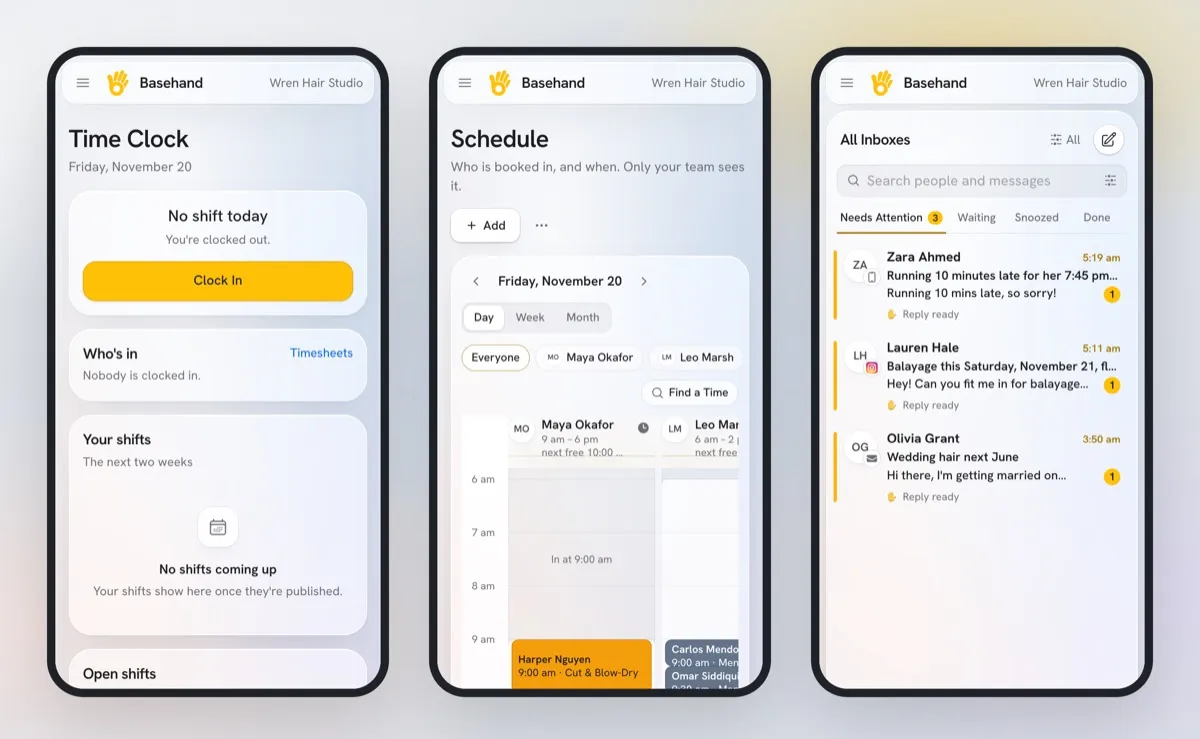
Clocking in from a phone, with the day's schedule a tap away.
At the end of each pay period, look over the times before you run payroll: anyone who forgot to clock out, anyone who worked a shift they weren't scheduled for, and anyone who went into overtime. Fix what's wrong with the person, then approve it.
Wording you can copy
Copy any of these and change the words in square brackets.
Asking for availability
Hi [name], I'm putting together the schedule for [month or season]. Could you tell me by [day]:

1. The days and times you can't work
2. The days and times you'd rather not work
3. How many hours a week you'd like

If anything changes later, let me know as soon as you can. Thanks!
Schedule posted
Hi team, the schedule for [dates] is up [where to find it]. Please check your shifts by [day]. If you need to swap, find someone who can cover and both of you let me know by [day].
Open shift
An extra shift is open on [day, date], [start] to [end], [position]. First to reply gets it, as long as it doesn't take you over [40] hours this week.
Shift swap and time-off rules
Swapping shifts: You can swap a shift with anyone who can work it. Both of you need to agree in writing. [I'll approve each swap / You don't need my approval], but ask me first if a swap would take either of you over [40] hours that week.

Time off: Please ask at least [two weeks] ahead. Requests are decided in the order they arrive. During [busy season], no more than [number] people can be off at once.

Running late or sick: Call [name or number] as soon as you can, at least [two hours] before your shift.
How Basehand helps
Basehand's Shifts & Time Clock is a feature you turn on in Settings, and your team's hours on the Team page become a schedule. Each person says when they can work and how many hours they want. You draft a week from last week or from shifts you save as templates, or ask the Hand to draft it for you from your team's availability, their time off, and the hours they usually work. A shift that overlaps another, lands on time off or a time someone can't work, leaves too little rest, or takes someone past the hours they want is marked before you publish.
Publishing tells each person what changed for them. Your team can ask for time off, give up a shift, swap one, or take an open shift, and you approve it, or let them trade among themselves. You can print the week for the wall.
People clock in from their phone, by asking the Hand, or on a tablet with a PIN, and they're reminded if they forget to clock out. Times are kept to the minute. Timesheets work out overtime for the US, including California's daily overtime and meal breaks, and you approve each pay period and download it for payroll. Labor vs. Sales sets what your team cost each day beside what you sold. Read more about staff scheduling and the time clock.